Your Tradovate trades, synced and reviewed by Edge.
Sign in with your Tradovate credentials and the account connects read-only, so its trades sync instead of being typed. Free syncs one account into your journal hourly, each account keeps its own drawdown, and Edge reads the trades to show what to fix. Prefer files? Export Performance to CSV and import it.
Tradovate to DT Terminal: Read-only.

Your Tradovate credentials. Nothing can place a trade.
Verified once the ledger agrees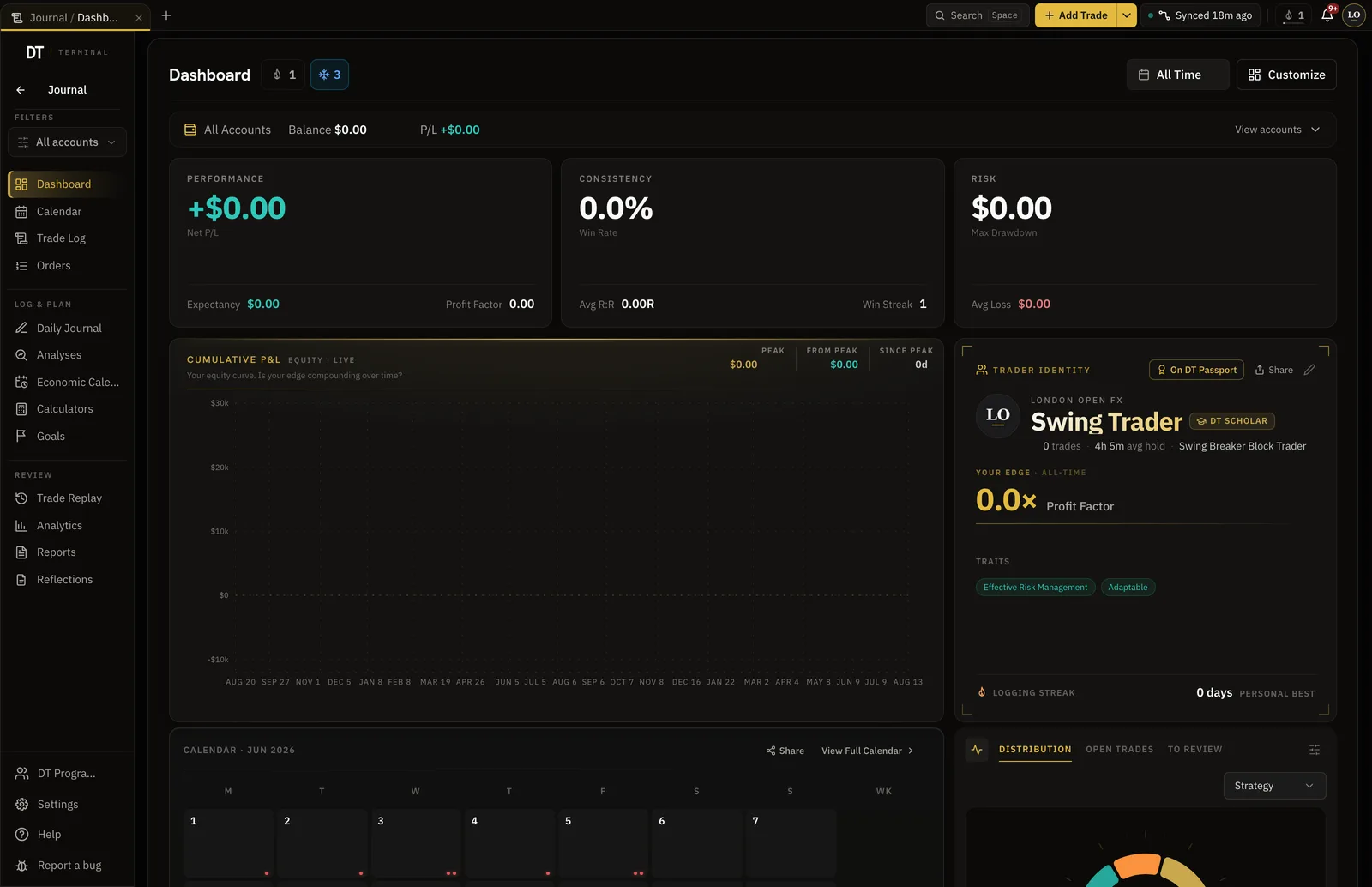
- Performance export, parsed on import
- CSV
- Commission applied across the batch
- Per contract
- Account free, 3 on Plus, unlimited on Pro
- 1
- Tradovate sync, never trading
- Read-only
How it works
- 01
Connect the account
Pick the futures firm or Tradovate itself and sign in with your Tradovate credentials. The access is read-only, so nothing can place a trade.
- 02
Let the trades arrive
Trades sync from the account. Older history can come in from a Performance CSV, with the commission set per contract.
- 03
Review and test
Tag the setup, watch the drawdown on that account, and test the next idea on futures candles.
What comes across, and what can't
- Comes across: Trades from the accountSynced instead of typed
- Comes across: Evaluations under the firm’s namePick the firm and sign in with the Tradovate credentials it gave you
- Comes across: Each evaluation on its own numbersIts own drawdown, expectancy and rules
- Comes across: Older history by CSVThe Performance export, with commission set per contract
- Cannot happen: Placing a tradeThe access is read-only
- Cannot happen: The seal before the ledger agreesUntil trades reconcile with Tradovate’s cash ledger, they sync and stay unverified
Futures firms on Tradovate
29 futures firms in the catalogue connect on Tradovate.









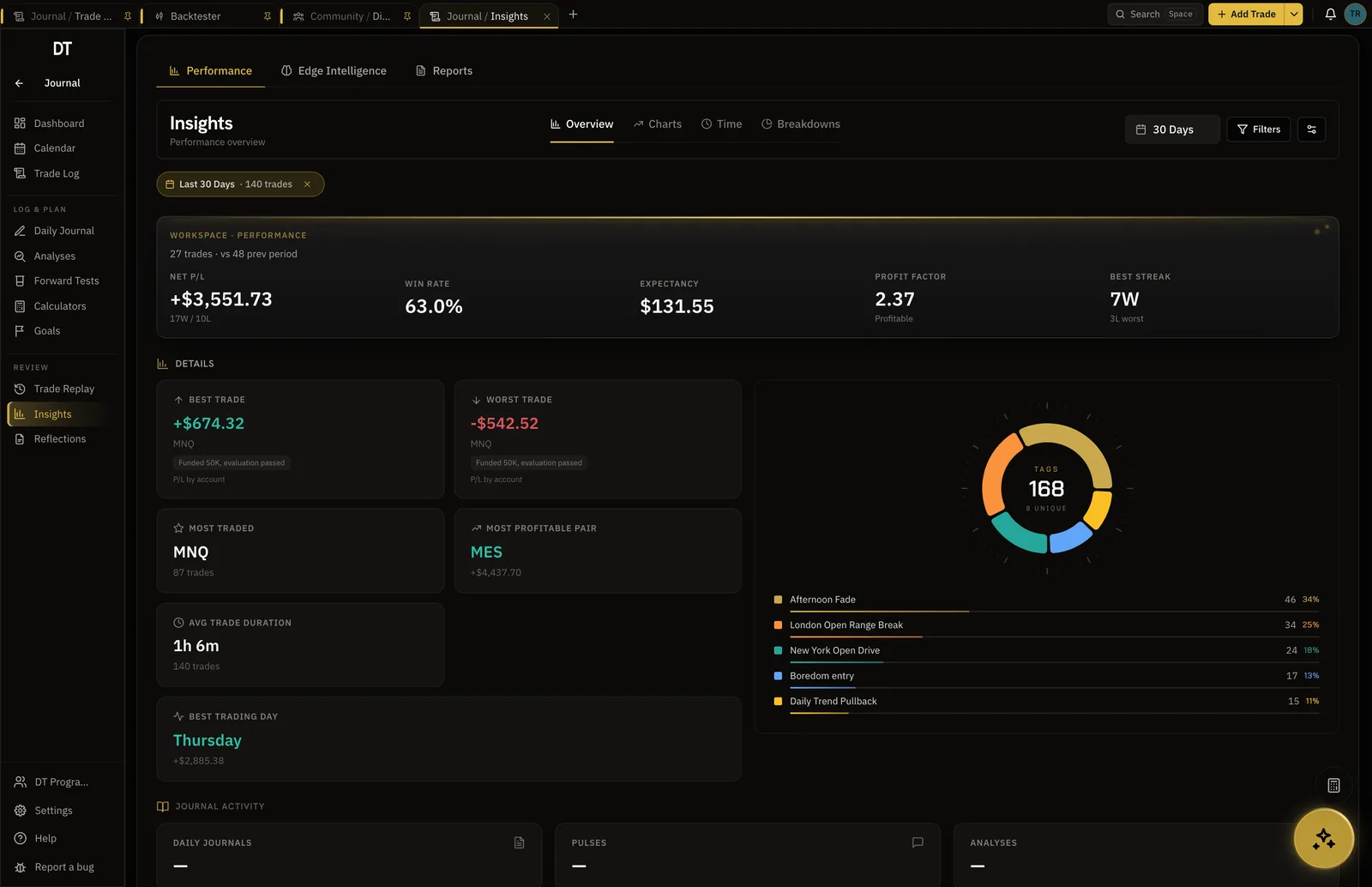
Every evaluation on its own numbers.
Each account carries its own drawdown, expectancy and rules, which is what matters when the daily loss limit is the thing that ends the run.
- One account free, 3 on Plus, unlimited on Pro
- Per-account drawdown and expectancy
- One journal across all of them
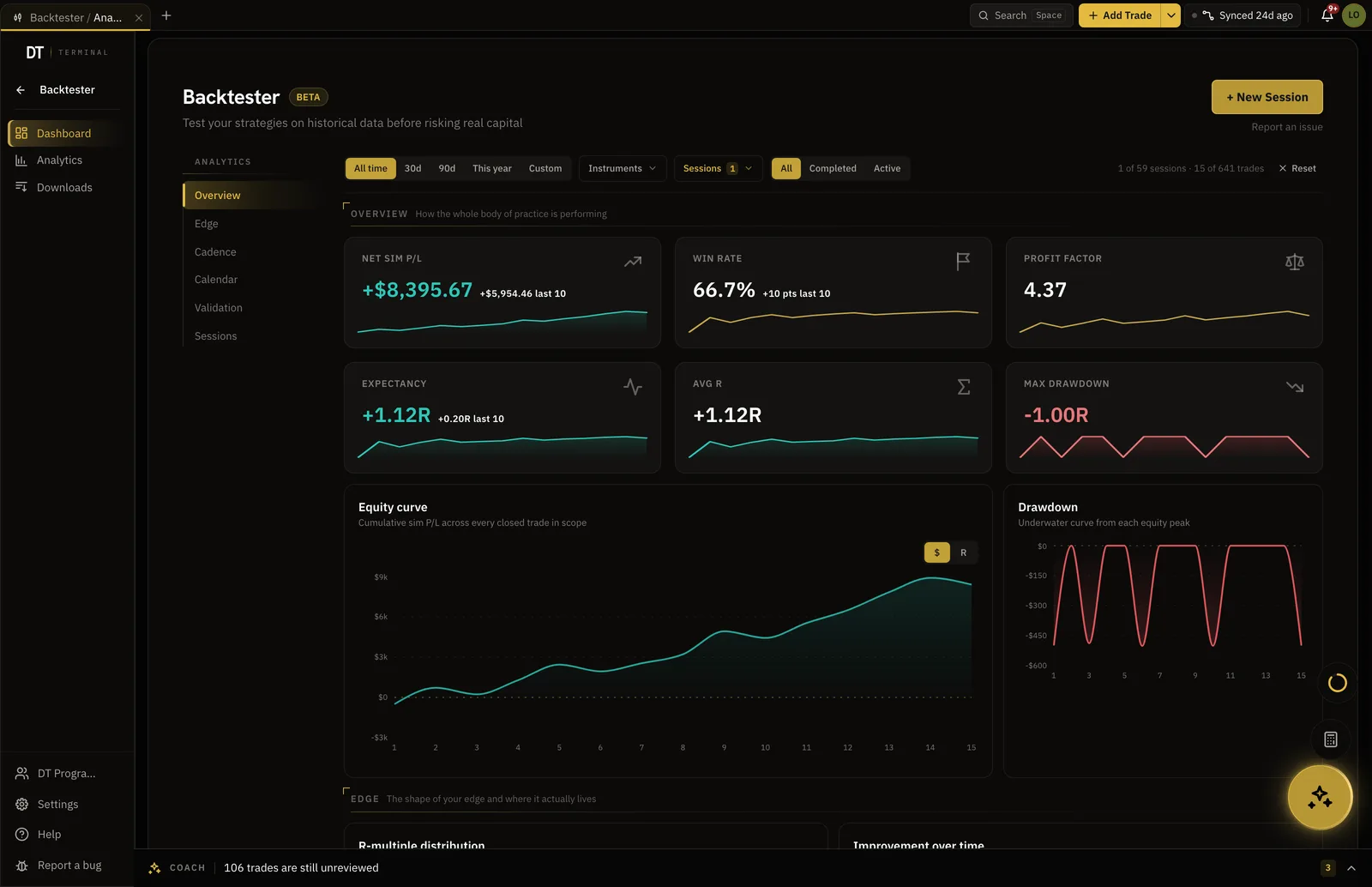
The same contracts, stepped forward by hand.
Replay the index, metals and energy contracts bar by bar, place simulated entries, and read the stats at the end rather than trusting a feeling.
- ES, NQ, CL and GC among others
- Commission charged per contract
- 2 sessions free, unlimited on Pro
A logged record can pay for the next evaluation.
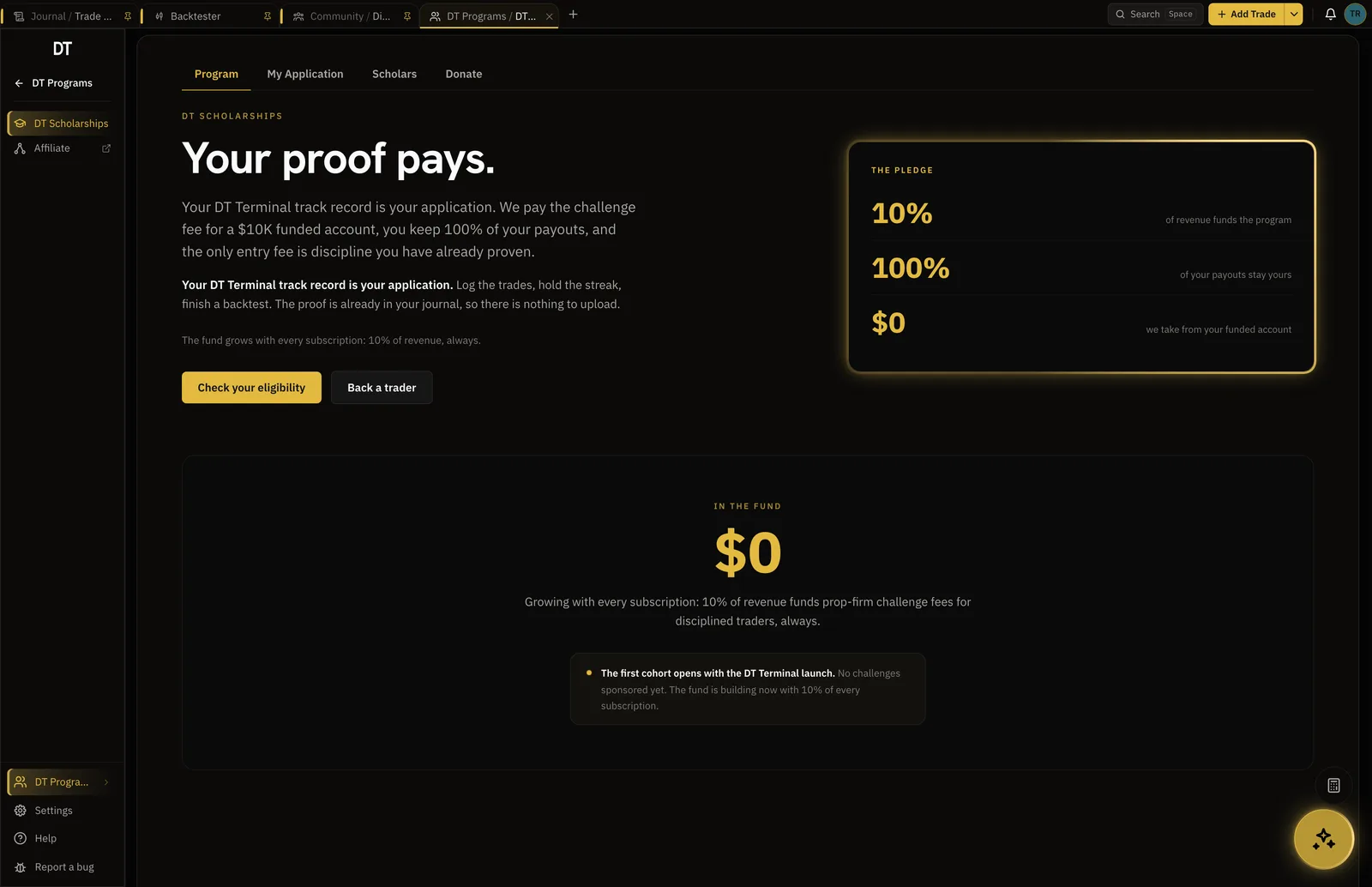
DT Scholarships pays a prop firm evaluation of up to $25K in full and takes nothing from the funded account. The application reads 10+ trades logged, 14-day logging streak and 1+ backtest completed.
- Open to members on every plan
- Evaluation fee paid in full
- You keep 100% of payouts
The seal waits for the cash ledger to agree.
Tradovate trades are rebuilt from fills, so a connected account earns the verified seal only when those trades reconcile with Tradovate's own cash ledger. Until they do, the account still syncs and its trades stay unverified.
Free syncs one account into your journal hourly and logs by hand or CSV.
More accounts and unlimited imports start on Plus, $9 a month or $89 a year, and uncapped backtests are Pro.
| Feature | Free | Plus | Pro |
|---|---|---|---|
| Manual and CSV logging | |||
| Verified accountsFree verifies and syncs one cTrader, TradeLocker, Tradovate or crypto account. Plus and Pro add more accounts, MT4 and MT5 | 1, not MT4 or MT5 | 3, 1 MT4 or MT5 | 10, 3 MT4 or MT5 |
| Import per batch | 50 trades | Unlimited | Unlimited |
| Trading accounts | 1 | 3 | Unlimited |
| Backtest sessionsHeld at a time. Delete one to start another | 2 at a time | 3 at a time | Unlimited |
Full comparison on the pricing page.
Yes. Sign in with your Tradovate credentials and the account connects read-only. Free syncs one account into your journal hourly, and Plus and Pro link more accounts and sync on demand.
Yes. The futures firms that run on Tradovate are in the catalogue, so pick the firm, sign in with the Tradovate credentials it gave you, and the evaluation syncs under that firm's name. You can also import it by CSV or log it by hand.
The Performance export saved as CSV, which the importer parses on its own. Free imports 50 trades a batch, Plus and Pro import without limit.
Set a rate per contract, or a flat rate per trade, at import and it is applied to every trade in the batch. The stored result is net of it.
Yes. A connected account earns the verified seal only when its trades reconcile with Tradovate's own cash ledger. Imported and typed trades publish as self-reported.
Connect the evaluation you are trading now.
Free on one account, and the record stays yours whatever the firm decides.