Trading verification · cTrader
A cTrader journal fed by the broker, not by hand.
Authorise view-only access with your cTrader ID on Pro and every fill arrives as a verified trade, pulled from cTrader rather than typed in. On a free account, import the history as a CSV or log each trade by hand, then tag the setup and test the next idea on our charts.
- cTrader ID
- View-only access, never trading
- Verified
- Seal on every synced fill
- 10 trades
- Per import free, unlimited on Pro
- $18
- Pro, per month, for sync
How it works
- 01
Authorise view-only access
On Pro, pick cTrader in the connect flow and sign in with your cTrader ID. The access is view only, so nothing can place a trade.
- 02
Let the fills arrive
Closed positions sync into the Trade Log, and every synced trade carries the verified seal.
- 03
Review and test
Tag the setup, write the reason, and take the idea into the backtester.
Trade log
The broker brings the numbers. You add the reason.
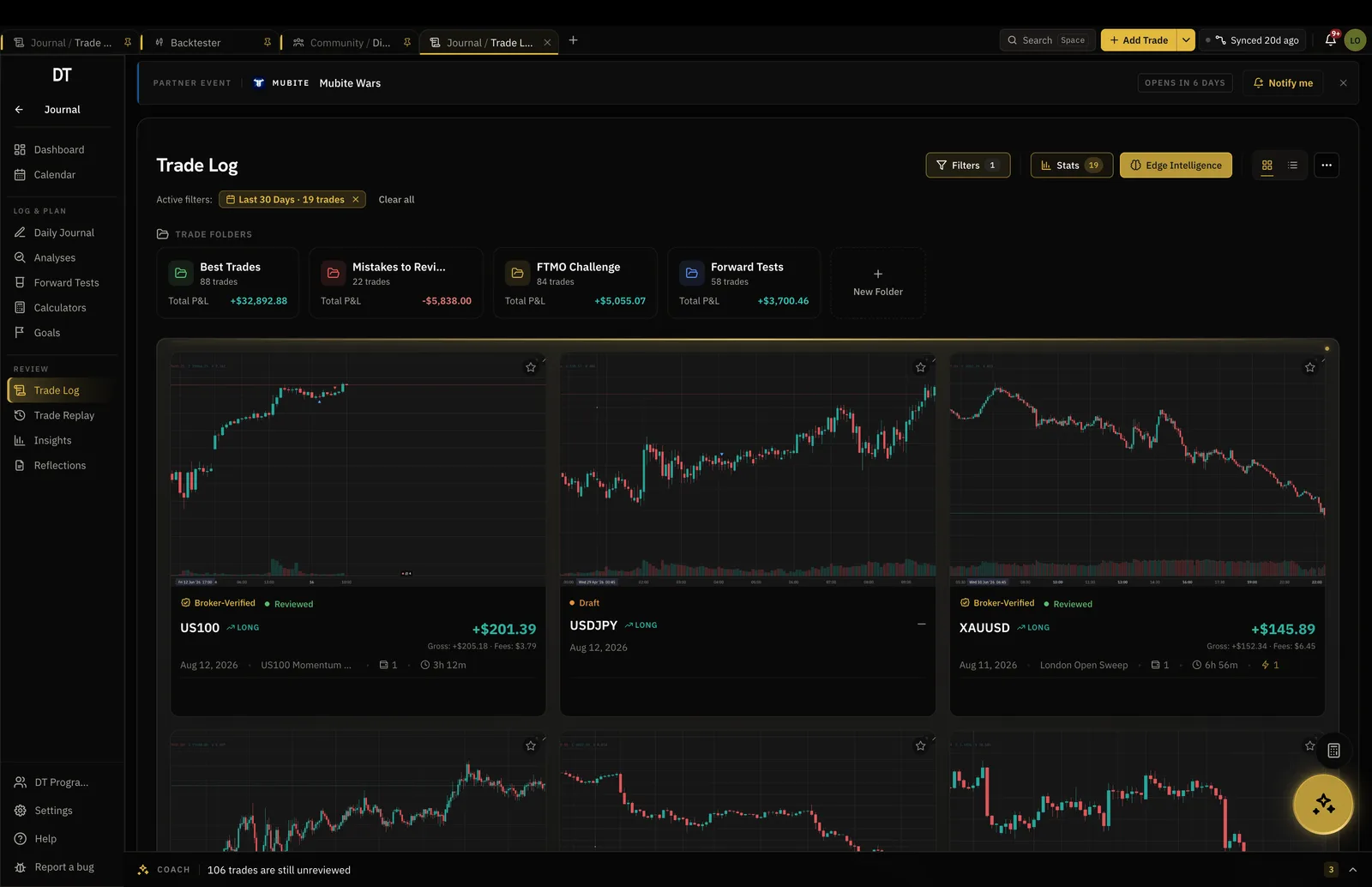
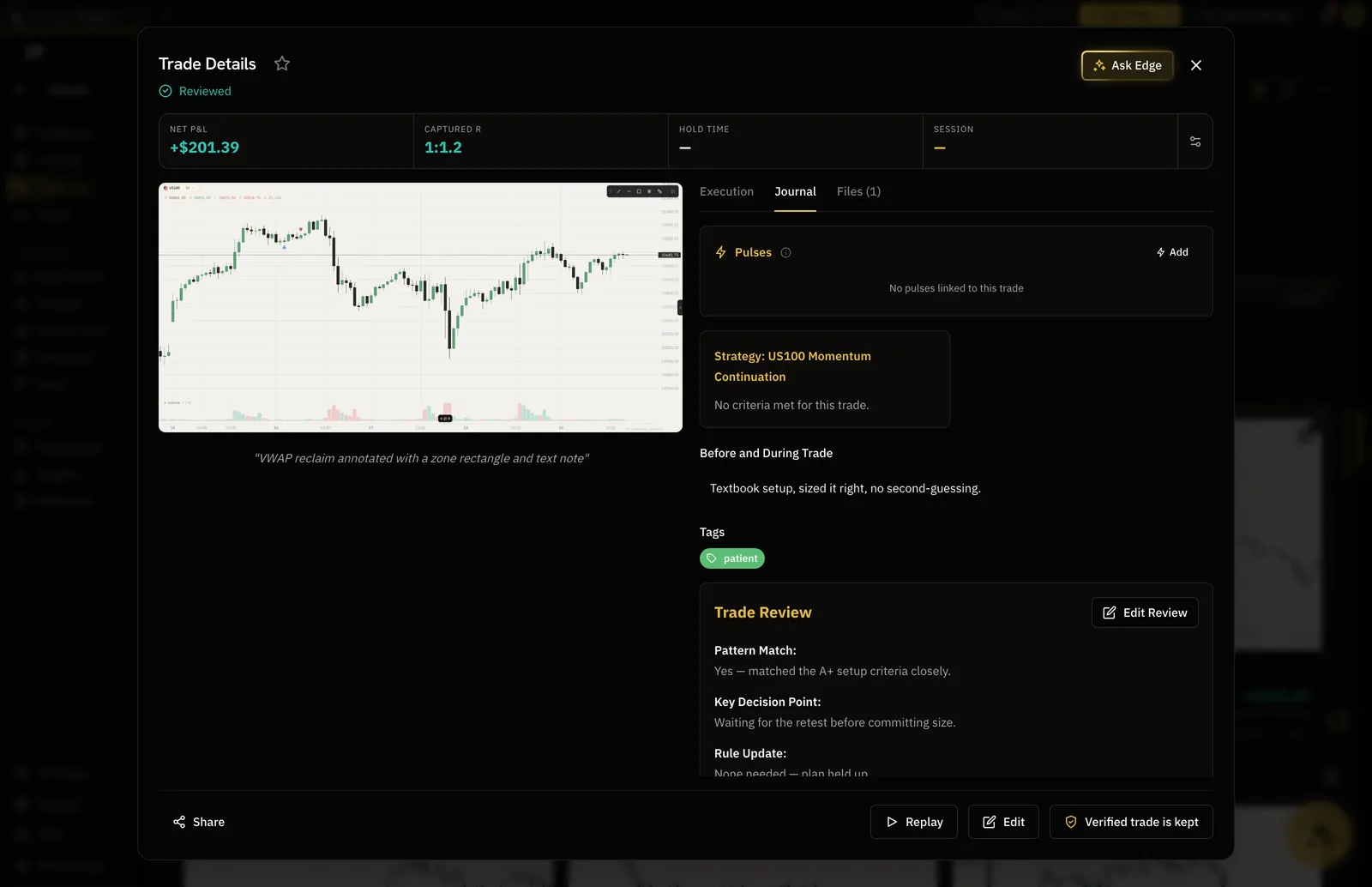
Entry, exit, size and result arrive from cTrader, or from the file when you import one. Tags, notes and a screenshot are what turn a row into a decision you can revisit.
- Synced fills carry the verified seal
- Setup, session and pattern tags
- Screenshots and notes on every trade
Insights
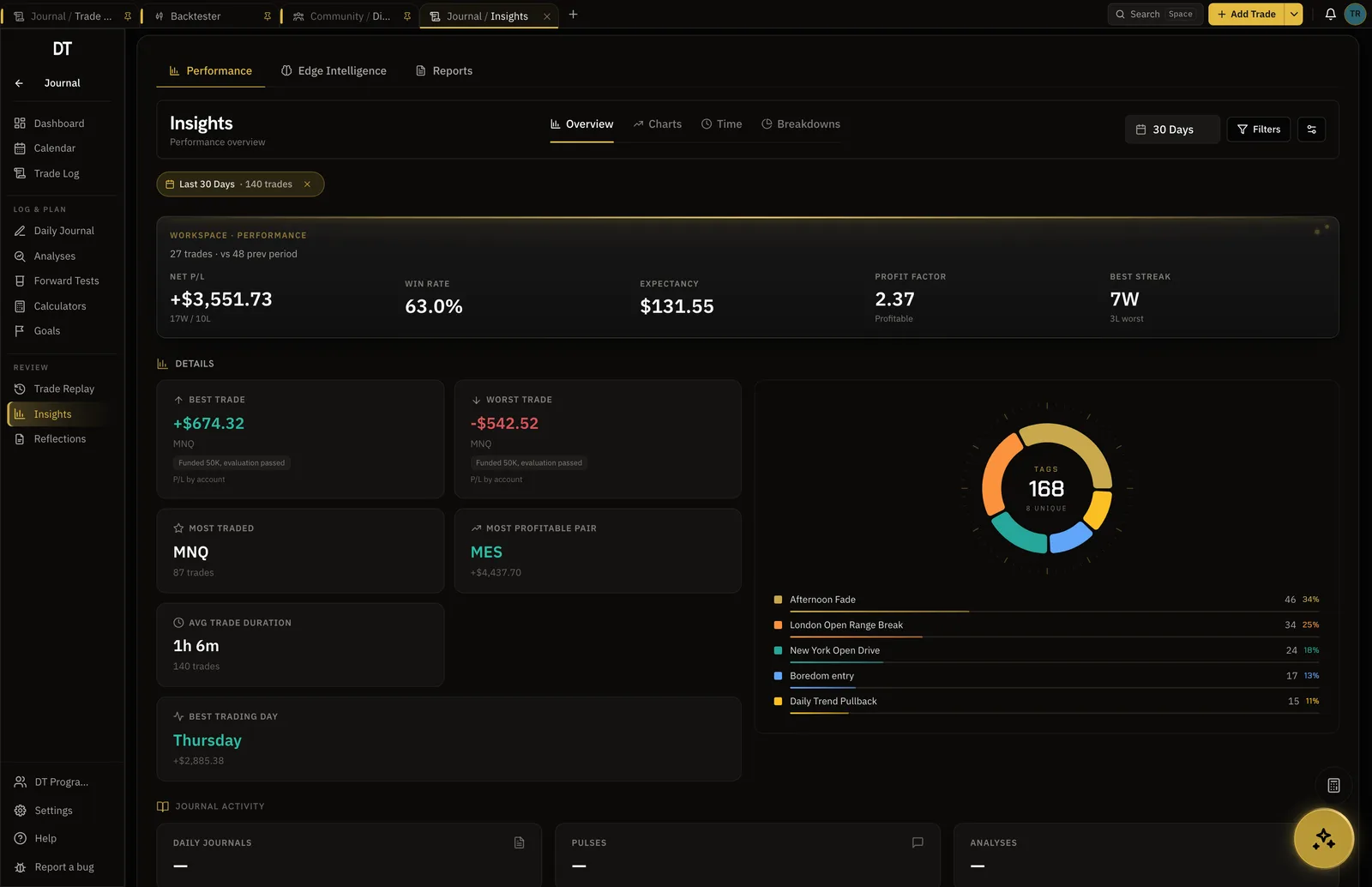
Which pair, which session, which setup.
Filter the record and every number recomputes, so the part of your trading that is paying for the rest stops being a guess.
- Win rate and expectancy
- Equity curve and drawdown
- Detailed filtered stats on Pro
Backtester
Test the fix before the next session.
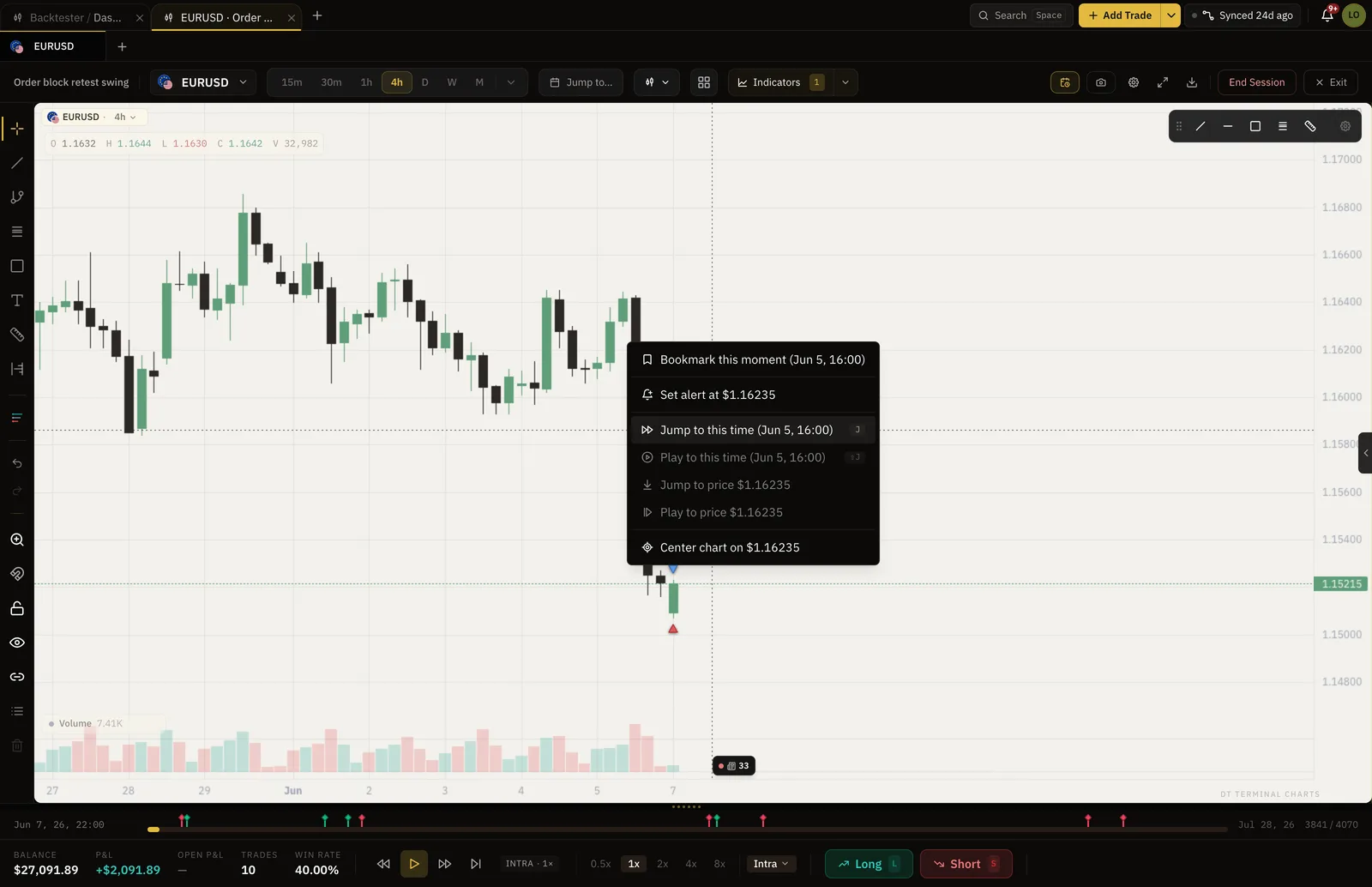
Jump the chart to a day you remember and step it forward one bar at a time, placing entries as if it were live. The run ends with numbers.
- Jump to any date and time
- Win rate, expectancy and drawdown per session
- Two sessions free, unlimited on Pro
What is free
Log by hand or CSV free.
cTrader sync, the verified seal and Trade Replay are Pro, $18 a month or $149 a year.
| Feature | Free | Pro |
|---|---|---|
| Manual and CSV logging | ||
| Broker auto-syncMT4, MT5, cTrader, TradeLocker and supported crypto exchanges | ||
| Verified accountsSynced trades arrive with proof they were real | ||
| Import per batch | 10 trades | Unlimited |
| Trade Replay and what-if exits |
Full comparison on the pricing page.
Questions
Does DT Terminal sync with cTrader?
Yes, on Pro. Authorise view-only access with your cTrader ID and your trades sync into the journal as verified trades. A free account can import the history by CSV or log trades by hand.
Can the connection trade my account?
No. The cTrader ID authorisation is view only: DT Terminal can read fills and balances and can never place, change or close a trade.
How do I import my cTrader history instead?
Export it as a CSV and upload it from the Trade Log. cTrader files go through the generic CSV path, which matches columns by their headers, and the parsed rows are shown before anything saves. Free imports 10 trades a batch, Pro imports without limit.
Can I replay a cTrader trade?
Yes, on Pro. Any trade with an instrument, a time and a price replays bar by bar with its entry, stop and exit drawn where they were, whether it was synced, typed or imported.
Is an imported trade verified?
No. The verified seal means DT Terminal read the trade from cTrader itself. Typed and imported trades are marked self-reported, which is what makes the seal worth something.
Can I run DT Terminal from Claude?
Soon. We are building an MCP connector that opens the whole of DT Terminal to Claude: every workspace and every piece of your data, to read and to act on, with your consent per scope. It works with any assistant that speaks MCP, and it is in development, not live yet.
Connect cTrader and let the record build itself.
Manual logging and CSV import are free. Sync is Pro.
Your privacy choices
Essential storage keeps DT Terminal working. Optional: product analytics and 60-day referral attribution. Change it any time in our Privacy Policy.