Trading verification · Coinbase
A Coinbase journal where every fill is verified.
Link a read-only Coinbase Advanced Trade key and each spot fill arrives carrying the verified seal. Then the journal shows which pairs, hours and setups are moving your account.
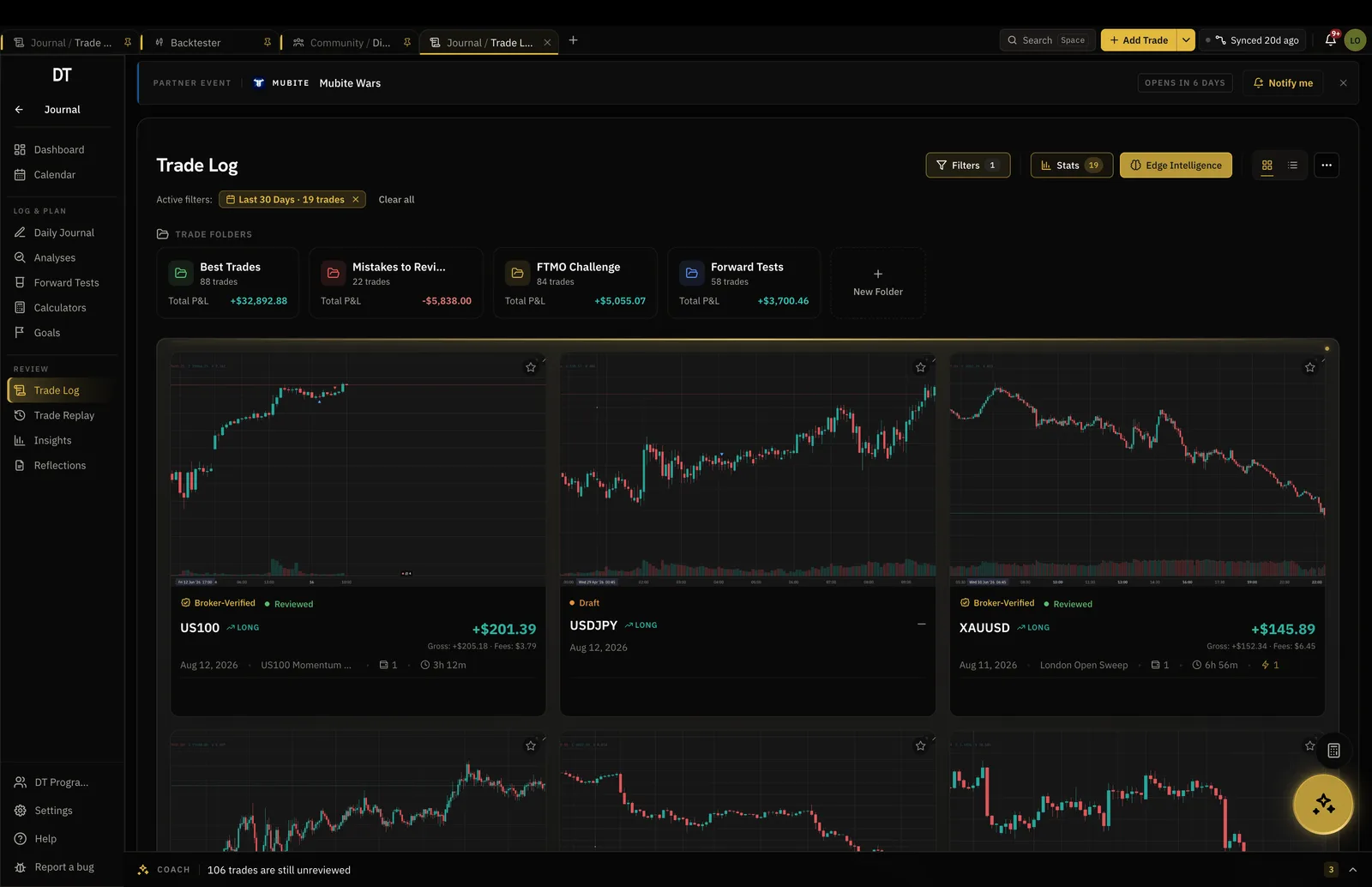
- Verified
- Seal on every Coinbase fill
- Read-only
- Key cannot trade or withdraw
- Key and secret
- No passphrase to find
- $18
- Pro a month, $149 a year
How it works
- 01
Make a read-only key
Create a Coinbase Advanced Trade API key, not one for the simple Coinbase app. Let it view the account only: trading off, withdrawals off.
- 02
Paste it in
Choose Coinbase from the connect list, then paste the key and its secret. There is no passphrase field to fill.
- 03
Read the record
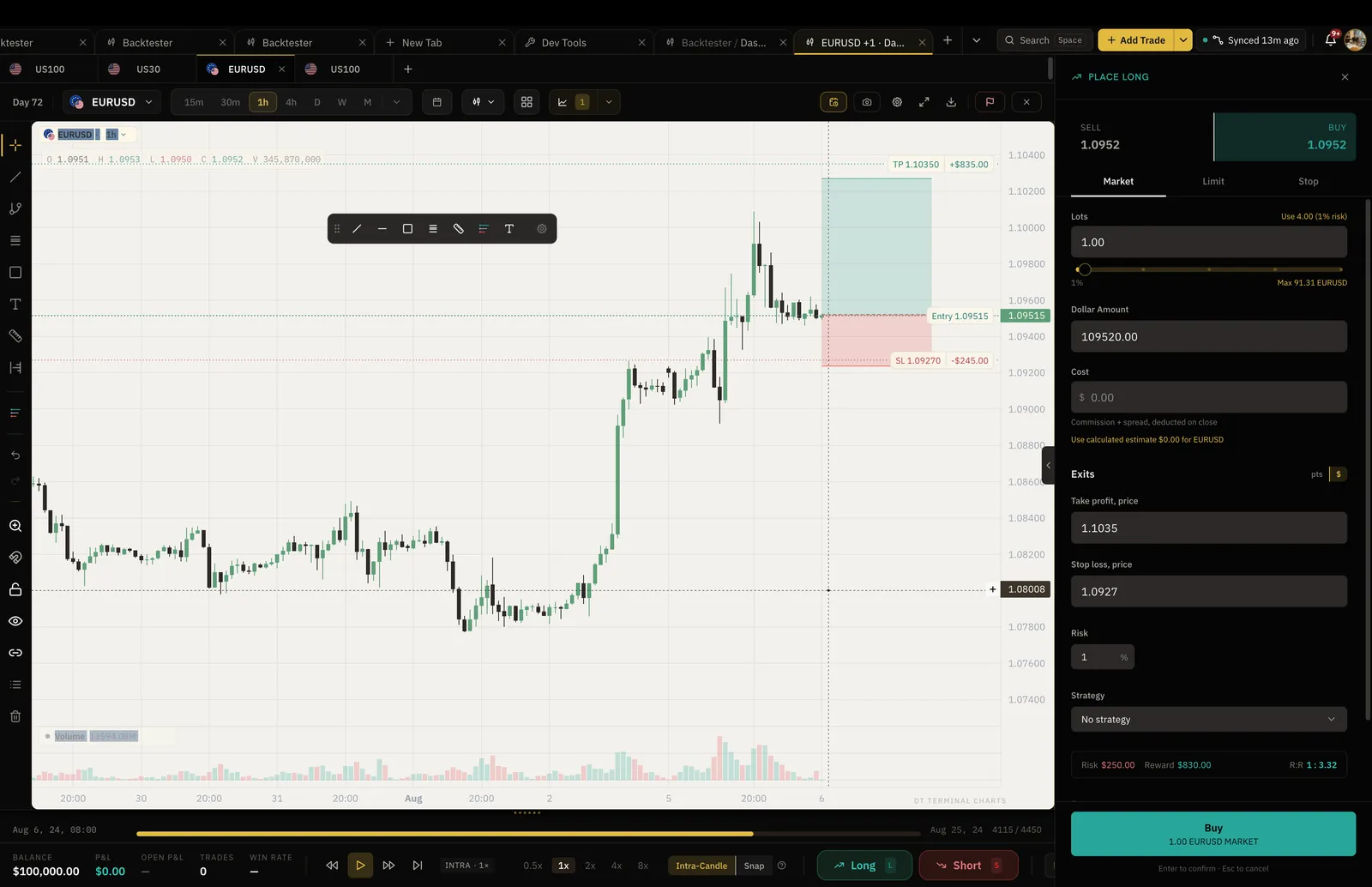
Fills land as verified trades with the Coinbase fee on each, and the numbers split by pair, hour and setup.
Verified
Your Coinbase trades, with proof behind them.
DT Terminal reads each fill from Coinbase itself, so the trade wears the verified seal on your record and on your public page. Anything you type by hand stays marked as self-reported.
- Seal on every synced fill
- A public record you can link to
- Hand-logged trades labelled self-reported
Insights
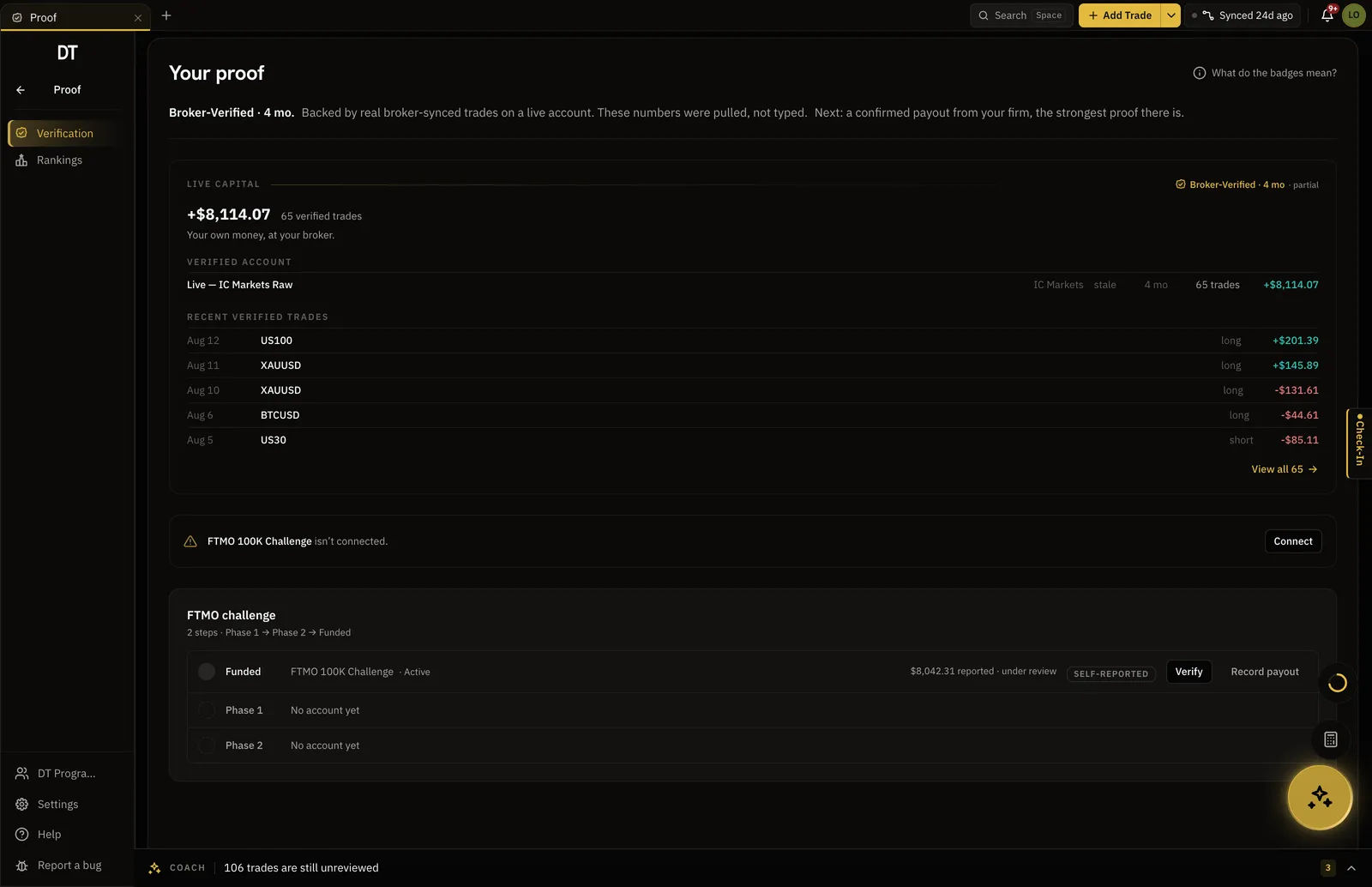
Find the pairs and hours that are paying.
Filter by pair, hour, weekday or setup and win rate, expectancy and drawdown recompute, net of what Coinbase charged you to trade.
- Expectancy by pair and by hour
- Coinbase fees counted on each trade
- Drawdown per account
Backtester
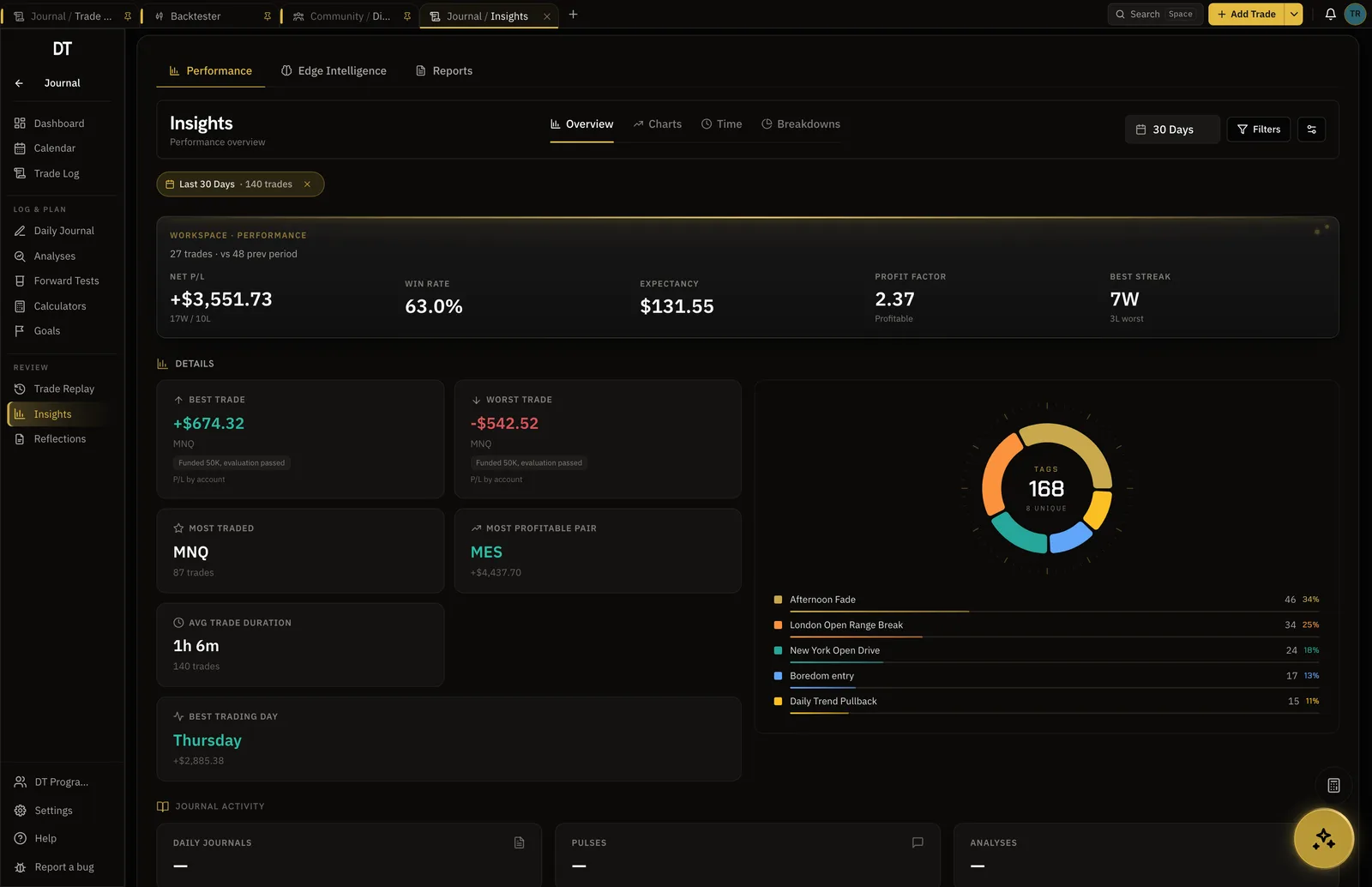
Rehearse the setup before the next buy.
Step through real historical crypto candles one bar at a time, place simulated entries and exits, and keep the results beside your synced trades.
- Real historical crypto candles
- One bar at a time, future hidden
- Export to your Trade Log on Pro
What is free
Logging Coinbase trades by hand or CSV is free.
Sync is Pro, $18 a month or $149 a year.
| Feature | Free | Pro |
|---|---|---|
| Manual and CSV logging | ||
| Broker auto-syncMT4, MT5, cTrader, TradeLocker and supported crypto exchanges | ||
| Verified accountsSynced trades arrive with proof they were real | ||
| Read-only broker connections | ||
| Import per batch | 10 trades | Unlimited |
Full comparison on the pricing page.
Questions
Which Coinbase API key do I need?
A Coinbase Advanced Trade API key. DT Terminal asks for the key and its secret, with no passphrase, and the key only needs permission to view your account.
Can DT Terminal trade or withdraw with my Coinbase key?
No. Create the key with trading and withdrawals switched off. DT Terminal uses it to read fills and balances and can never place an order or move funds.
What syncs from Coinbase?
Your spot fills, paired into trades, with the fee Coinbase charged on each. Deposits and withdrawals in cash or stablecoins come across too, where Coinbase reports them.
Why is my Coinbase balance not showing?
DT Terminal values a balance in cash and stablecoins only, and never guesses a coin price. While the account holds BTC, ETH or any other coin, the balance stays unsynced instead of showing a partial number. Your trades keep syncing either way.
Is Coinbase sync free?
Sync is part of Pro, $18 a month or $149 a year. On a free account you can still log Coinbase trades by hand or import a CSV, up to 10 trades a batch.
Can I run DT Terminal from Claude?
Soon. We are building an MCP connector that opens the whole of DT Terminal to Claude: every workspace and every piece of your data, to read and to act on, with your consent per scope. It works with any assistant that speaks MCP, and it is in development, not live yet.
Put your Coinbase fills on a record you can show.
One read-only key on Pro. Logging by hand stays free.
Your privacy choices
Essential storage keeps DT Terminal working. Optional: product analytics and 60-day referral attribution. Change it any time in our Privacy Policy.