A coach that has read every trade you took.
Edge lives across your journal, backtester and research, and learns from your own trades. It answers with your numbers, reads the screenshots you drop in, and suggests the next thing to test. You decide what to do with it.
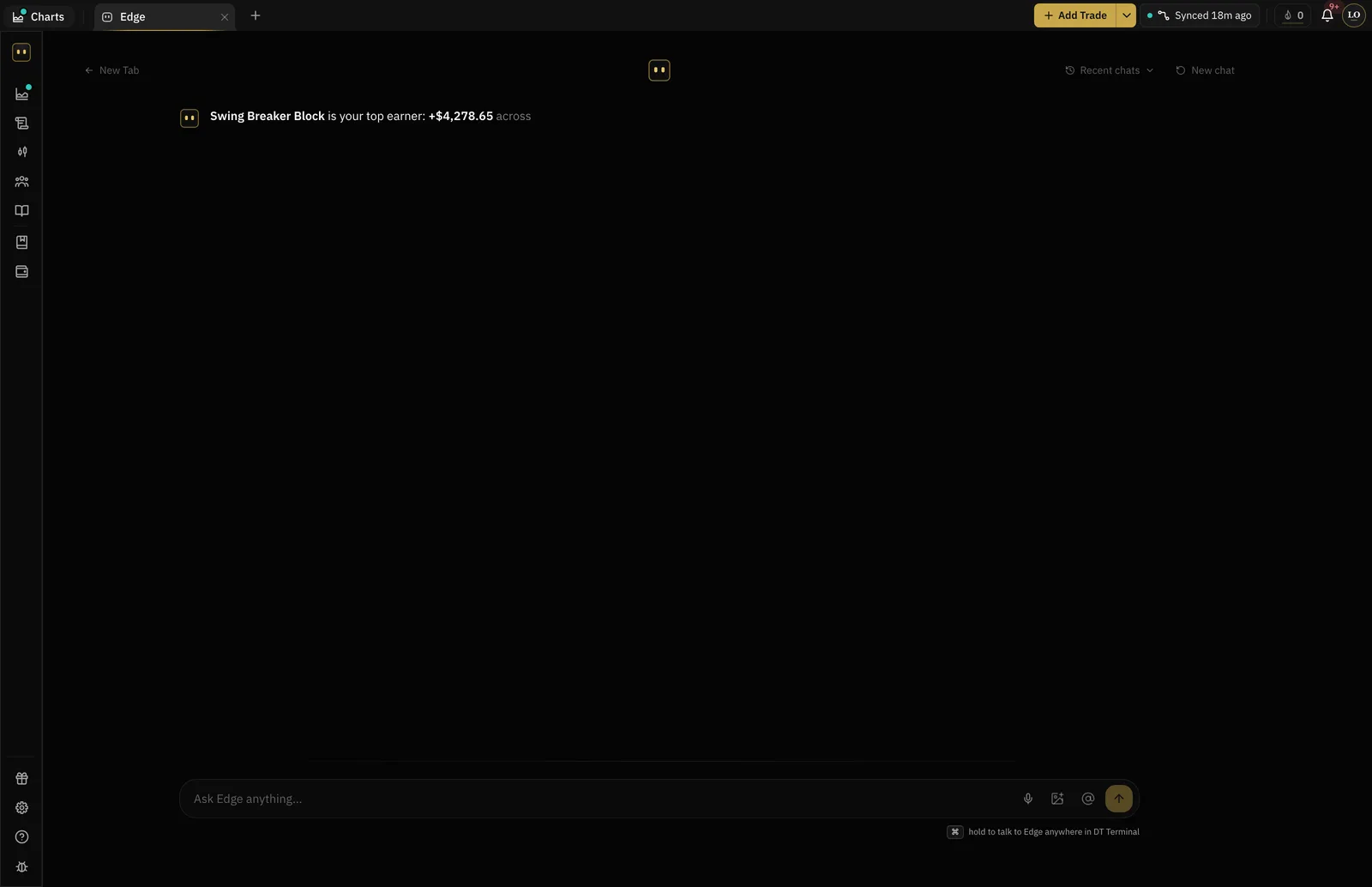
- Edge questions on Free
- 20 / month
- Screenshots read on Pro
- 20 / month
- Workspaces it can see
- Six
- Places a trade
- Never
Where the AI coach sits
Edge proposes a backtest. You run it, and the result goes back into the record it reads.
Keep the record
Log or sync trades, write the review, run a backtest. That is what Edge reads.
Ask
Which setup pays most in London? What happens to my R when I move the stop? It answers from your data.
Test the suggestion
Edge proposes a backtest. You run it, and the result goes back into the record it reads.
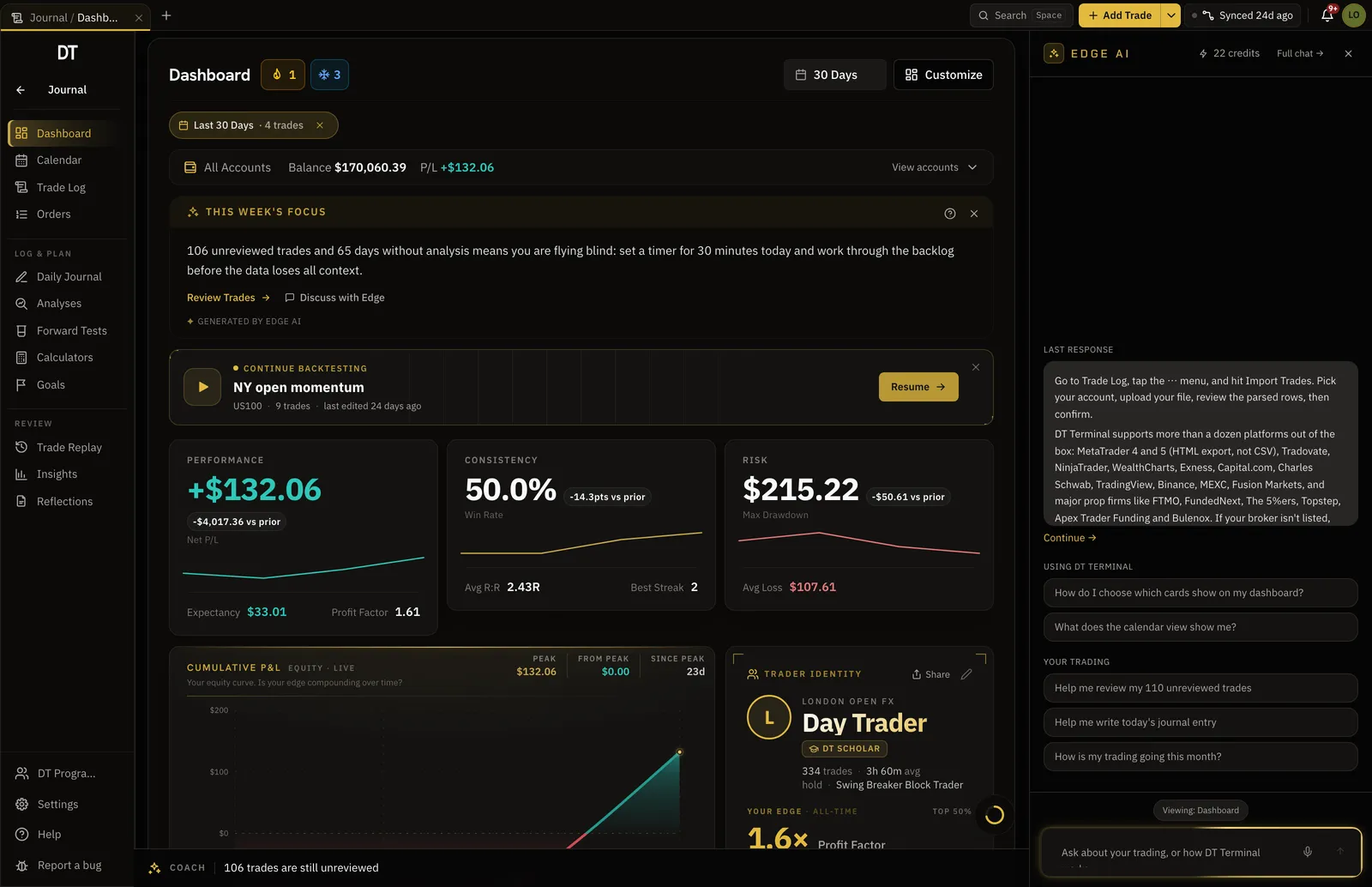
It reads the trade you are looking at.
Edge opens beside any trade with that trade already in context: the numbers, the notes, the screenshot, the tags. No pasting.
- Context while logging, on Pro
- Reads screenshots you drop in
- Past conversations kept
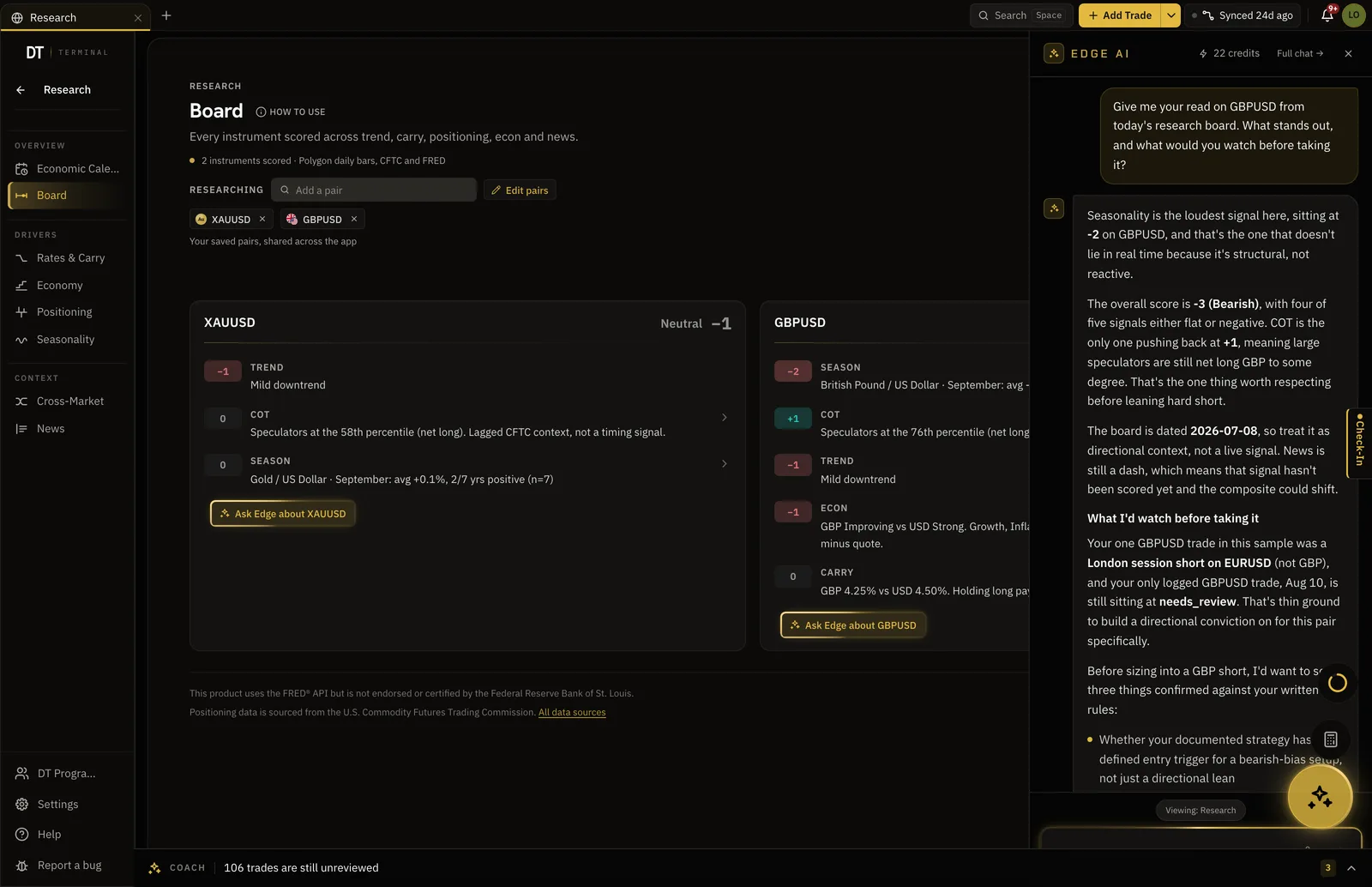
The same coach reads the market context.
Ask about the calendar, positioning or a seasonal pattern for the pair you trade, and it reads the Research workspace the way it reads your journal.
- Economic calendar and news
- Positioning and seasonality
- Beside your journal, not across tabs
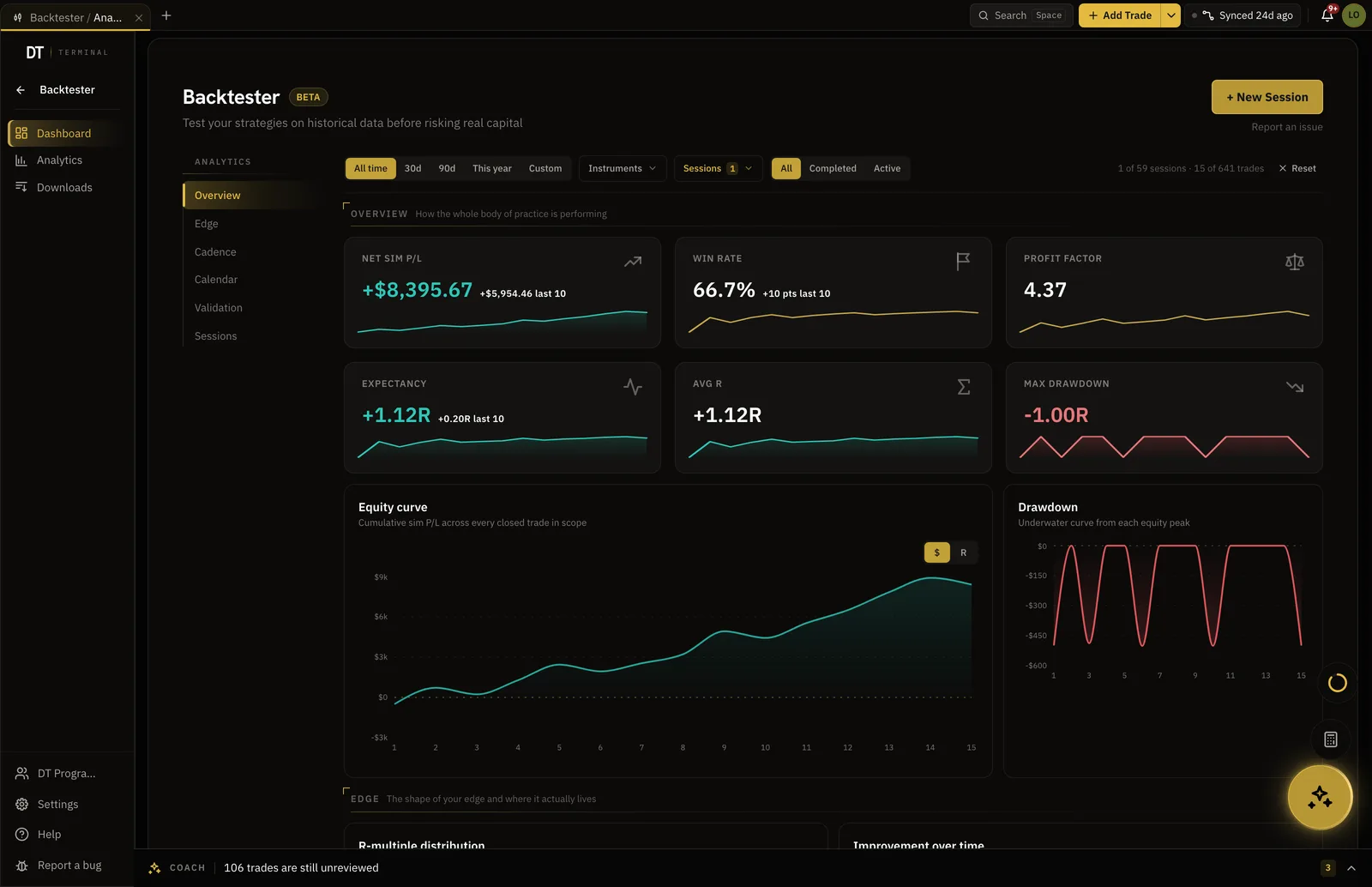
It proposes a test, not a trade.
Edge is not an advice product. It puts options in front of you with the numbers behind them and suggests the backtest that would settle it. What you do with that is yours.
- Backtest suggestions from your results
- Session stats read back to you
- No signals, no auto-trading
Numbers you can trust.
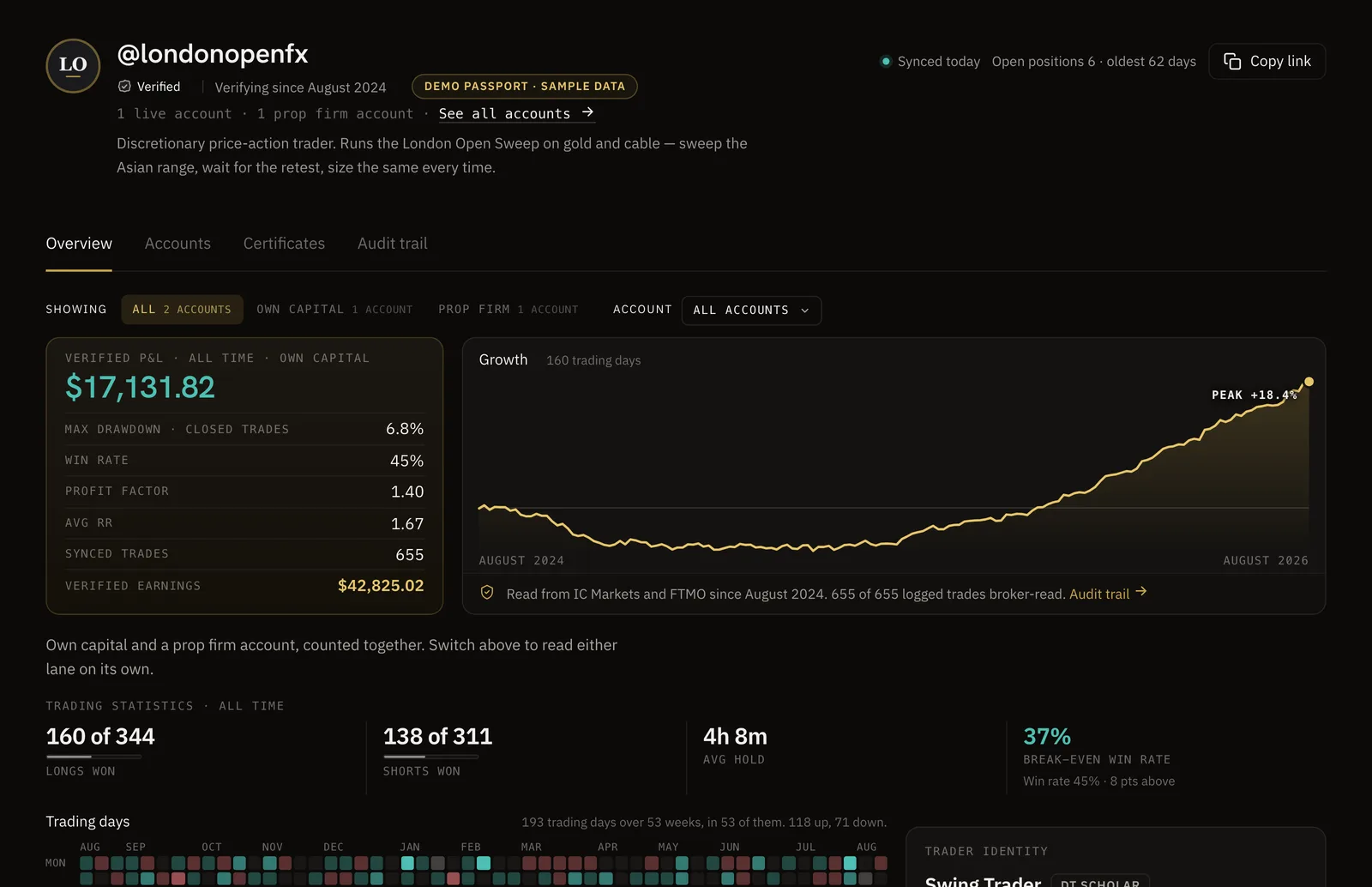
Sync your broker and your record becomes a DT Passport: one link with your P&L and growth read from the broker, shared only when you choose.
Your record, from your own AI app.
DT Terminal Connect is our MCP connector. Add it to Claude, ChatGPT, Claude Code, Cursor or VS Code from Settings, MCP, and it reads and updates your journal, backtests and synced accounts with consent per scope, answering the way Edge does.
20 Edge questions a month are free.
Plus has 50, and Pro, at $24, has no monthly limit.
| Feature | Free | Plus | Pro |
|---|---|---|---|
| Edge questions a monthAsk Edge about your own trades. Short questions about the app and about plans are free, up to 30 a day. Resets every month. Unlimited plans are subject to fair use | 20 / month | 50 / month | Unlimited |
| Screenshots and chart reads a monthEdge reading a screenshot or a chart. Resets every month | 5 / month | 10 / month | 20 / month |
| Edge Context while logging trades | |||
| Edge Intelligence insights | 1 strength, 1 improvement | 1 strength, 1 improvement | Every insight |
Full comparison on the pricing page.
Yes, up to a monthly allowance with nothing extra to buy. A free account gets 20 Edge questions and 5 screenshots and chart reads a month. Plus, at $9 a month, has 50 Edge questions and 10 screenshots and chart reads a month. Pro, at $24 a month, has unlimited Edge questions and 20 screenshots and chart reads a month, and Ultra has no limit. Questions about how the app works never count, and the allowance resets every month.
Your trades, journal entries, notes, backtest sessions, the Research board and the screenshots you give it. It does not read the internet to answer a question about your trading.
No. Edge reads your record and suggests things to test. It never tells you to take a trade and it cannot place one.
A frontier model from a major provider, prompted with your journal. Your data is used to answer you, not to train anything.
Yes. Drop a chart or a broker screenshot into the conversation and it reads it against your record. Each one counts as one screenshot or chart read from your monthly allowance.
Yes. DT Terminal Connect is our MCP connector: Claude, ChatGPT and other AI apps can read and update your journal, backtests and synced accounts, with your consent per scope. It needs a paid plan: on Plus a connected app can read your account, and on Pro it can also write to your journal. Set it up in Settings, MCP. You choose what each app may do, see what it did, and can disconnect it there at any time.
Give it a week of trades and ask it something hard.
Free includes 20 Edge questions every month.