Trading verification · Forex
A forex journal that knows which session paid.
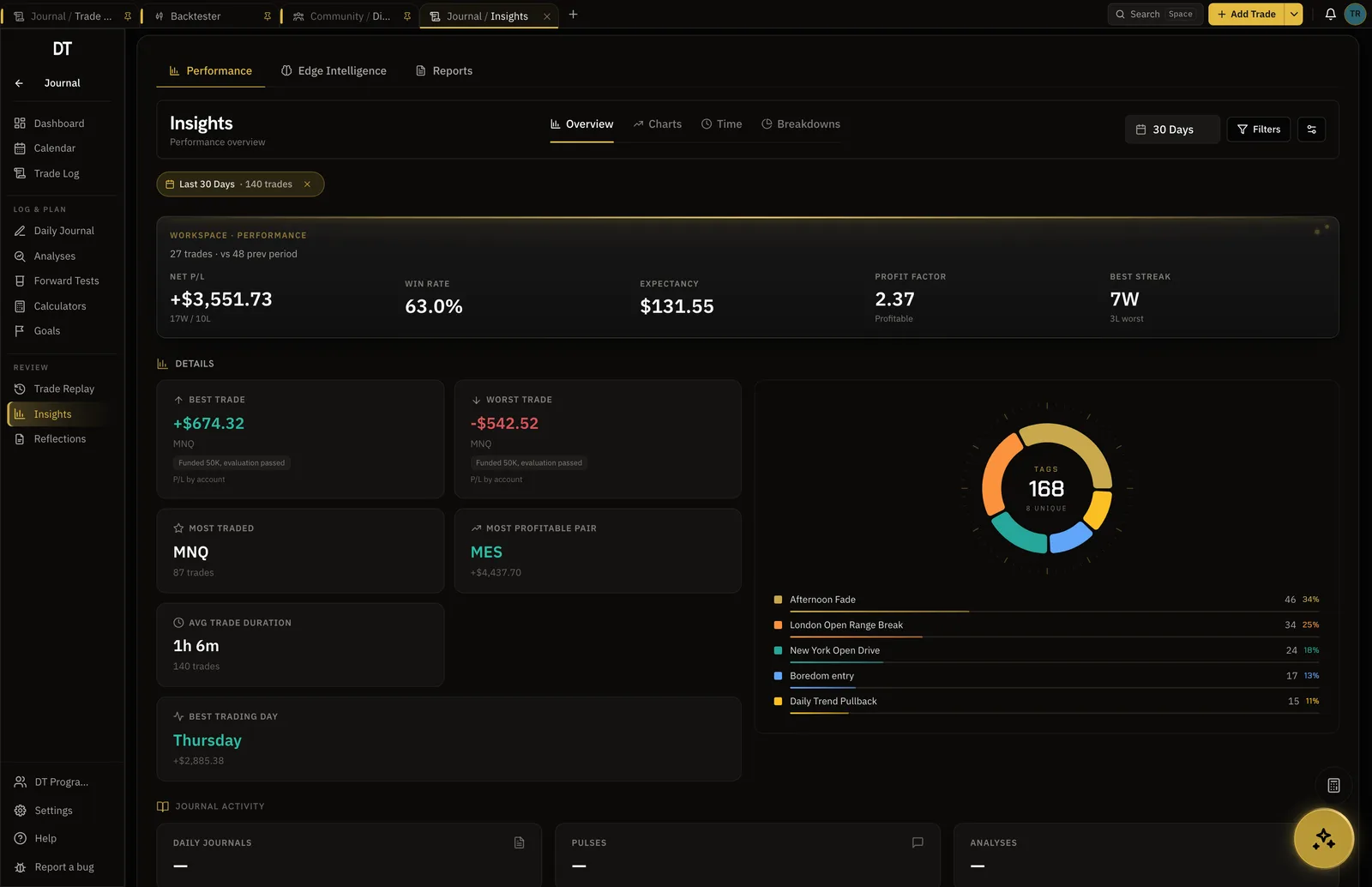
Sync the broker on Pro and every forex fill arrives verified, with expectancy by pair, session and setup. The economic calendar and the backtester sit beside the journal, not in other tabs.
- 147+
- Brokers and exchanges sync
- Pair, session, setup
- Every breakdown recomputes
- Calendar
- Beside the journal
- $0
- To start
How it works
- 01
Sync or log
MT4 or MT5 by read-only login, or type the trade in.
- 02
Tag the setup
Setup, session and pattern tags, three per trade free.
- 03
Read the breakdown
London against New York, EURUSD against gold, the setup that is paying for the rest.
Trade log
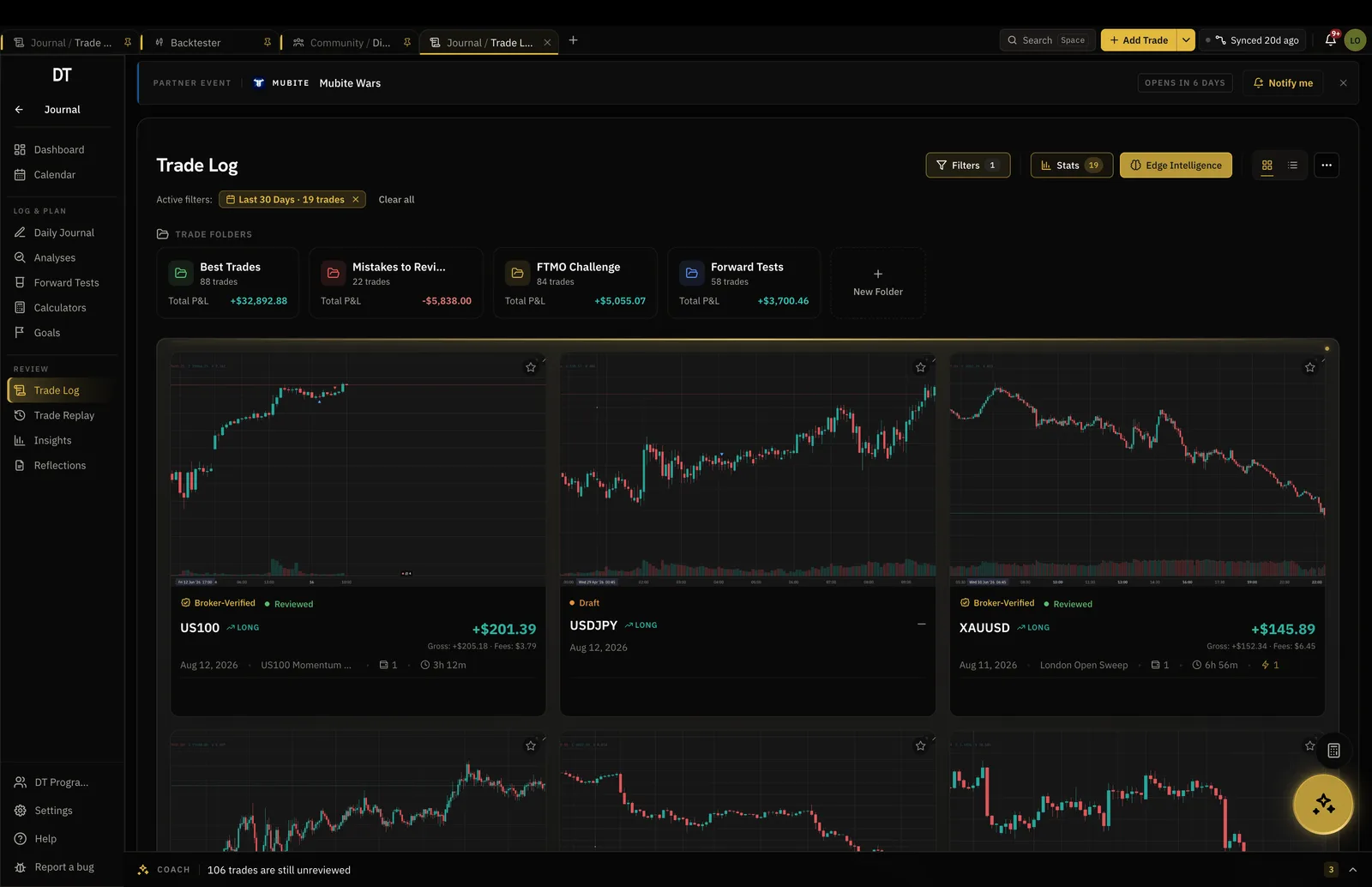
Every fill with its pips, its R and its reason.
Lot size, pip value and commission come through from the broker. The reason for the trade is the part you add.
- Broker fills or manual entry
- Screenshots and notes
- Partials and scale-ins handled
Calendar
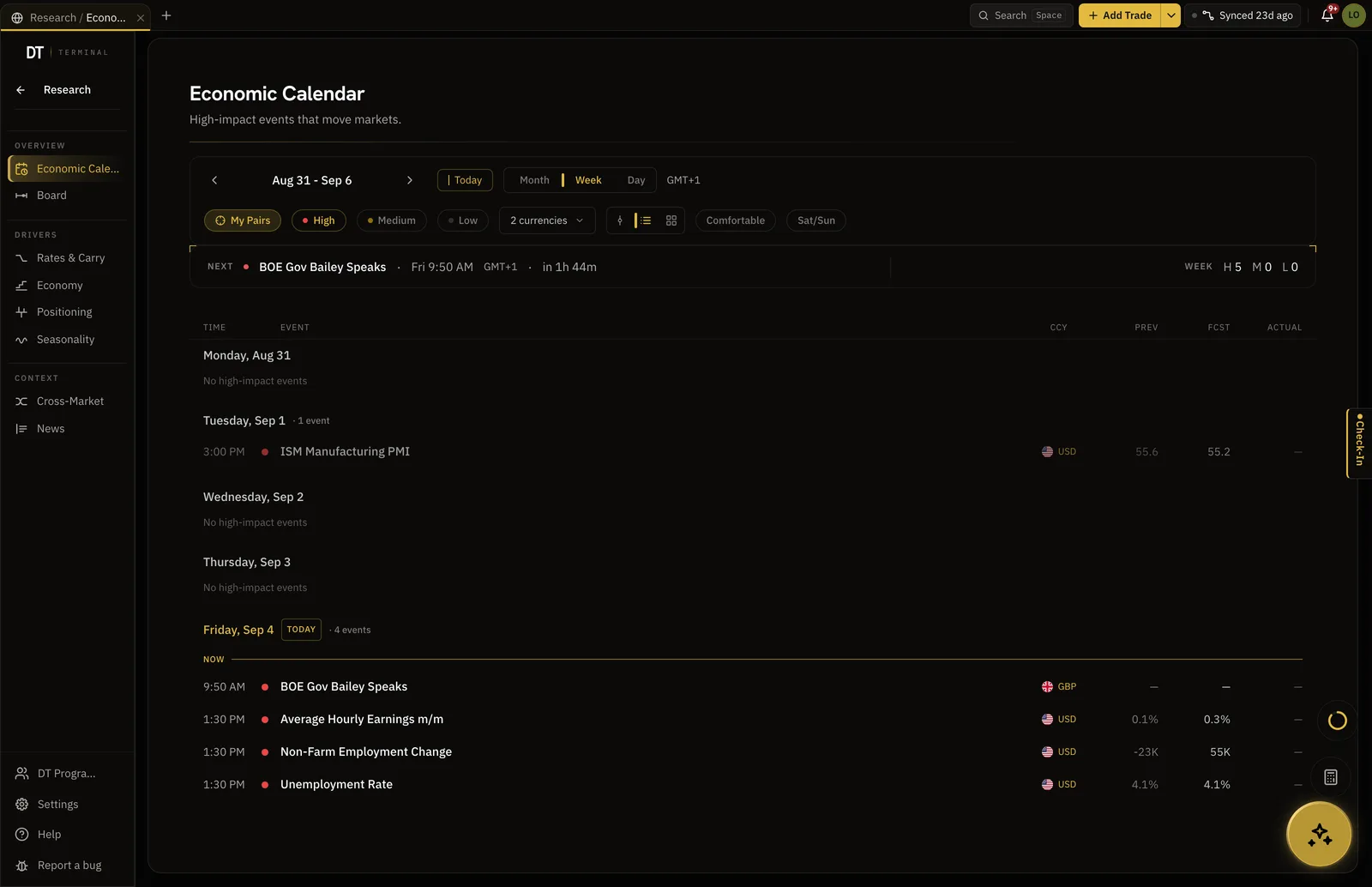
The news, next to the trade it moved.
An economic calendar with alerts, filtered to the currencies you trade, so the NFP candle in your journal has the release beside it.
- Filtered to your pairs
- Alerts on releases
- Read by Edge when you ask
Research
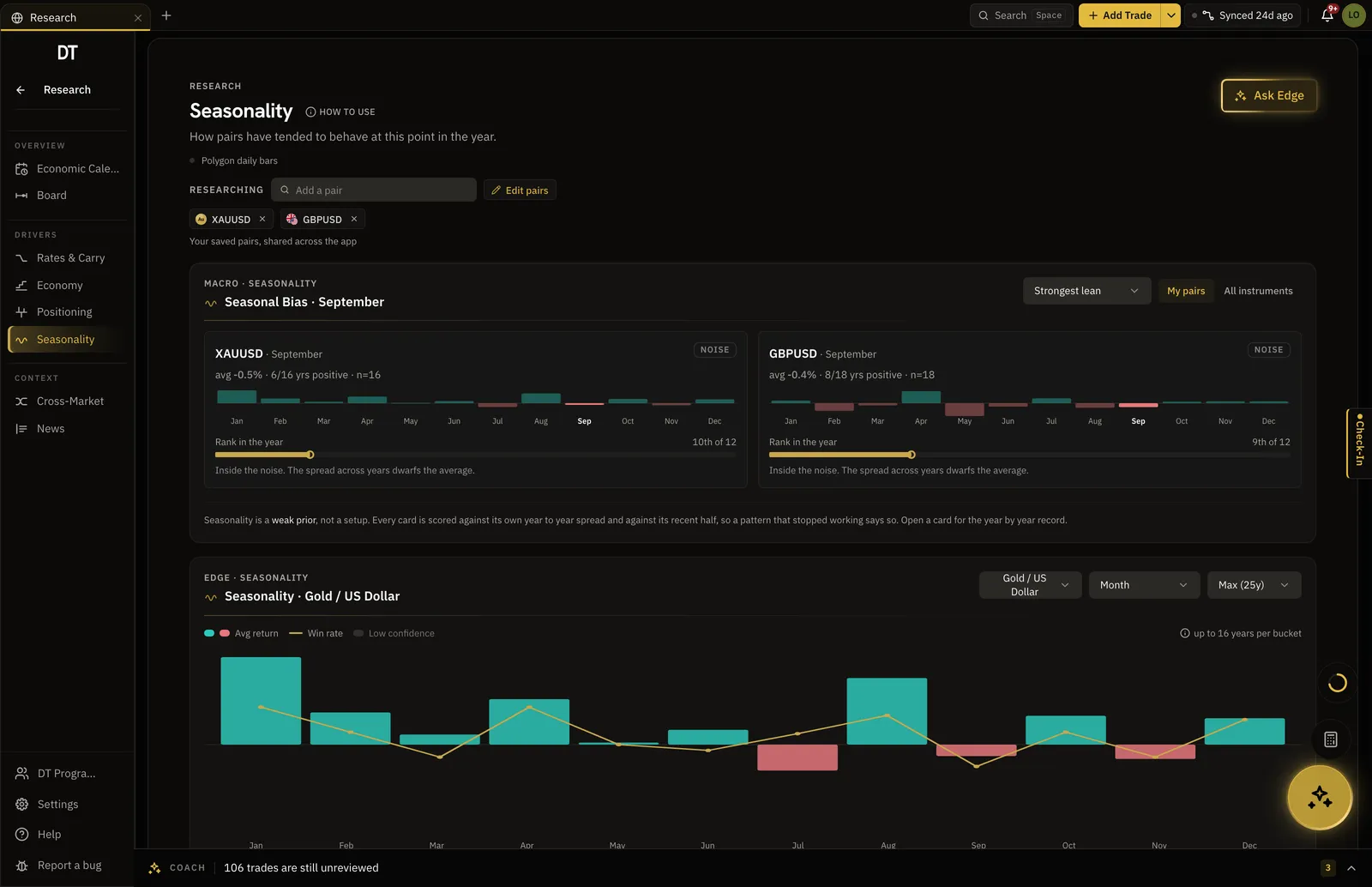
Seasonality and positioning for the pair.
Trend, carry, positioning, seasonality and news are scored in one place for each pair you have saved. The call is yours; the context is there.
- COT positioning
- Seasonal tendency by month
- Instrument board for your watchlist
What is free
Journal free on one account.
Broker sync and full insights are Pro, $18 a month.
| Feature | Free | Pro |
|---|---|---|
| Manual and CSV logging | ||
| Broker auto-syncMT4, MT5, cTrader, TradeLocker and supported crypto exchanges | ||
| Basic performance insightsTrade count, average R:R, PnL chart | ||
| Detailed filtered trade stats | ||
| Tags | 5 | Unlimited |
Full comparison on the pricing page.
Questions
Which forex brokers sync?
Any MT4 or MT5 broker through a read-only login, with 109 named in the catalogue. cTrader and TradeLocker accounts connect too, and sync is Pro.
Does it calculate pips and pip value?
Yes, from the fill, and there is a free pip value calculator and position size calculator on the site for planning the trade.
Can I see results by session?
Yes. Tag sessions or let the timestamp do it, then filter insights by London, New York or Asia and the numbers recompute.
Does the calendar send alerts?
Yes. Free covers three active alerts; Pro removes the cap and adds custom rules.
Can I backtest a forex setup?
Yes. The backtester replays real candles bar by bar for the pairs in the app, and on Pro the results export into the same journal.
Can I run DT Terminal from Claude?
Soon. We are building an MCP connector that opens the whole of DT Terminal to Claude: every workspace and every piece of your data, to read and to act on, with your consent per scope. It works with any assistant that speaks MCP, and it is in development, not live yet.
Find out which session is paying for the others.
Free to start. Sync the broker when you are ready.
Your privacy choices
Essential storage keeps DT Terminal working. Optional: product analytics and 60-day referral attribution. Change it any time in our Privacy Policy.