Trading verification · Demo and sim
Practise like it counts, without letting it count.
A demo account or a backtest is where a setup earns its place. Journal both with the same structure you use live, and the record keeps them apart, so practice never inflates the numbers you show.
- Synced demo, never counted
- Demo seal
- Backtests on real history
- Bar by bar
- Backtest sessions at a time
- 2 free
- Pro, per month
- $24
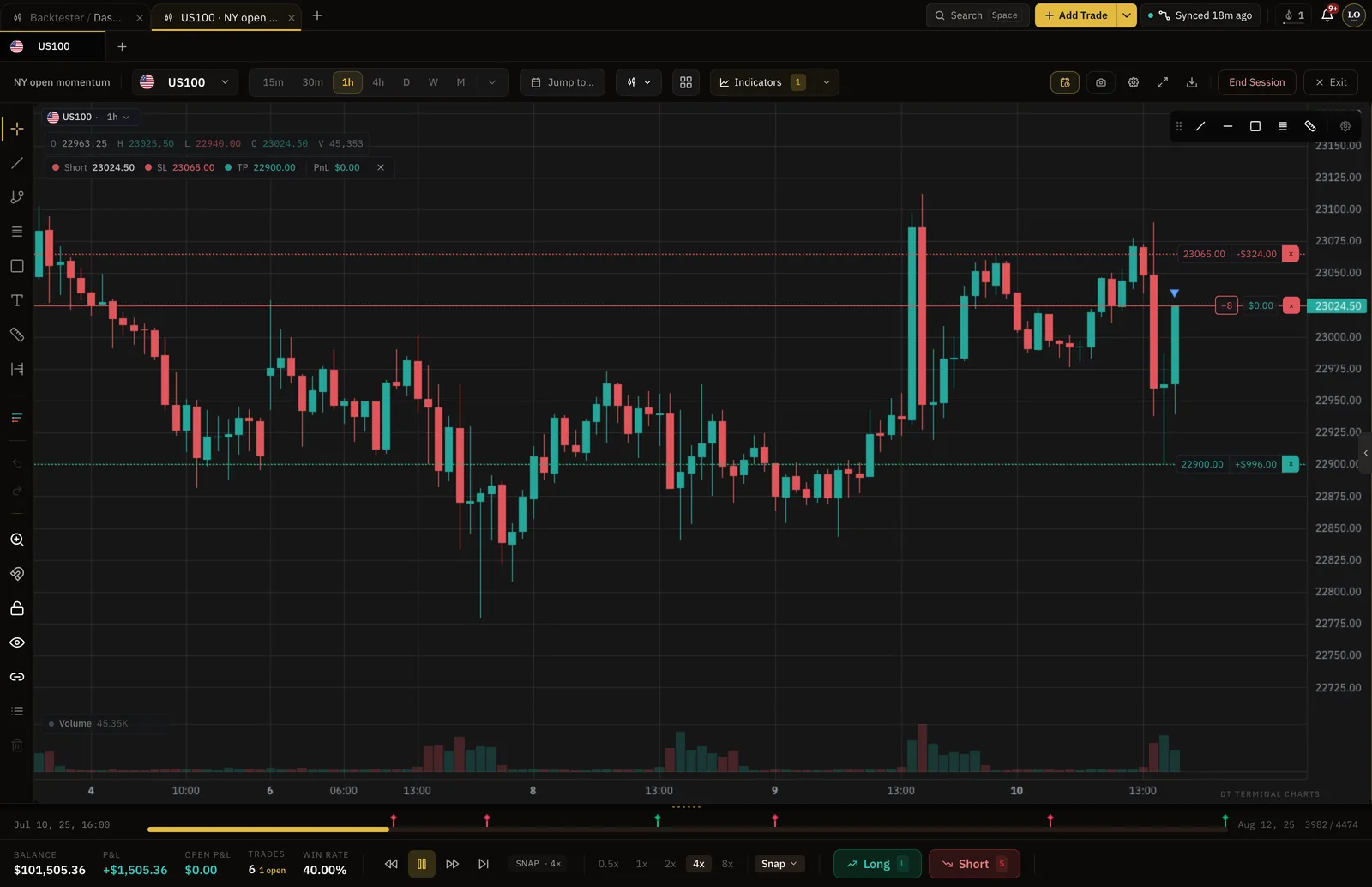
You end up with practice kept apart from the numbers you show.
Your week on DT Terminal
One way a week runs, using the tools on this page.
- Monday
Backtest the setup
Replay history bar by bar and take what your rules allow
- Tuesday
Check it against the rules
Linked to a written strategy on Verified and Pro
- Wednesday
Trade it on demo
A synced demo on Verified or Pro records real fills
- Thursday
Marked as practice
The Demo seal keeps it out of your verified record
- Friday
Read the evidence
Whether the demo and backtest records hold up
How it works
- 01
Backtest the setup
Replay history bar by bar and take the trades your rules allow.
- 02
Check it against your rules
On Verified and Pro, link the backtest to a written strategy and every simulated trade is checked against it.
- 03
Trade it on demo, then live
A synced demo account records real fills with nothing at stake. Live comes when the record says it should.
Demo accounts
Real fills, nothing at stake, clearly marked.
A demo account on MT4, MT5, cTrader, TradeLocker, Tradovate and supported crypto exchanges syncs on Verified and Pro like a live one. Its trades carry a Demo seal, so they are real trades in your journal and never part of a verified record.
- Demo seal on synced demo accounts
- Kept apart from live and funded lanes
- Reviewed with the same journal as live
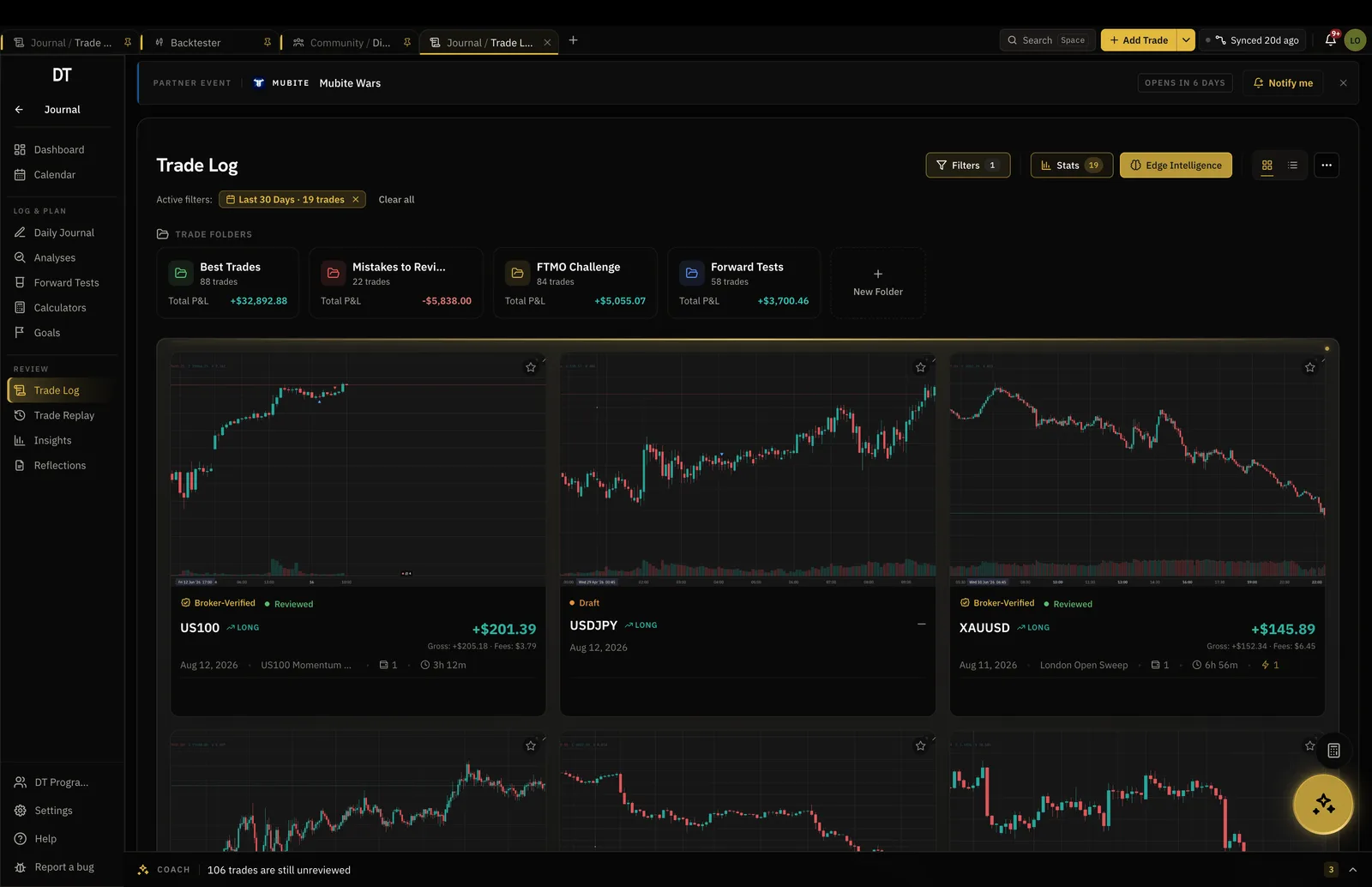
Backtester
History first, bar by bar.
Replay a market one bar at a time and trade it with your rules. On Verified and Pro, link the backtest to a written strategy and every simulated trade is checked against it.
- 2 backtest sessions at a time, free
- Strategy linking and rule checks on Verified and Pro
- Backtest results never appear on a public record
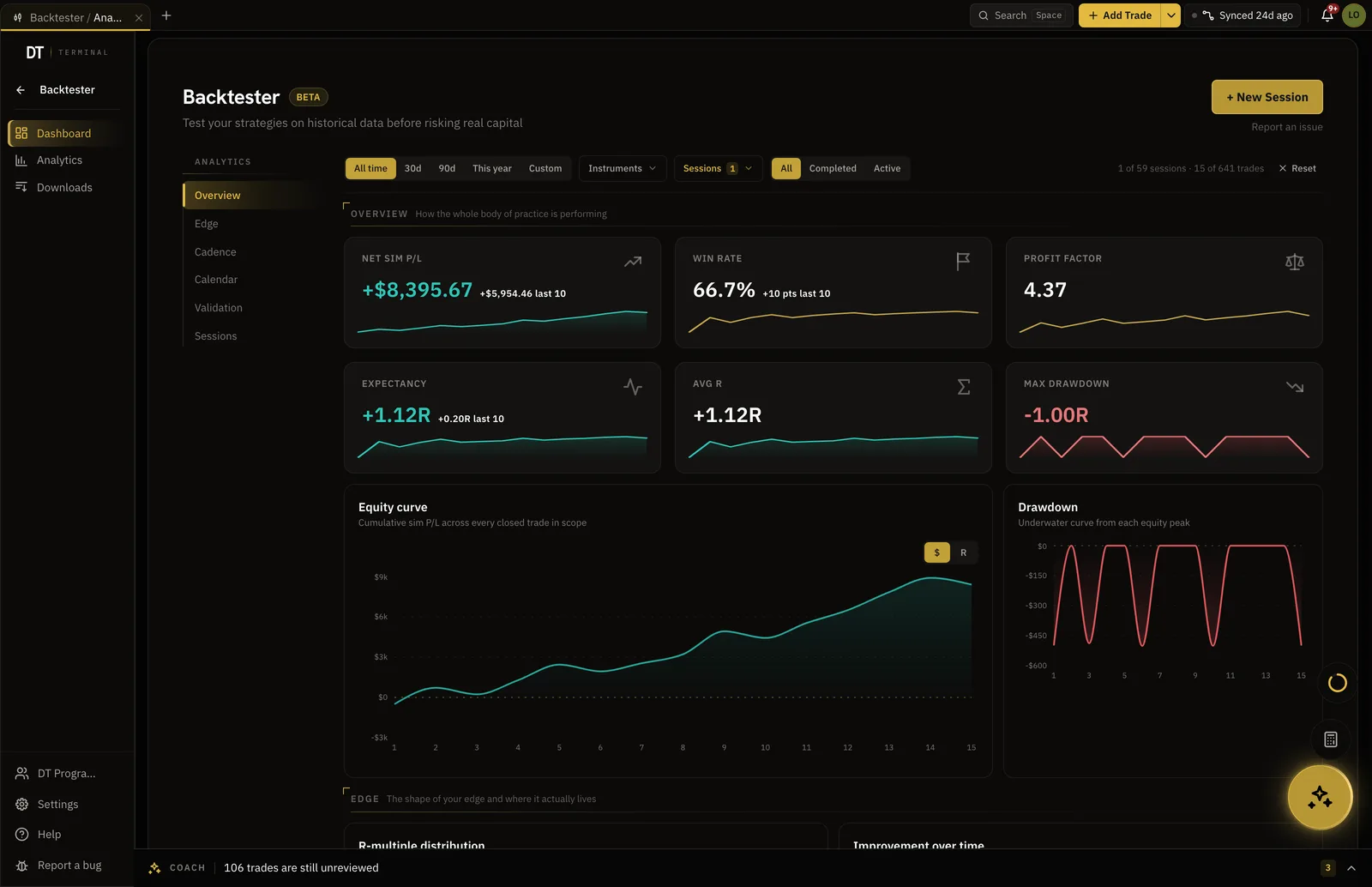
What is free
Backtest and journal a demo for free.
Demo sync starts on Verified, $9 a month, and unlimited backtesting is Pro, $24.
| Feature | Free | Verified | Pro |
|---|---|---|---|
| Backtest sessionsHeld at a time. Delete one to start another | 2 at a time | 5 at a time | Unlimited |
| Strategy linking and rule compliance | |||
| Broker auto-syncInto your journal: MT4, MT5, cTrader, TradeLocker, Tradovate and supported crypto exchanges. Free pulls its one verified account to the passport only | Passport only | Into your journal | Into your journal |
| Daily journals, structure included | |||
| Manual and CSV logging |
Full comparison on the pricing page.
FAQ
No. A synced demo account is real trading with nothing at stake, so it carries a Demo seal and never counts toward a verified record. Backtests never appear on a public record at all.
Yes. A backtest session keeps its own trades and analytics in the Backtester, so they never mix with your live trades and never appear on a public record.
Yes, on Verified and Pro, for MT4, MT5, cTrader, TradeLocker, Tradovate and supported crypto exchanges. The trades arrive from the broker and carry the Demo seal.
2 at a time are free, bar by bar, with the journal and analytics. Verified keeps 5 at a time, and Pro removes the cap and adds rule checks against a written strategy.
The app will not tell you, and it should not. It shows you whether the demo and backtest records hold up with enough trades behind them, which is the evidence the decision needs.
Yes. DT Terminal Connect is our MCP connector: Claude, ChatGPT and other AI apps can read and update your journal, backtests and synced accounts, with your consent per scope. It needs a paid plan: on Verified a connected app can read your account, and on Pro it can also write to your journal. Set it up in Settings, MCP. You choose what each app may do, see what it did, and can disconnect it there at any time.
Prove the setup before it costs anything.
Free to backtest and journal. Practice stays practice.