Trading verification · NinjaTrader
Your NinjaTrader sessions, synced and reviewed.
NinjaTrader accounts that sign in with NinjaTrader or Tradovate credentials connect read-only, so the record comes from the account instead of from memory. Accounts fed by Rithmic come in by CSV: export Trade Performance and drop it in, or log each trade by hand. Commission is applied per contract, and the backtester runs on futures candles.
NinjaTrader to DT Terminal: Sync or CSV.

A NinjaTrader or Tradovate login syncs. Rithmic accounts come in by CSV.
Verified once the ledger agrees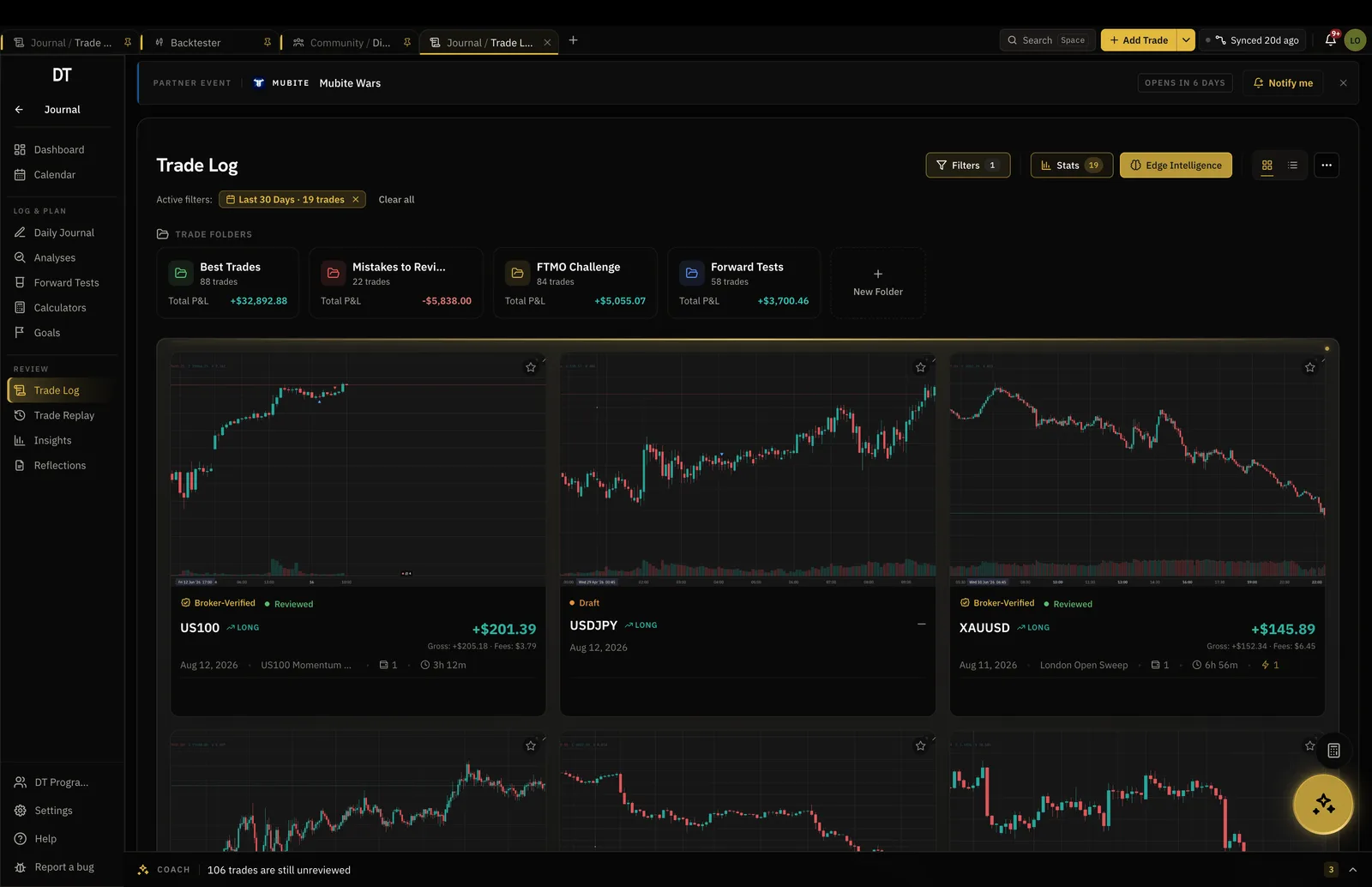
- NinjaTrader export, parsed on import
- CSV
- Commission applied across the batch
- Per contract
- Futures candles in the backtester
- ES, NQ, CL, GC
- NinjaTrader sync on a Tradovate login
- Read-only
How it works
- 01
Connect or export
Connect an account that signs in with NinjaTrader or Tradovate credentials, or export Trade Performance to CSV.
- 02
Bring the trades in
A connected account syncs. For a CSV, pick the account, upload the file, set the commission per contract for the batch and check the parsed rows before they save.
- 03
Review and test
Tag the setup, replay the trade on Pro, and take the next idea into the backtester.
NinjaTrader to DT Terminal
What comes across, and what can't
- Comes across: NinjaTrader on a NinjaTrader or Tradovate loginConnects read-only and syncs
- Comes across: The Trade Performance CSVParsed on import, rows checked before they save
- Comes across: Commission per contractApplied across the batch, so the stored result is net of it
- Comes across: Duplicates spotted and skipped
- Cannot happen: Accounts fed by RithmicThey do not connect. Bring those trades in by CSV or by hand.
- Cannot happen: The seal before the ledger agreesA connected account is verified only when its trades reconcile with its own cash ledger
Commission
Results net of what the round turn cost.
Set the rate once as a figure per contract and it is applied across every trade in the import, so the result stored on each trade is already net of it.
- Per contract or a flat rate per trade
- CSV import, 50 trades a batch free
- Duplicates spotted and skipped
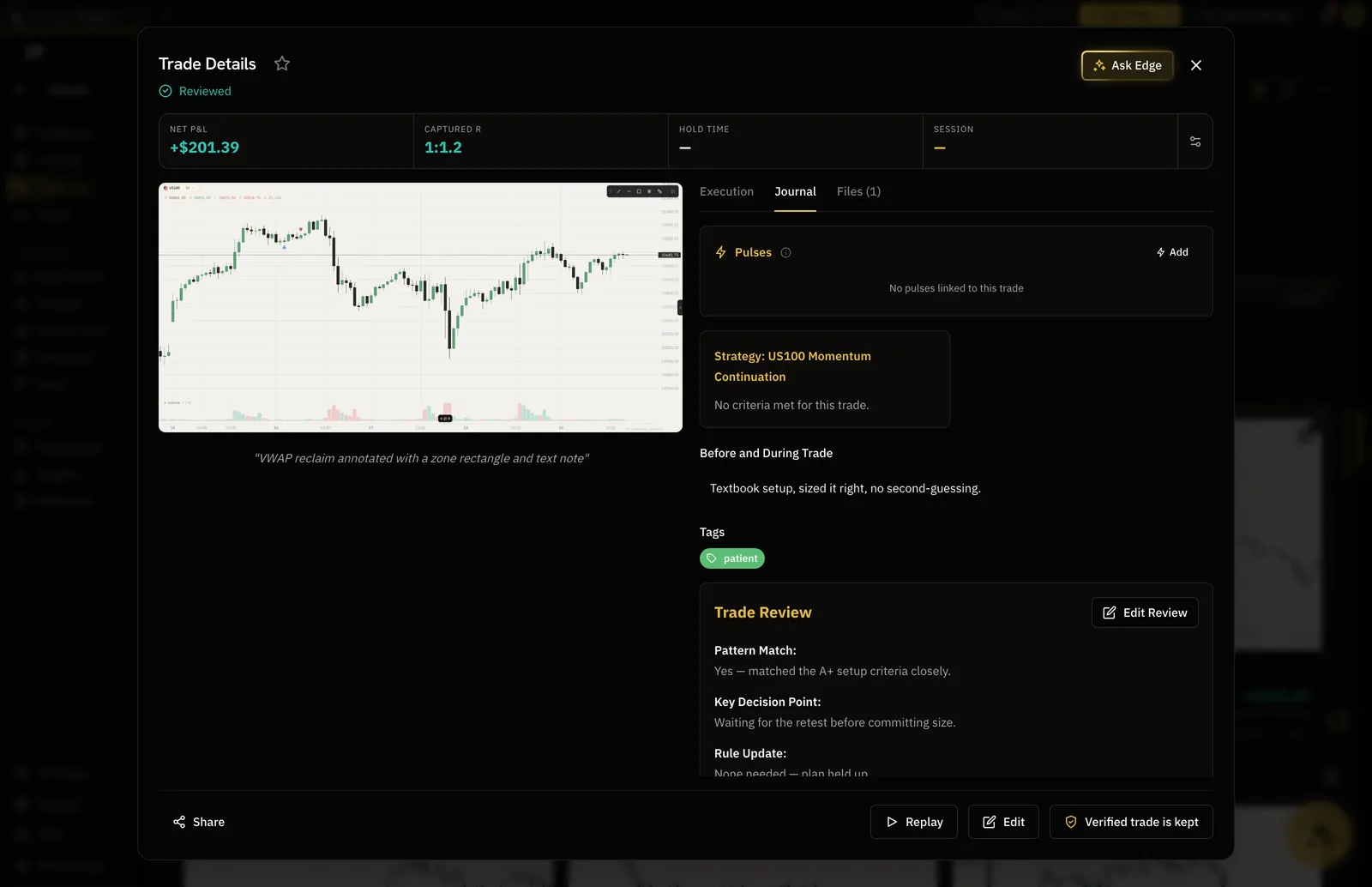
Backtester
Futures candles, from the open you choose.
Jump to the cash open or a release and step forward one bar at a time. Commission inside a session is charged per contract too, so a tested edge is costed like the real one.
- ES, NQ, CL and GC among others
- Jump to any date and time
- Stats at the end of every session
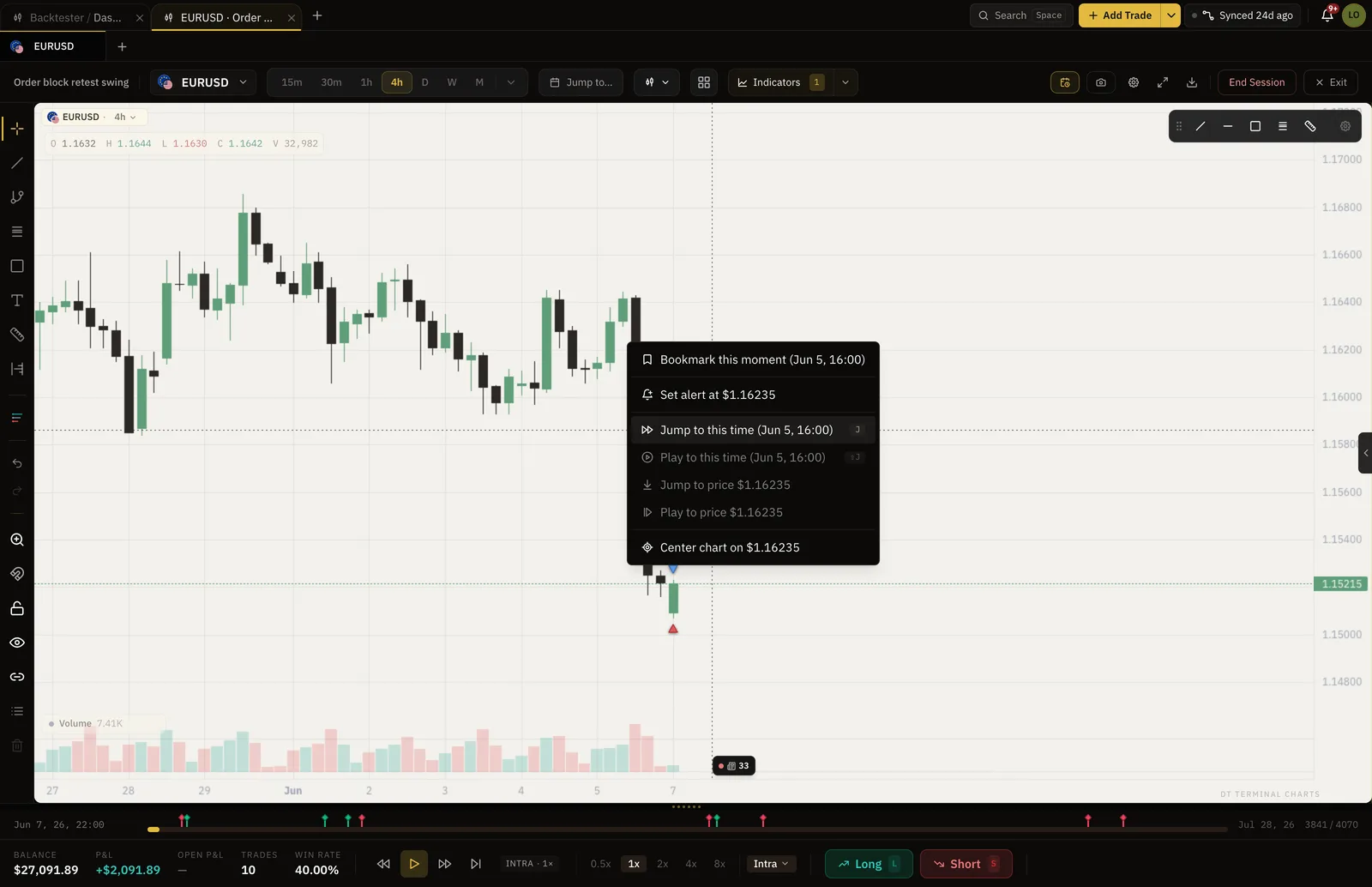
DT Scholarships
A logged record can pay for an evaluation.
DT Scholarships pays a $10K prop firm evaluation in full and takes nothing from the funded account. The application reads 10+ trades logged, 14-day logging streak and 1+ backtest completed.
- Open to members on every plan
- Evaluation fee paid in full
- You keep 100% of payouts
Platform and market data resources
Explore NinjaTrader for charting, trade simulation and strategy backtesting, and Kinetick for market data used in NinjaTrader. These are separate services from DT Terminal.

Use NinjaTrader’s platform to study charts and practise strategies. NinjaTrader sync is not live in DT Terminal yet, so NinjaTrader trades come in by Trade Performance CSV import.
Explore NinjaTrader
Kinetick offers free historical end-of-day data for NinjaTrader, with real-time data available separately. Check Kinetick for current subscriptions and exchange fees. This is not a data connection inside DT Terminal.
Explore Kinetick dataRead this first
Sync covers NinjaTrader on a Tradovate login.
NinjaTrader accounts that sign in with NinjaTrader or Tradovate credentials connect read-only and sync. Accounts fed by Rithmic do not connect, so those trades come in by CSV or by hand. A connected account earns the verified seal only when its trades reconcile with the account's own cash ledger.
What is free
Verify one account and log by hand or CSV free.
Journal sync and unlimited imports start on Verified, $9 a month or $89 a year, and the backtester without caps is Pro.
| Feature | Free | Verified | Pro |
|---|---|---|---|
| Manual and CSV logging | |||
| Verified accountsFree verifies one cTrader, TradeLocker, Tradovate or crypto account, shown on your passport and Rankings only. Verified and Pro add MT4 and MT5 and sync into your journal | 1, passport only | 3, 1 MT4 or MT5 | Unlimited, 3 MT4 or MT5 |
| Import per batch | 50 trades | Unlimited | Unlimited |
| Backtest sessionsHeld at a time. Delete one to start another | 2 at a time | 5 at a time | Unlimited |
| Trades per session | 50 | 50 | Unlimited |
Full comparison on the pricing page.
FAQ
Yes, for NinjaTrader accounts that sign in with NinjaTrader or Tradovate credentials. The connection is read-only. Free verifies one account for your public passport and Rankings, checked hourly, while Verified and Pro sync the trades into your journal. Accounts fed by Rithmic do not connect, so export those as a CSV.
The Trade Performance export saved as CSV, which the importer parses on its own. Upload it, review the parsed rows, save. Free imports 50 trades a batch, Verified and Pro import without limit.
Set a rate per contract, or a flat rate per trade, when you import, and it is applied to every trade in the batch. The stored result is net of it, so it matches what the platform reported.
Yes: historical candles for index, metals and energy futures, ES, NQ, GC and CL among them, replayed bar by bar on the charts inside DT Terminal.
Yes. Journal it and publish it. A connected account earns the verified seal only when its trades reconcile with the account's own cash ledger, and imported or typed trades publish as self-reported.
Yes. DT Terminal Connect is our MCP connector: Claude, ChatGPT and other AI apps can read and update your journal, backtests and synced accounts, with your consent per scope. It needs a paid plan: on Verified a connected app can read your account, and on Pro it can also write to your journal. Set it up in Settings, MCP. You choose what each app may do, see what it did, and can disconnect it there at any time.
Connect the account and replay the one that got away.
Free to start, and the futures candles are already in the backtester.