Weekdays
+0.22R
Expectancy per trade
- Trades
- 52
- Win rate
- 50.0%
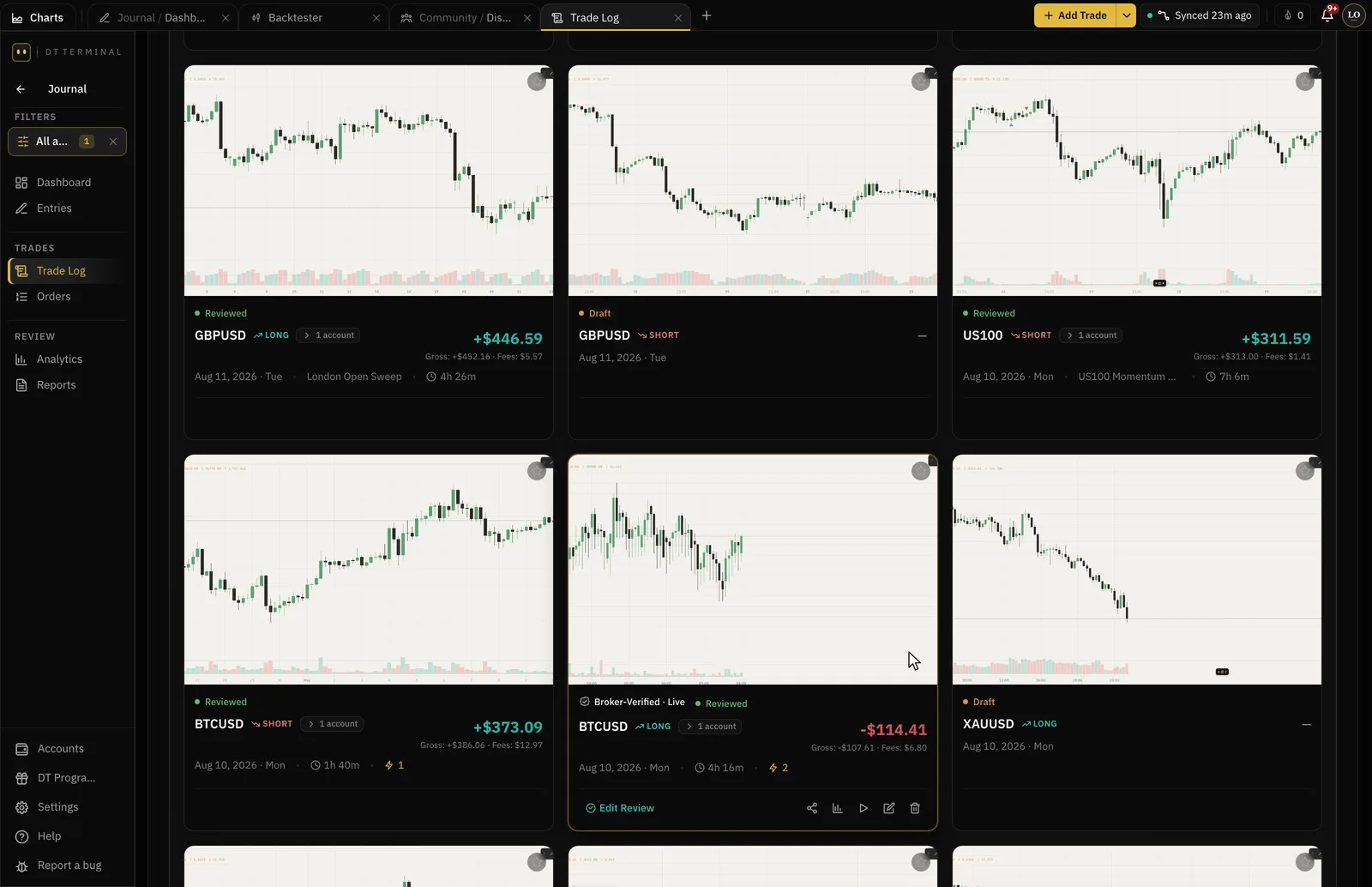
Every fill comes in from a read-only API key on any of 10 exchanges, and one account syncs into your journal free: perps and spot together, on DT Terminal Charts, with the numbers by pair, session and setup and Edge helping you trade better in the live markets.
+0.22R
Expectancy per trade
−0.27R
Expectancy per trade
Example figures, not a real trader's results. In the app this view reads your own synced fills and recomputes when you filter.
On the exchange, with trading and withdrawal permissions off.
Pick the exchange, paste the key. Fills start arriving.
Expectancy by pair and by hour, funding and fees on the trade, the setup that pays.
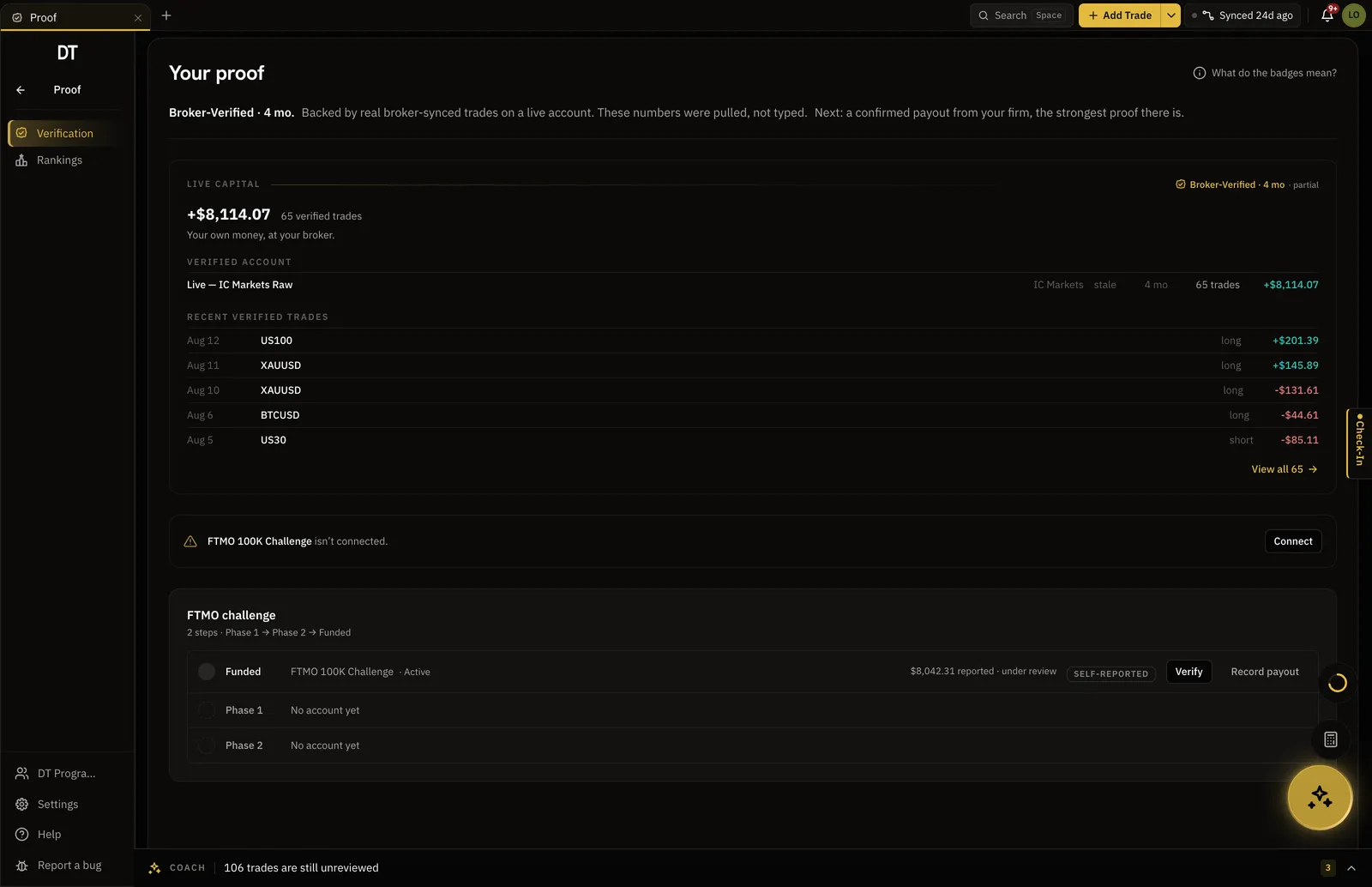
A synced fill carries a verified seal in your journal and on your public page. The seal is what separates your results from a screenshot.
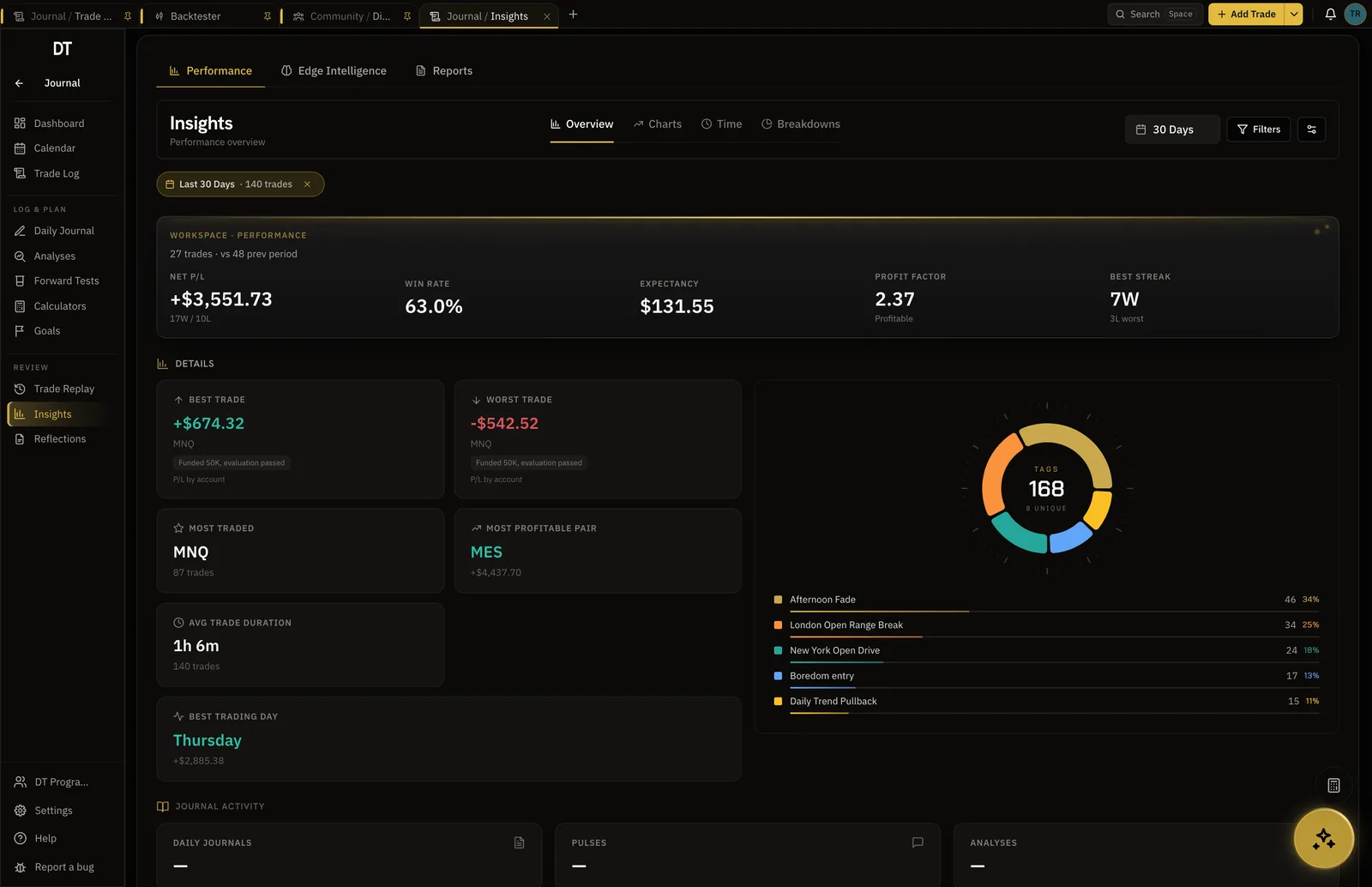
Crypto never closes, so the journal breaks results down by hour and weekday as well as by pair and setup.
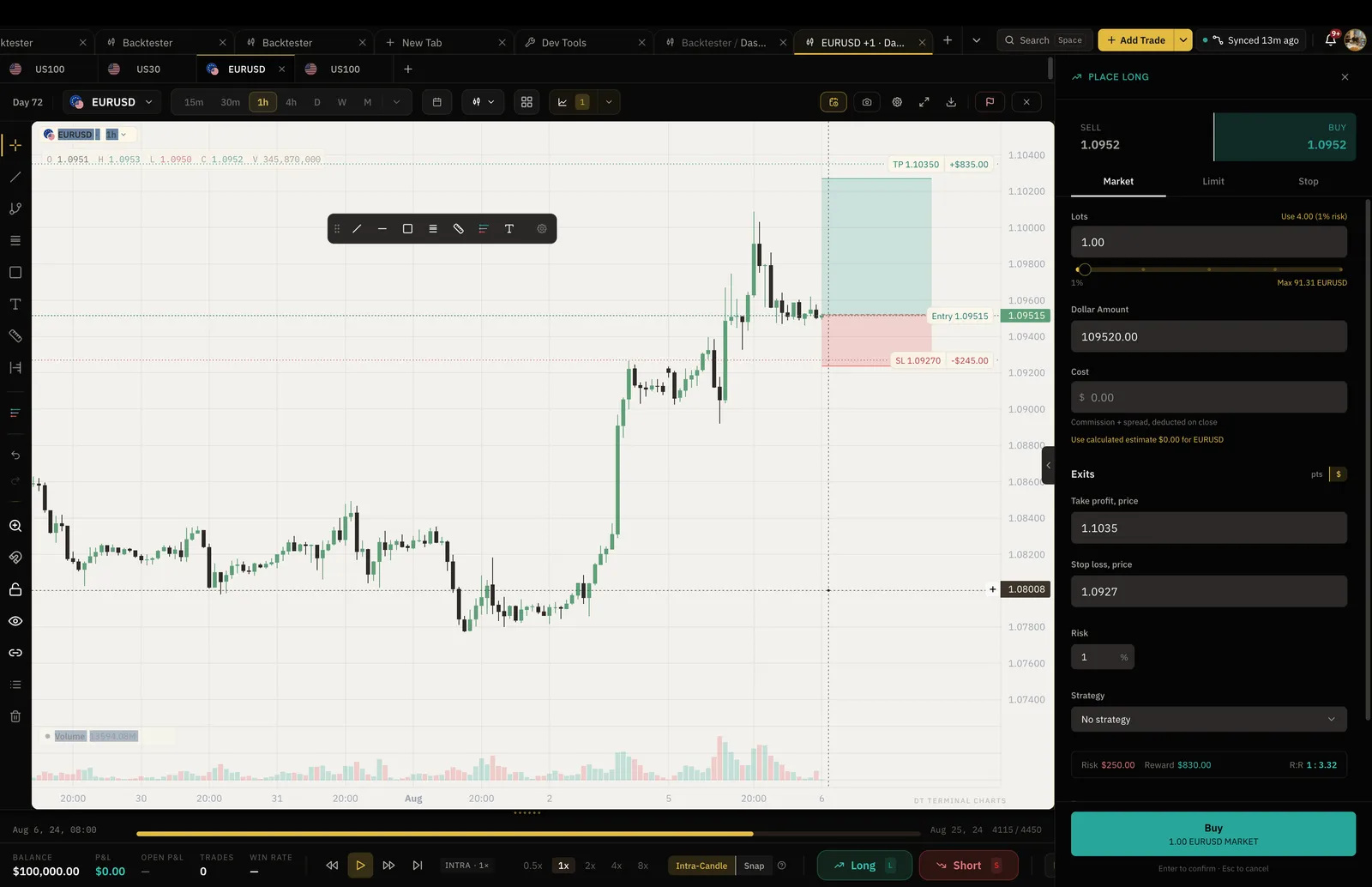
Replay BTC or ETH tick by tick, place simulated entries, and read the session's stats before the idea meets a live account.
More accounts start on Plus, $9 a month or $89 a year.
| Feature | Free | Plus | Pro |
|---|---|---|---|
| Manual and CSV logging | |||
| Sync from your brokerInto your journal: MT4, MT5, cTrader, TradeLocker, Tradovate and supported crypto exchanges. On the free plan your history comes into your journal when you connect, and you can press Sync once. After that new trades keep your Passport up to date, and Plus syncs them into your journal. | History + 1 Sync, then Passport | Into your journal | Into your journal |
| Verified accountsFree verifies and syncs one cTrader, TradeLocker, Tradovate or crypto account. Plus and Pro add more accounts, MT4 and MT5 | 1, not MT4 or MT5 | 3, 1 MT4 or MT5 | 10, 3 MT4 or MT5 |
| Linked broker accountsPro links 1 during the trial | 1 | 3 | 10 |
Full comparison on the pricing page.
Binance, Bybit, OKX, Coinbase, Kraken, KuCoin, Bitget and MEXC among others, through a read-only API key. The full list is in the app when you connect.
Yes. Create it with trading and withdrawal permissions off. DT Terminal can read fills and balances and can do nothing else with the key.
Yes. Perps and spot land in one journal, with fees on the trade and funding where the exchange reports it.
Crypto prop firm accounts that run on the listed exchanges connect the same way. Firms on their own platforms are listed in the directory until a connection exists.
Yes. Free imports 50 trades a batch, Plus and Pro import without limit.
Free syncs one exchange account into your journal. Plus and Pro add more accounts.