Backtest futures with the contract maths built in.
Pick a contract and a date, step the chart forward, and trade it in contracts rather than in vague units. Commission comes off per contract, so the result reads like a statement.
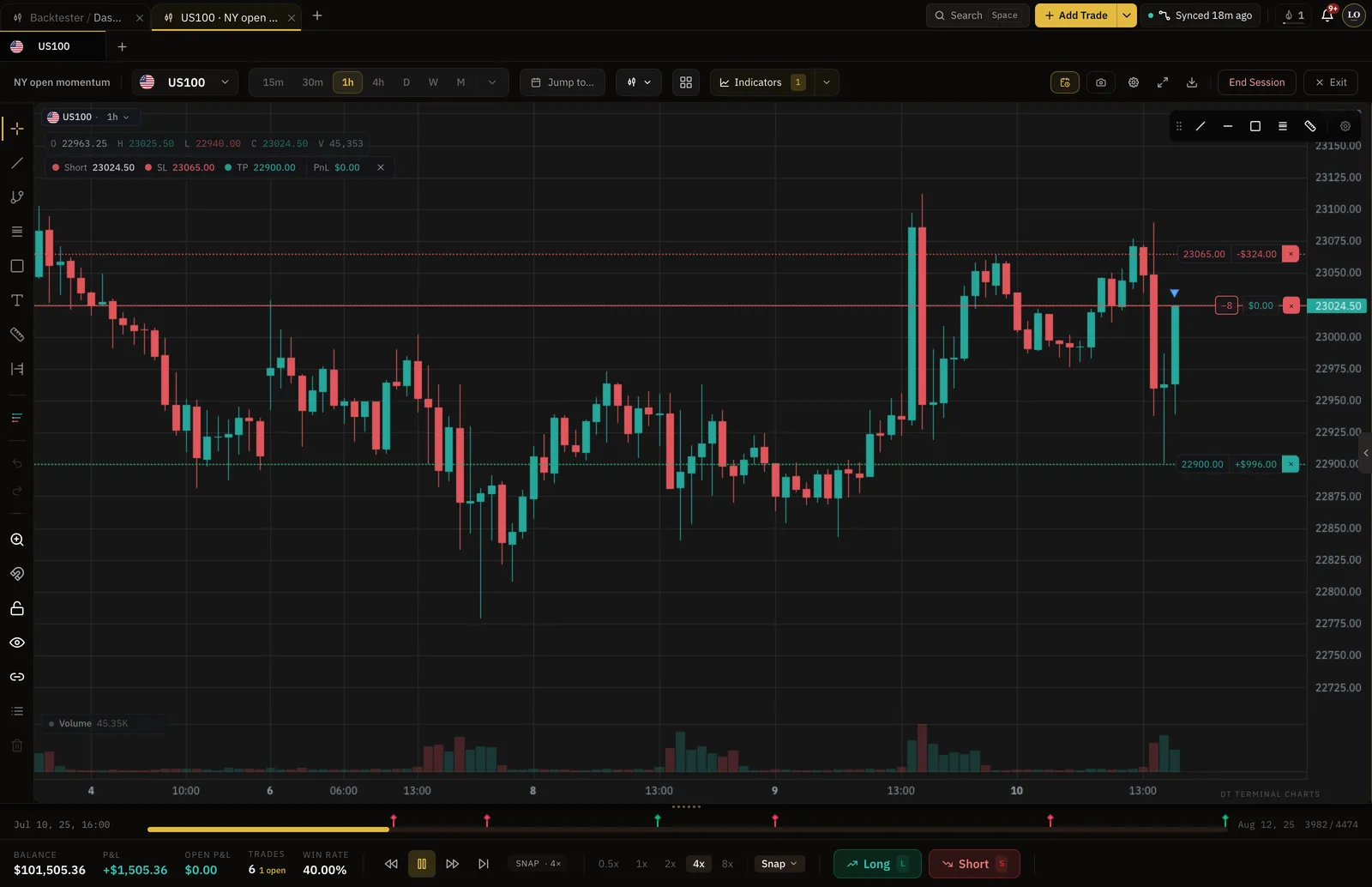
- Sized as the contract is
- Contracts
- Commission in the sim
- Per contract
- Free sessions to start
- 2
- Sessions on Pro
- Unlimited
Where futures backtesting sits
Commission comes off per contract, so the result reads like a statement.
Pick a contract and a date
Choose the contract and where in history to start, then jump to the open or the release you want to study.
Trade it in contracts
Size the position in contracts and step forward one bar at a time, placing stops and targets as if it were live.
Read the net stats
Commission comes off per contract, so the expectancy at the end is a net number.
Sized and costed like the contract it is.
A simulated position is a number of contracts, and the commission rate you set is applied per contract, so the R multiple is the one your statement would show.
- Position sized in contracts
- Per-contract commission applied
- Net expectancy, not gross
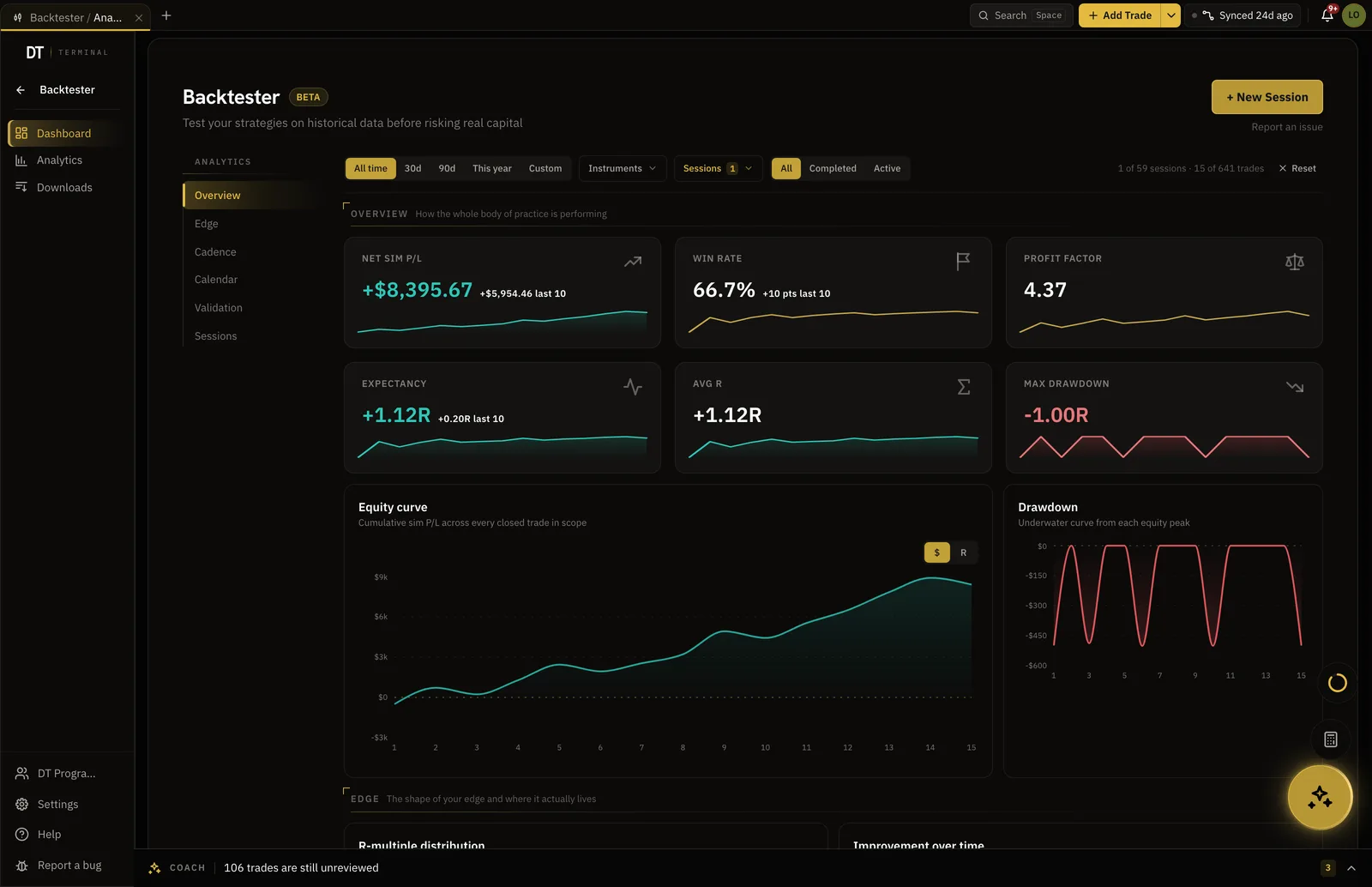
Straight to the cash open, or the print.
Jump to the open, a CPI release or the session you remember, instead of stepping through overnight chop to reach it.
- Any date and time
- The future stays hidden until you step in
- Your drawings stay on the chart
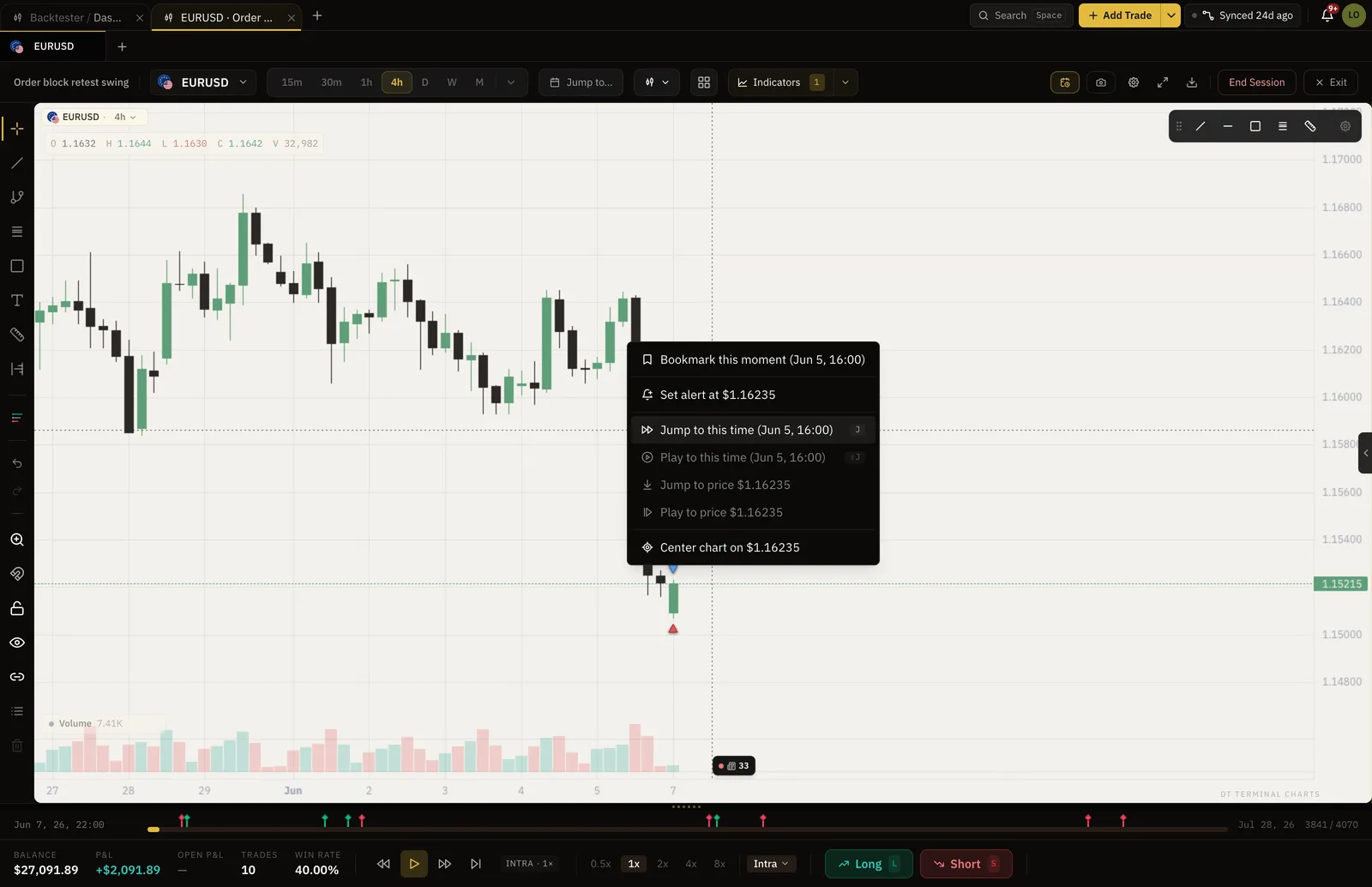
Check the session against the strategy you wrote.
On Plus and Pro a session links to a strategy in your Playbook and every simulated trade is checked against its rules, so the stats at the end belong to the strategy, not just the run.
- Link a session to a Playbook strategy
- Rule checks on every simulated trade
- Edge suggests what to test next
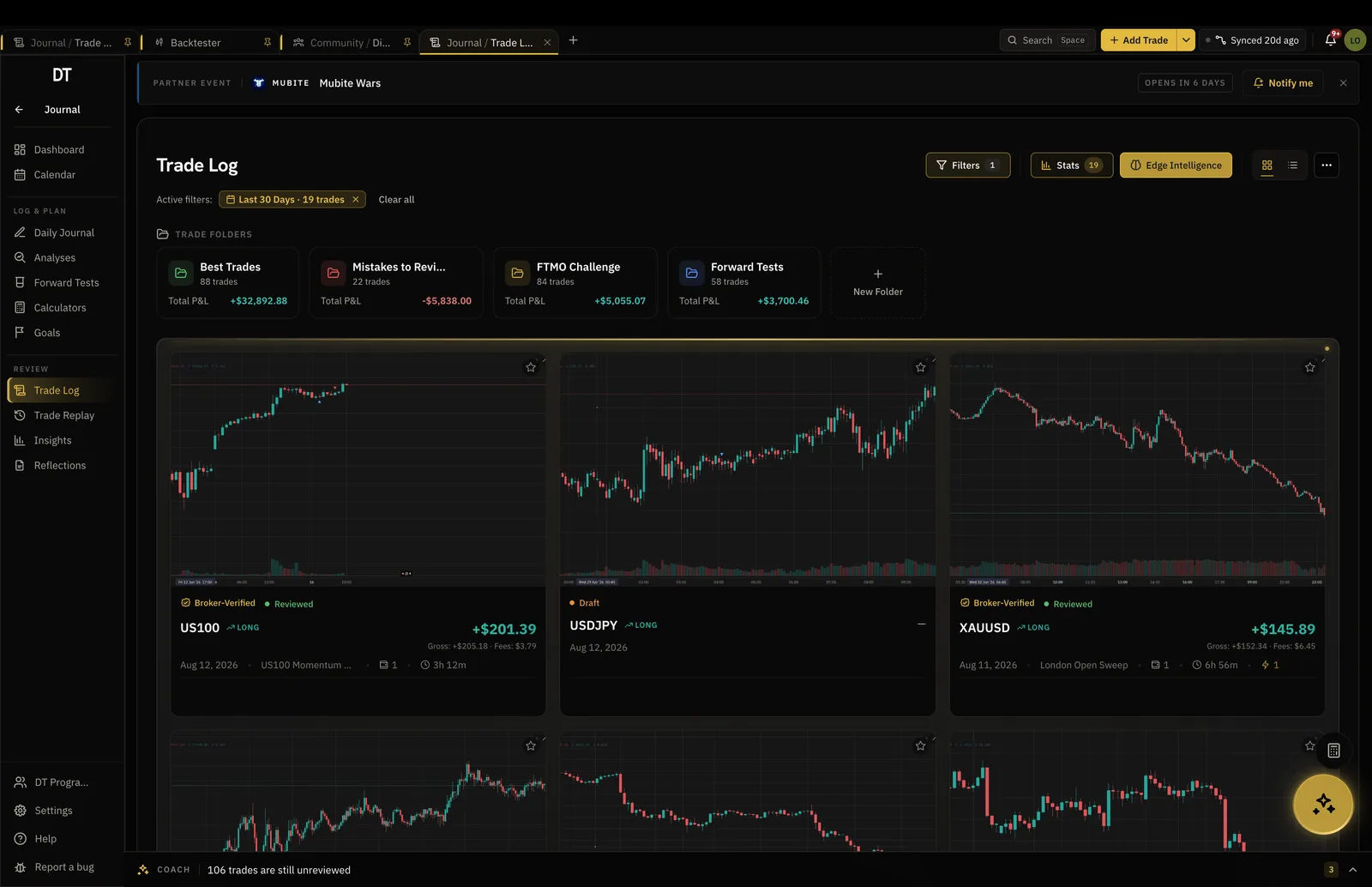
Numbers you can trust.
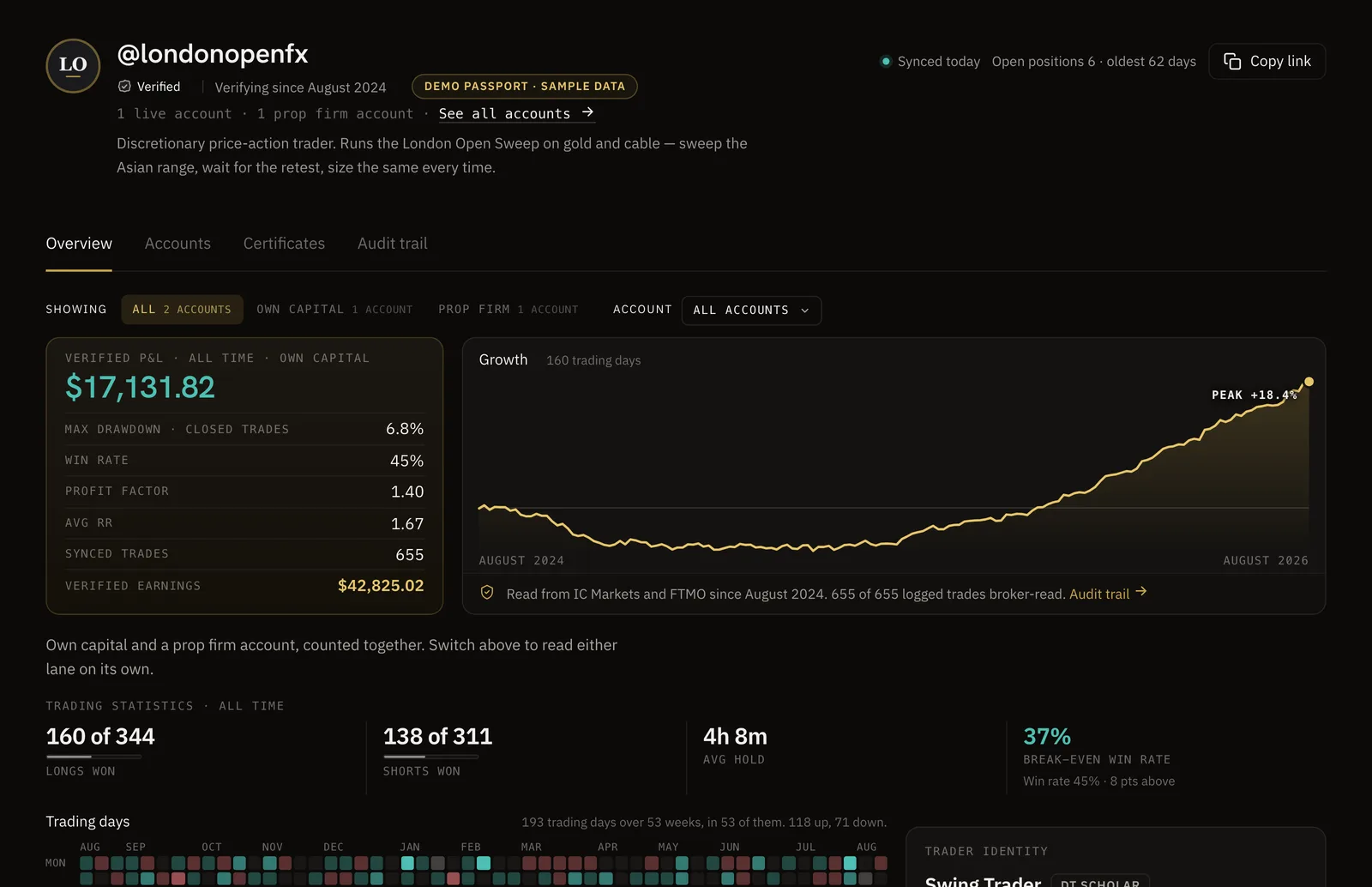
Sync your broker and your record becomes a DT Passport: one link with your P&L and growth read from the broker, shared only when you choose.
The replay is live, and so is Tradovate sync.
Tradovate accounts, and NinjaTrader accounts on a NinjaTrader or Tradovate login, connect read-only and sync. Accounts fed by Rithmic reach the journal by CSV or by hand. The backtester runs on real futures candles either way.
Free keeps 2 full sessions at a time, and Plus 3.
Pro makes them unlimited, $24 a month or $199 a year.
| Feature | Free | Plus | Pro |
|---|---|---|---|
| Backtest sessionsHeld at a time. Delete one to start another | 2 at a time | 3 at a time | Unlimited |
| Trades per session | 50 | 50 | Unlimited |
| Chart tabs and markets per sessionTabs in Live Charts, and markets in one backtest session | 2 | 2 | 8 |
| Chart indicators at onceOn one chart in Live Charts, the Backtester and Trade Replay. Volume and Trading Sessions never count | 1 | 2 | Unlimited |
Full comparison on the pricing page.
Real historical candles for the futures instruments in the app, and coverage grows as data partners are added. Index, energy, metals, rate, currency and agricultural contracts are covered, replayed bar by bar on our own charts.
As a rate per contract, set once and applied to every simulated trade, so the net R at the end of the session matches how the trade would have settled.
Yes. Tradovate accounts, and NinjaTrader accounts that sign in with NinjaTrader or Tradovate credentials, connect read-only and sync. Accounts fed by Rithmic reach the journal by CSV export or by hand.
A free account gets 2 full sessions, up to 50 trades in each, on 2 market at a time. Plus keeps 3 sessions at a time, and Pro removes every cap.
Yes. On Plus and Pro a session can be linked to a strategy in your Playbook, and each simulated trade is checked against the rules you wrote down.
Test the contract before the money is on it.
2 sessions are free, with the commission already taken off.