
See what to fix in your Bybit trading.
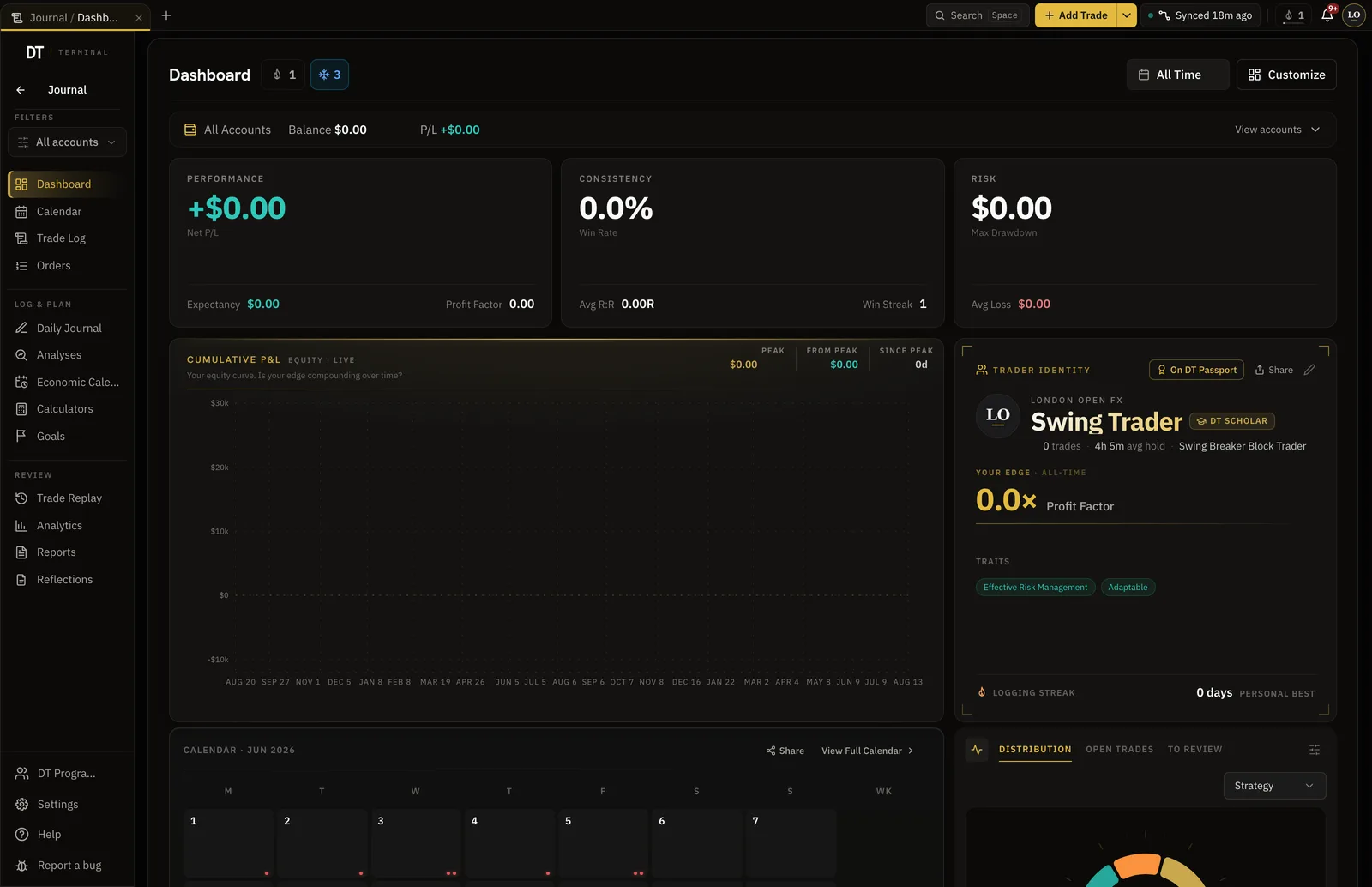
Connect a Bybit account with a read-only API key and every fill arrives with its fees and funding, pulled from the exchange instead of typed in. Edge reads the record and shows which pairs, hours and setups are paying and which to cut.
- 01
Make a read-only key
In Bybit API management, create a key with read permission only. Leave trading and withdrawal off, so the key can see the account and cannot move anything in it.
- 02
Paste it in
Choose Bybit, then paste the API key and the secret. There is no passphrase to find. For a prop challenge, pick the firm and use a Demo Trading key.
- 03
Read the record
Fills land with their fees and funding, and the results break down by pair, hour and setup as the history builds.
Crypto never closes. See which hours pay you.
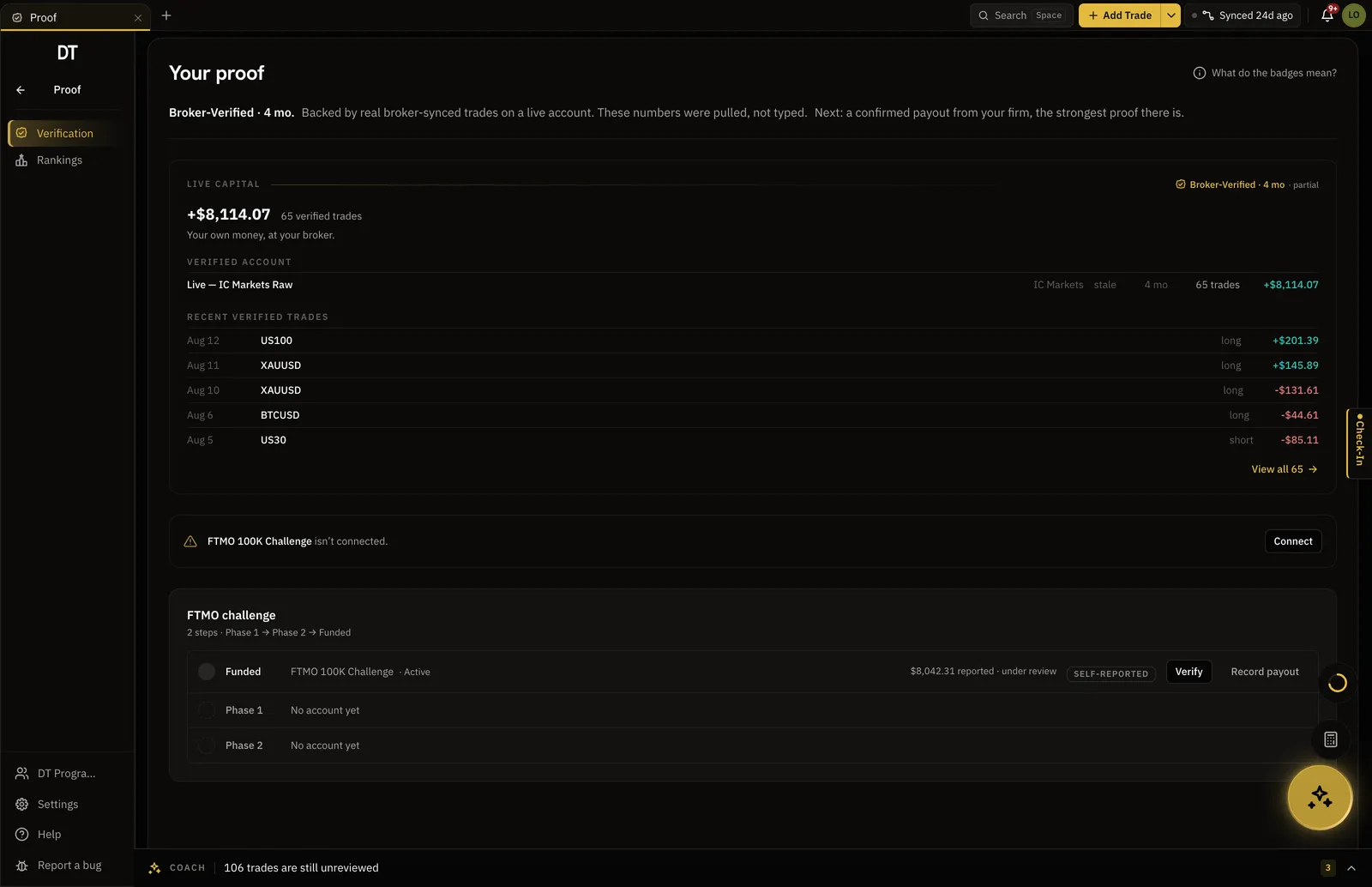
Bybit wrote this record, not you.
Trades read from a live Bybit account carry the verified seal on your record and on your public page. A trade typed by hand stays marked self-reported, so the two never blur together.
- Seal on live account fills
- A public record a funder can check
- Testnet and demo fills kept out of the verified lane
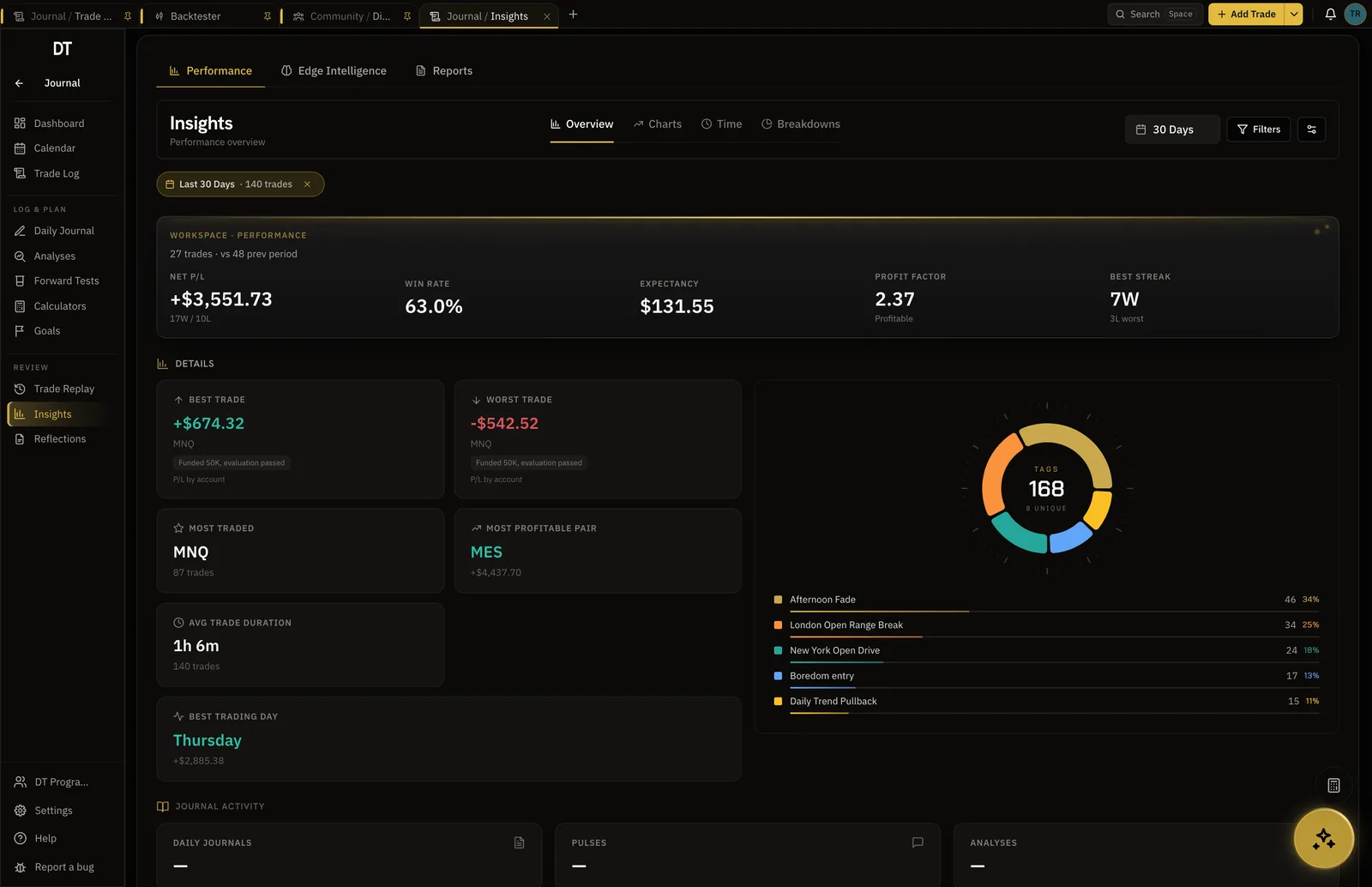
Where the Bybit account makes and loses money.
Fees and funding sit on each trade, so a result counts what the position cost to hold as well as to close. Filter by pair, hour, weekday or setup and every number recomputes.
- Trading fees and funding on the trade
- By pair, hour, weekday and setup
- Expectancy and drawdown per account
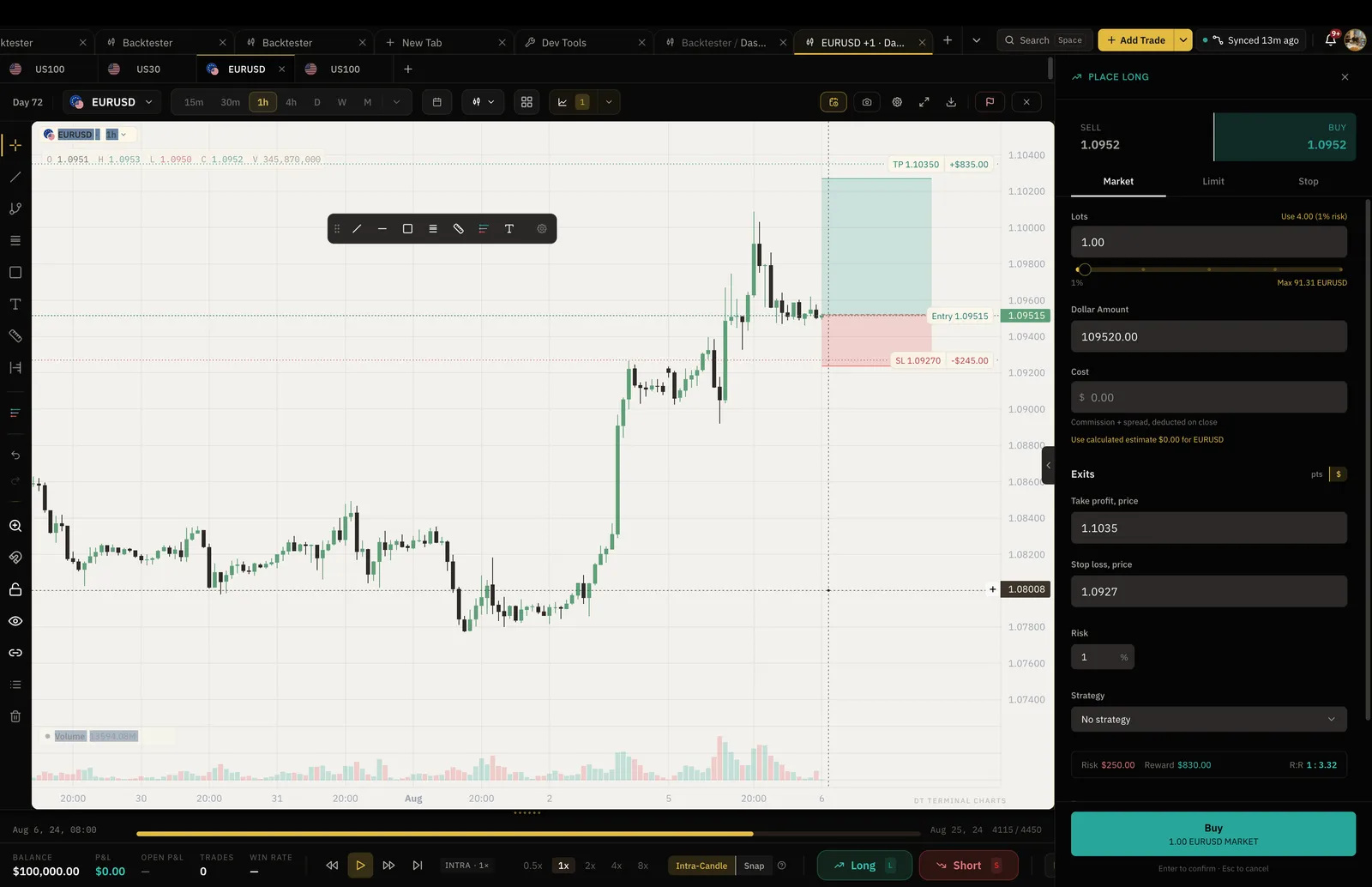
Rehearse the setup before the next Bybit entry.
Replay a crypto chart bar by bar on real historical candles, place simulated entries, and keep the result beside the account that syncs.
- Real historical candles
- 2 sessions free, unlimited on Pro
- Set the results beside your synced trades
Free syncs one Bybit account into your journal hourly, and logging by hand or CSV is free too.
More accounts start on Plus, $9 a month or $89 a year.
| Feature | Free | Plus | Pro |
|---|---|---|---|
| Broker auto-syncInto your journal: MT4, MT5, cTrader, TradeLocker, Tradovate and supported crypto exchanges. Free syncs its one account into your journal every hour | Into your journal, hourly | Into your journal | Into your journal |
| Verified accountsFree verifies and syncs one cTrader, TradeLocker, Tradovate or crypto account. Plus and Pro add more accounts, MT4 and MT5 | 1, not MT4 or MT5 | 3, 1 MT4 or MT5 | 10, 3 MT4 or MT5 |
| Read-only broker connectionsWe read your trades and can never place them | |||
| Linked broker accountsPro links 1 during the trial | 1 | 3 | 10 |
| Manual and CSV logging |
Full comparison on the pricing page.
Yes. HyroTrader, Crypto Fund Trader and Mubite are among the 6 firms in the catalogue that run challenges on a Bybit demo sub-account of your own. Pick the firm, paste a Demo Trading API key, and the challenge syncs under that firm's name. It does not carry the verified seal: nothing Bybit sends names the firm, and a firm chosen from a list is not proof.
DT Terminal values a balance in cash and stablecoins only, and never guesses a coin price. While the account holds BTC or another coin, the balance pauses and the app names the coins that caused it. Your trades keep syncing the whole time.
An API key and its secret, with read permission only. Bybit asks for no passphrase. Create the key with trading and withdrawal off, so the key itself cannot place an order or move funds. DT Terminal only reads fills, fees, funding and balances with it.
Yes, choose Sandbox / testnet when you connect. Testnet trades are filed as a demo account and stay out of the verified lane, because nothing is at stake on them. Only a live Bybit account earns the seal.
Spot and USDT perpetual fills sync with their trading fees, and each funding payment is attached to the trade it belongs to. Funding on coin-margined contracts is skipped for now, and the sync tells you when it happens.
Make the key once. The record keeps itself.
Free syncs one Bybit account into your journal. Plus and Pro add more accounts.