London
+0.18R
Expectancy per trade
- Trades
- 36
- Win rate
- 44.4%
Index, metal, energy and share CFDs arrive from any MT4 or MT5 broker, synced read-only on Plus or Pro, with the numbers by instrument, session and setup and Edge pointing at what to fix.
Broker spellingsSPX500folds intoUS500
+0.18R
Expectancy per trade
+0.29R
Expectancy per trade
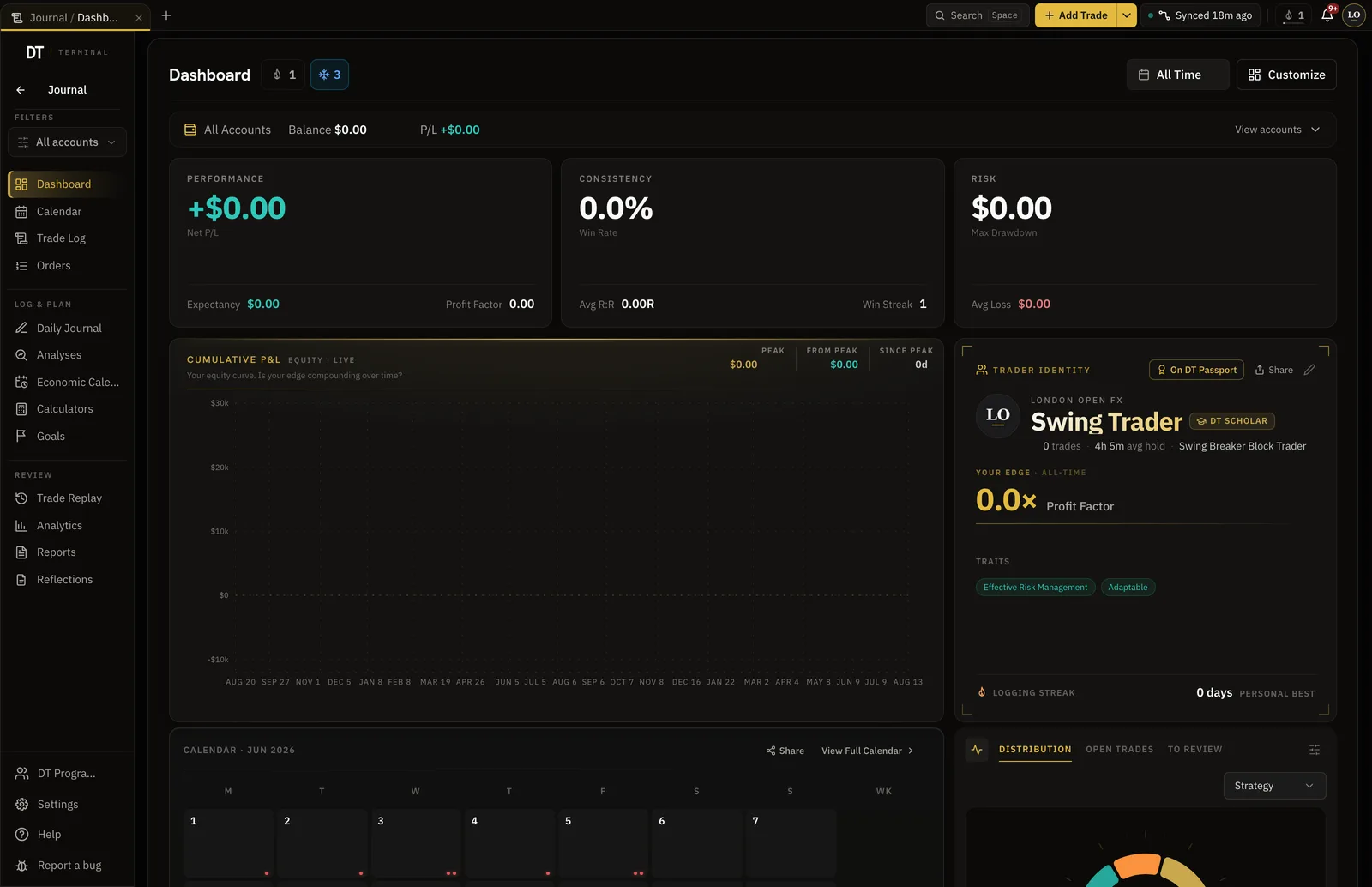
Example figures, not a real trader's results. In the app this view reads your own synced fills and recomputes when you filter.
Read-only MT4 or MT5 login. Nothing installed in your terminal.
Fills arrive with the contract size, commission and swap the broker reported.
US500 against gold, London against New York, the setup that is paying.
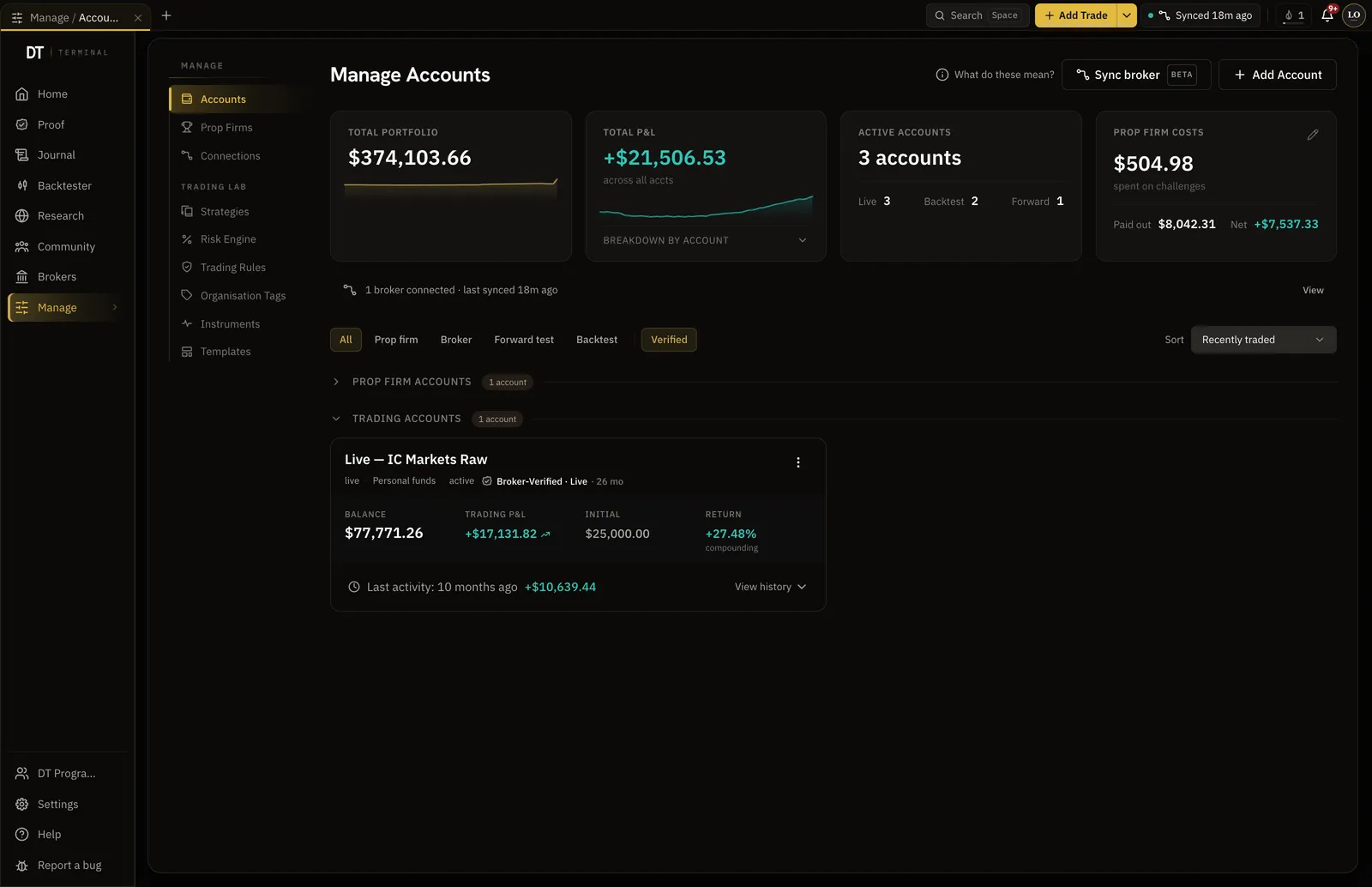
CFD fills come through with their lot size and costs, so the net R in the journal is the one on the statement.
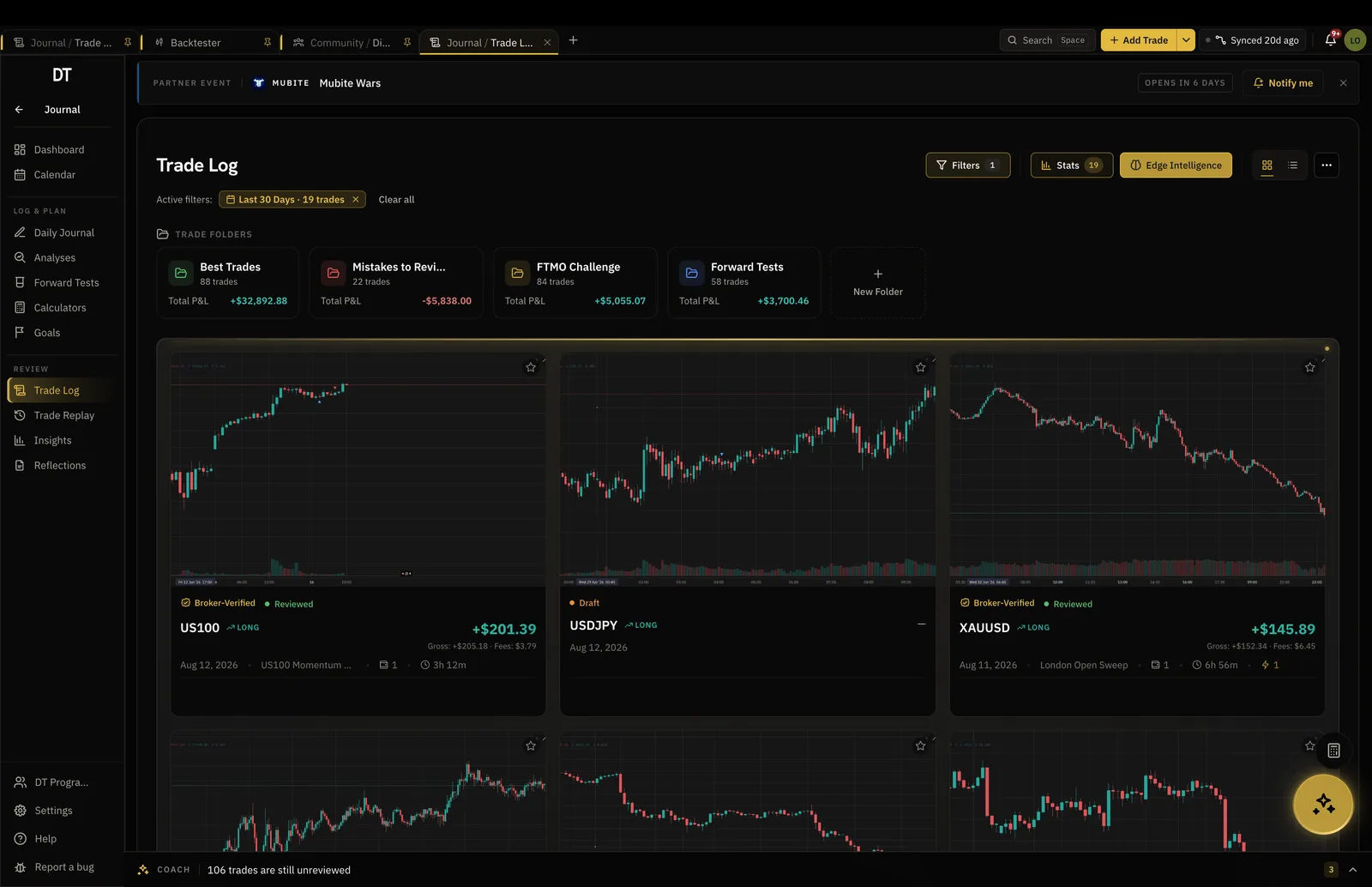
Filter the record and every number recomputes, so you can see whether the gold trades or the index trades are carrying the account.
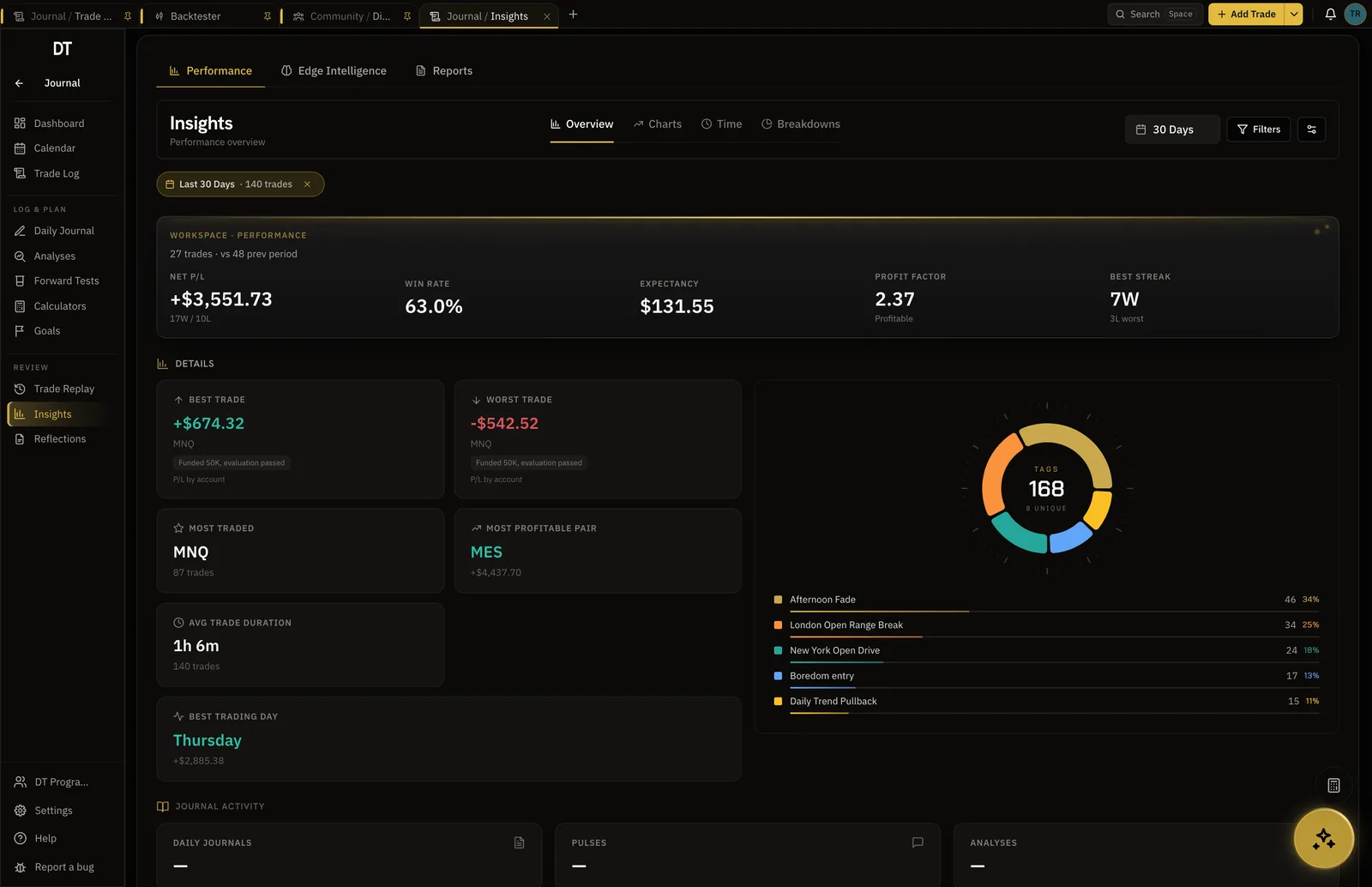
Synced trades carry a verified seal on your record and public page. Typed ones are marked self-reported. That difference is the whole point.
MT4 and MT5 sync starts on Plus, $9 a month or $89 a year.
| Feature | Free | Plus | Pro |
|---|---|---|---|
| Manual and CSV logging | |||
| Broker auto-syncInto your journal: MT4, MT5, cTrader, TradeLocker, Tradovate and supported crypto exchanges. Free syncs its one account into your journal every hour | Into your journal, hourly | Into your journal | Into your journal |
| Verified accountsFree verifies and syncs one cTrader, TradeLocker, Tradovate or crypto account. Plus and Pro add more accounts, MT4 and MT5 | 1, not MT4 or MT5 | 3, 1 MT4 or MT5 | 10, 3 MT4 or MT5 |
| Trading accounts | 1 | 3 | Unlimited |
| Tags | 15 | Unlimited | Unlimited |
Full comparison on the pricing page.
Any broker that gives you an MT4 or MT5 login, 331 of them named in the catalogue, plus cTrader and TradeLocker where supported.
Yes. Common broker aliases for indices and metals are folded into one instrument so your stats are not split across spellings.
They arrive with the fill from the broker and are included in the net result of the trade.
Yes, the same way. See the prop firm page for verified rooms and the funded record.
Yes. The backtester replays real candles for the indices, metals and energy in the app, bar by bar.
Free to start. Sync when you are ready to stop typing.