A trading journal template you can import
By DT Terminal · Published · Updated
A trading journal template is worth having only if it captures enough to answer questions later and still imports cleanly when you outgrow the spreadsheet. This one is a CSV with fourteen columns and eight filled sample rows. Six columns are required, because no journal can accept a trade without them: the symbol, the entry and exit times, the entry and exit prices, and the size. Always fill the direction too, even though the importer can infer it. The rest are what make review possible, and the two that matter most are the stop and the target as they stood at entry, because without the stop there is no R and every result is just a number of dollars. Open it in Excel, Google Sheets, Numbers or Notion, keep the header row as it is, and it imports into DT Terminal without any column mapping.
What each column holds, and which six are required.
| Column | Required | What goes in it | Example |
|---|---|---|---|
| Symbol | The instrument, written the way your broker writes it | EURUSD | |
| Type | Long or short. Inferred from the prices if you leave it out, so fill it | Long | |
| Entry Time | When the position opened, as YYYY-MM-DD HH:MM | 2026-09-01 08:15 | |
| Exit Time | When it closed. Never earlier than the entry | 2026-09-01 09:40 | |
| Entry Price | The fill price you opened at, greater than zero | 1.0842 | |
| Exit Price | The fill price you closed at, greater than zero | 1.0868 | |
| Position Size | Lots, contracts or shares, in the units your broker uses | 1 | |
| Stop Loss | The stop as it stood at entry. This is what makes R possible | 1.0820 | |
| Take Profit | The target as it stood at entry | 1.0890 | |
| PnL | The net result in your account currency, costs already taken out | 253.00 | |
| Commission | Commission charged, for your own reference | 7.00 | |
| Swap | Overnight financing, for your own reference | 0 | |
| Account | Which book the trade belongs to, such as a live account or a challenge | Main Live | |
| Position ID | The broker ticket. Rows sharing one are merged as partial fills | 1000001 |
Required means the trade does not survive the import without it. A missing price is refused outright; a missing size, time or symbol is quietly defaulted to 1, to now, and to UNKNOWN, which is worse. Everything else is optional, and the stop is the one worth never skipping.
The template, filled in.
Fourteen columns and eight sample trades across forex, gold, an index and crypto, so you can see the shape before you clear them out. Nothing to sign up for.
Download the CSV templatedt-terminal-trading-journal-template.csv
What each group of columns is for, how to fill it without breaking the import, and when a spreadsheet stops being enough.
01The six columns nothing works without
Symbol, entry time, exit time, entry price, exit price and size are what define a closed trade. Leave one out and the import does not simply stop: a missing price is refused, but a missing size becomes 1, a missing time becomes the moment you imported, and a missing symbol becomes UNKNOWN. A refused row is obvious. A defaulted one looks fine and quietly distorts every average you calculate later, which is the better reason to fill all six.
Direction is the seventh field of the same kind. It can be inferred from the prices and the result, so the importer will not complain, but leaving it to be guessed is a poor habit on a trade that scratched.
Keep one row per closed trade. If a position was filled in several pieces, either combine it into one row yourself or give the pieces the same Position ID, which is how the importer knows to merge partial fills into a single trade with a weighted average price.
- One row per closed trade, not per fill and not per order
- Times as YYYY-MM-DD HH:MM, with the exit never before the entry
- Prices and sizes as plain numbers, with no currency symbols
02The columns that make a review possible
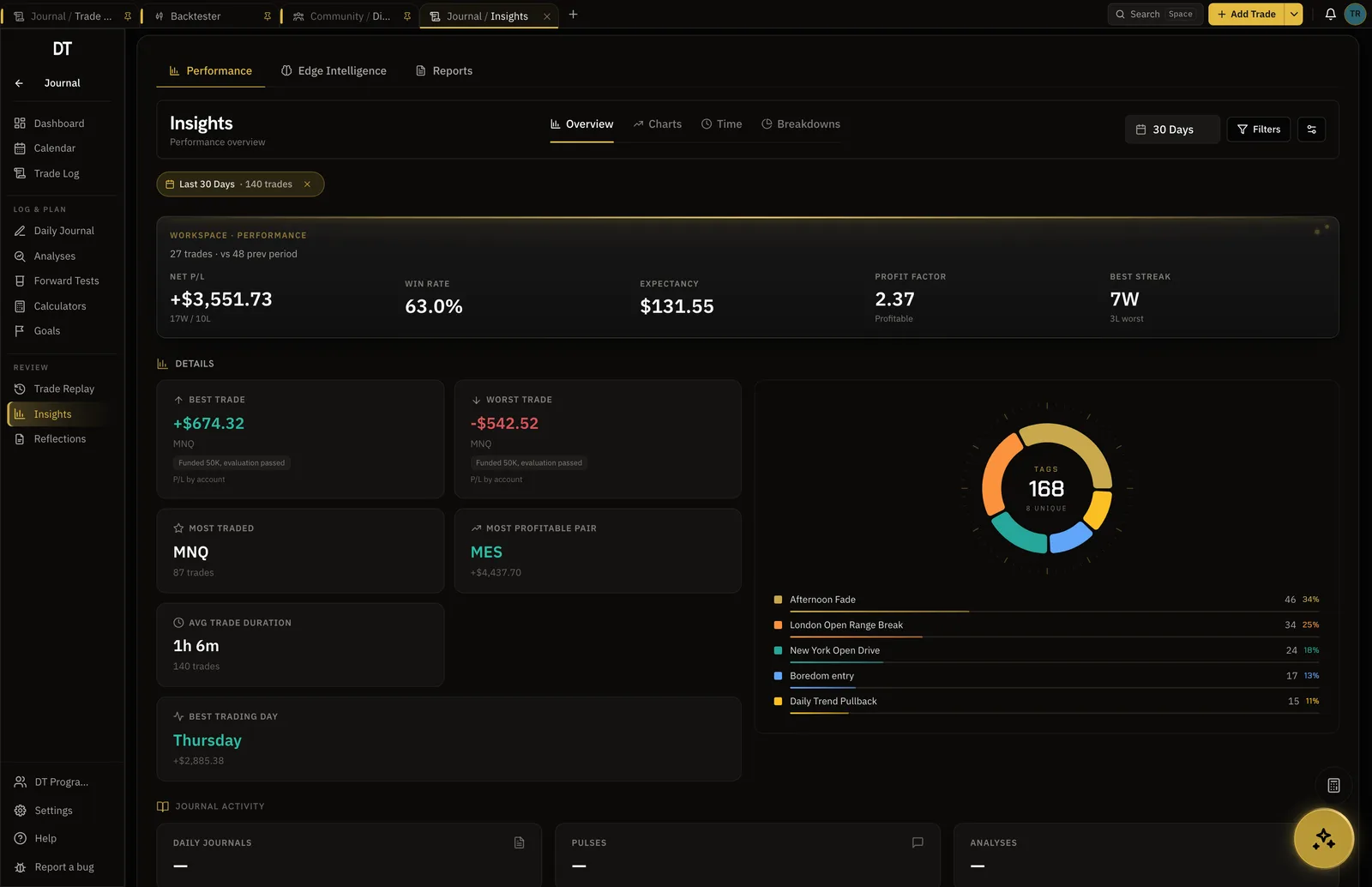
The stop and the target as they stood at entry are the two most valuable optional columns, because they turn a dollar result into an R multiple. R is the result divided by what you risked, and it is the only unit that lets you compare a trade on gold with a trade on an index, or this month against a month when you traded smaller.
Commission and swap are worth recording even though the PnL column is already net of costs, because a strategy that looks flat before costs and negative after them is a strategy about your broker, not your edge. Account matters as soon as you have more than one book, such as a live account and a challenge, since averaging them answers neither question.
- Stop at entry, so every trade has an R value
- Commission and swap, so costs can be separated from the strategy
- Account, so a challenge never smears into your live numbers
03Add the two columns a broker will never give you
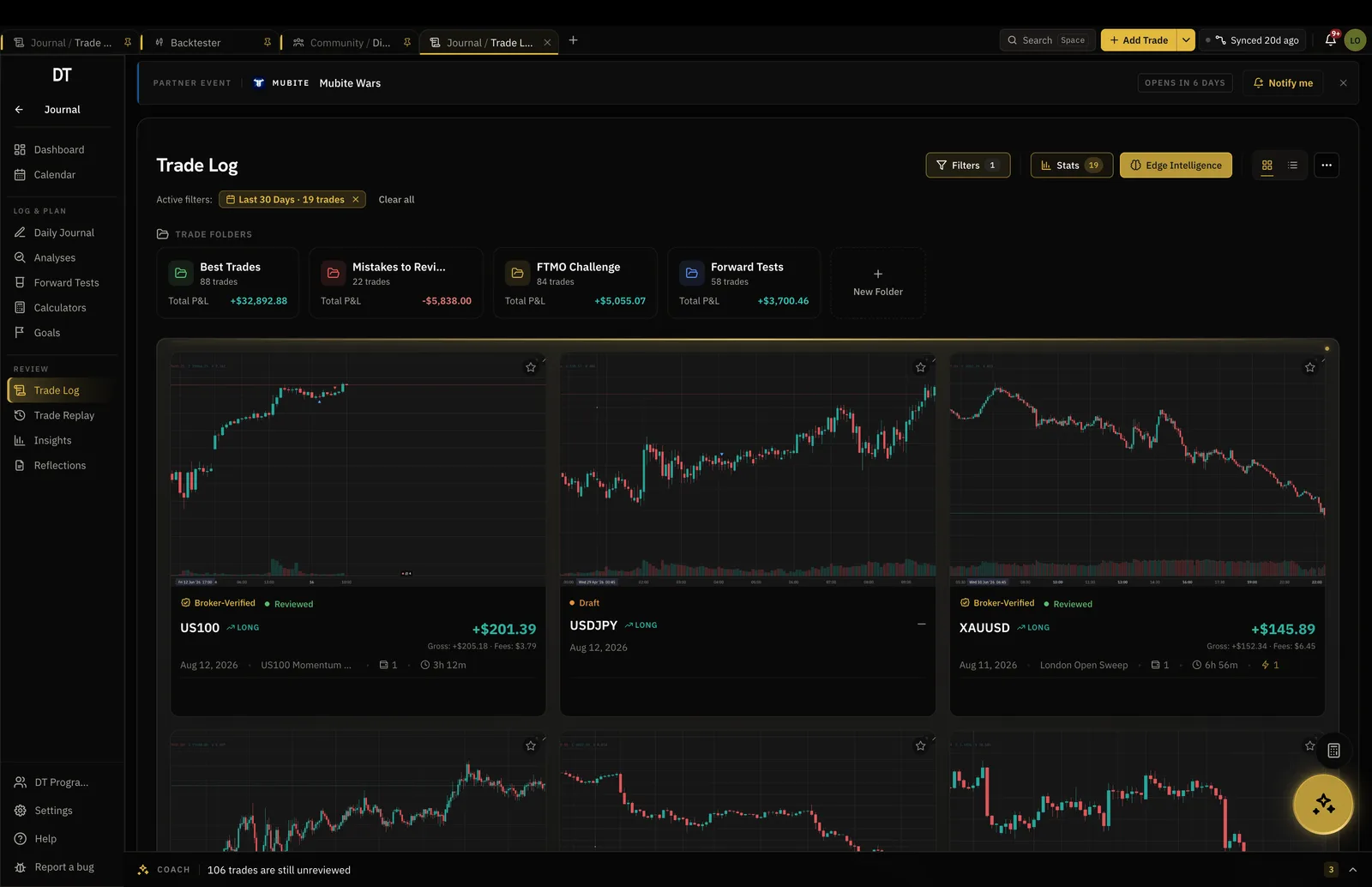
Everything above can be exported from a broker. What decides whether the journal is useful is the part only you can write: why you took the trade, and what you did wrong. Add two more columns to the spreadsheet, a setup or strategy name and a short note, and fill them the same day.
Keep the setup names to a short fixed list rather than free text. Five names you reuse can be counted and compared. Fifty names written differently each time cannot, and that is the difference between a journal that answers questions and a diary.
- A strategy or setup name, from a short fixed list
- A one line reason written at entry, not reconstructed later
- A mistake tag, because untagged mistakes are never counted
04Filling it in without breaking the import
Leave the header row exactly as it is. The importer matches those names, so a renamed header means mapping the column by hand at import time. Dates as YYYY-MM-DD HH:MM are read without ambiguity, which is why the samples use that format: written as 03/09/2026, a date can be read two ways depending on where the file came from.
Write numbers plainly. No currency symbols, no thousands separators, and a full stop for the decimal point. A negative result goes in with a minus sign rather than in brackets. Blank cells are fine for optional columns, and blank rows are ignored. A Notion export, where each row arrives wrapped in quotes, is detected and unwrapped on import.
- Do not rename or reorder the header row
- No currency symbols, no thousands separators, minus signs for losses
- Save as CSV rather than as a spreadsheet file when you are ready to import
05Importing it
Upload the file on the import screen and the format is detected. A free account imports up to 50 trades per file, which is enough to test the shape of the data before committing to a history. Plus and Pro remove the cap and import a full history in one batch.
The same screen reads broker reports directly, so once you have moved off the spreadsheet you can drop an MT5 HTML statement, a Tradovate performance CSV, an Exness or Binance export, or a generic broker CSV, and the columns are matched for you. A file whose columns are unusual can be mapped by Edge AI instead, which counts as one screenshot or chart read from your monthly Edge allowance.
- Free imports up to 50 trades per file, Plus imports the lot at $9 a month
- MT5 HTML, Tradovate, Exness, Binance and generic CSVs are detected without mapping
- Review the parsed rows before they are saved, and fix anything the file got wrong
06When a spreadsheet stops being enough
A spreadsheet is a good place to start and a bad place to stay, for three reasons. It is typed, so nobody has any reason to believe it, including you in six months. It goes stale, because filling it in is a chore that competes with trading. And it cannot show you a trade on its chart, which is where most of the lesson actually is.
The honest counter argument is that a spreadsheet is free, private and yours forever, and a plain CSV export from any journal keeps that true. In DT Terminal the free tier holds unlimited hand logged trades with 3 tags each and verifies one broker account that is not MT4 or MT5 for the public passport, importing that account's past history into the journal once when it connects. MT4 and MT5 verification, ongoing sync into the journal, monthly reports and CSV exports start on Plus. Broker sync covers MT4 and MT5 by read only investor login, cTrader, TradeLocker and Tradovate by the platform's own sign in, and crypto exchanges by read only API key. A NinjaTrader account syncs when it signs in with NinjaTrader or Tradovate credentials, one fed by Rithmic does not, and stock broker sync is absent, so those still arrive by file.
- A typed record cannot be verified, however carefully you keep it
- Synced trades arrive on their own, which is what keeps a journal current
- Keep exporting to CSV either way, so the record stays yours
Seven are structural: symbol, direction, entry and exit times, entry and exit prices, and size. Add the stop and target as they stood at entry, because they turn results into R multiples, plus commission, swap and the account the trade belongs to. Then add the two a broker cannot give you, a setup name from a short fixed list and a one line reason. That is fourteen columns of fact and two of judgement, which is enough to answer almost any question you will ask later.
Yes. It is a plain CSV, so it opens in Excel, Google Sheets, Numbers and LibreOffice, and it can be imported into a Notion database. Keep the header row unchanged and save as CSV when you want to import it. Notion exports wrap each row in quotes, and the importer detects that format and unwraps it.
Use YYYY-MM-DD HH:MM, as the sample rows do. It sorts correctly as text and cannot be read two ways, unlike 03/09/2026, which is the third of September in most of the world and the ninth of March in the United States. The importer also understands the MetaTrader style YYYY.MM.DD HH:MM:SS and a few others, but the ISO style is the one that never surprises anyone.
Usually, though you may have to map the columns. Most journals accept a CSV and ask you to say which column is which on the way in, and the names here are the common ones, so the mapping is quick. The fields themselves are standard: nothing in this template is specific to DT Terminal except that our importer recognises these headers without being told.
R is the result divided by the amount you risked. Risk is the distance from the entry price to the stop, multiplied by the size and the contract value, which is why the stop column matters. A trade that made 253 with 130 at risk is plus 1.95R. Once every trade has an R, you can average them into expectancy, which is the number that tells you whether the strategy is worth trading at all.
Importing is available on the free tier, capped at 50 trades per file, and a free account holds unlimited trades once they are in. Plus, at $9 a month, removes the per file cap so a full history goes in at once, and syncs connected broker accounts into the journal, so most trades stop needing a file at all.