Trading verification · Advanced
Built for traders who already keep a record.
Several broker-verified accounts, several strategies, and the analysis that tells them apart: exit optimisation on your own history, pattern recognition, trade compare and monthly reports.
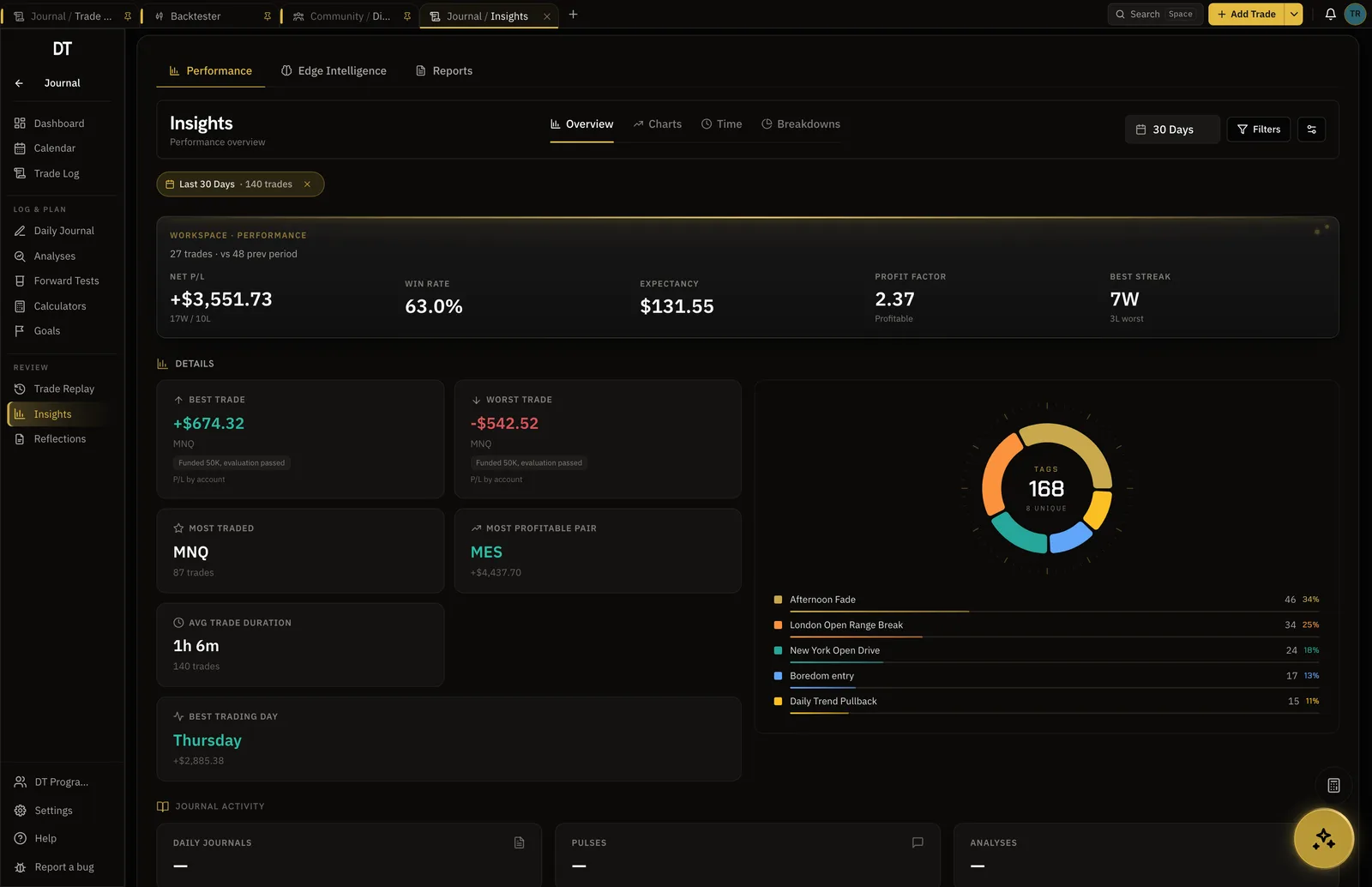
- Unlimited
- Accounts on Pro
- Unlimited
- Strategies, each with its own stats
- Desktop
- Windows and macOS app
- $149
- Pro, per year
How it works
- 01
Link every account
Broker accounts sync read-only. Manual ones import in bulk. Each keeps its own drawdown and rules.
- 02
Split by strategy
Every trade belongs to a strategy, and every strategy reports on its own.
- 03
Let the analysis argue
Exit Optimizer, pattern recognition and trade compare read the history and show their working.
Compare
Two trades, two months, two strategies.
Put any two things side by side and the differences are listed, not implied. Pattern recognition finds the setups you keep taking without naming them.
- Trade compare with differences summarised
- Pattern recognition across the log
- Advanced report comparisons
Rules
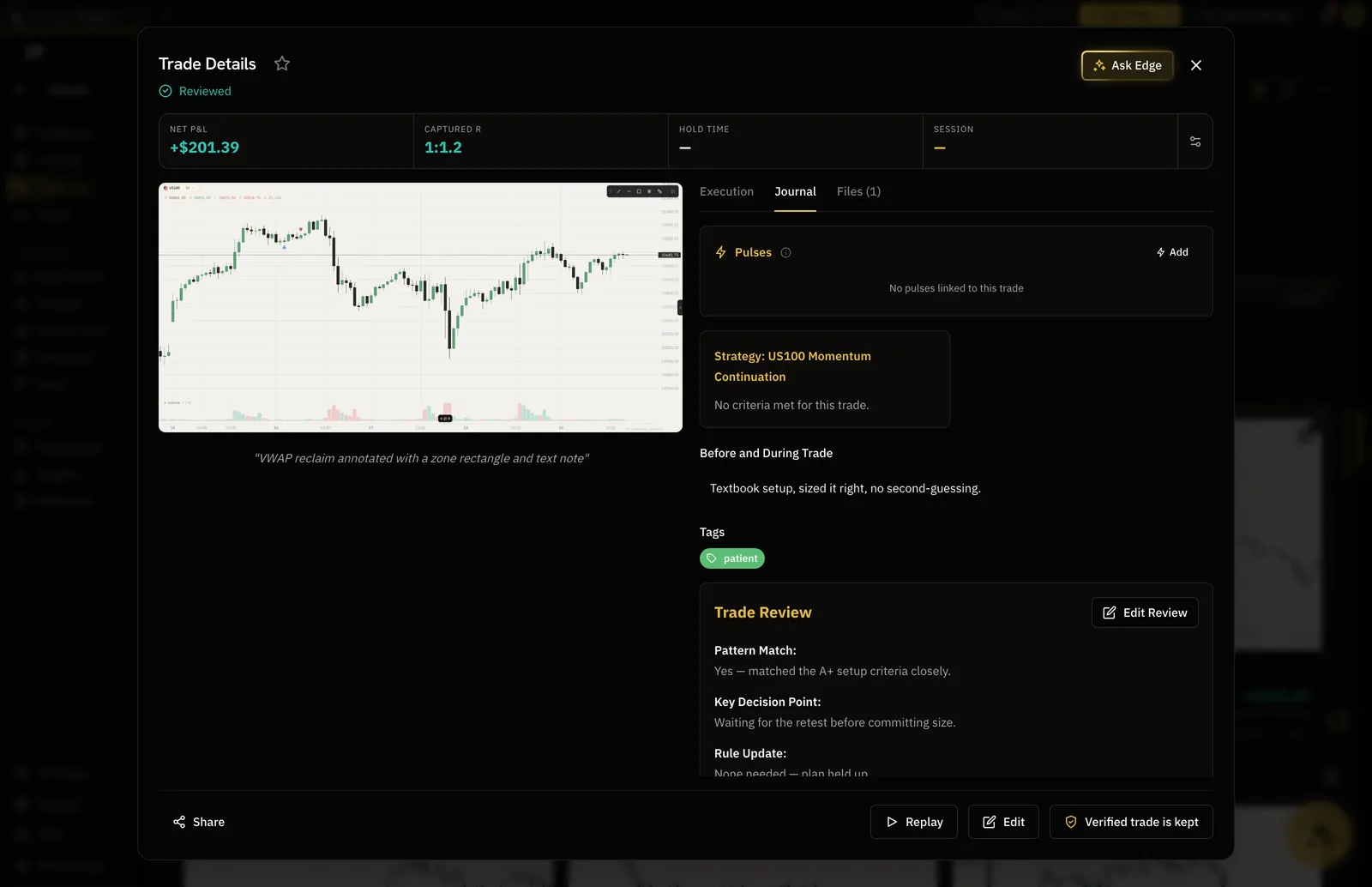
Backtests checked against the strategy you wrote.
Link a session to a strategy and every simulated trade is checked against its rules. The stats at the end are for the strategy, not just the session.
- Strategy linking and rule compliance
- Unlimited sessions that never expire
- Export to the Trade Log
Workspaces
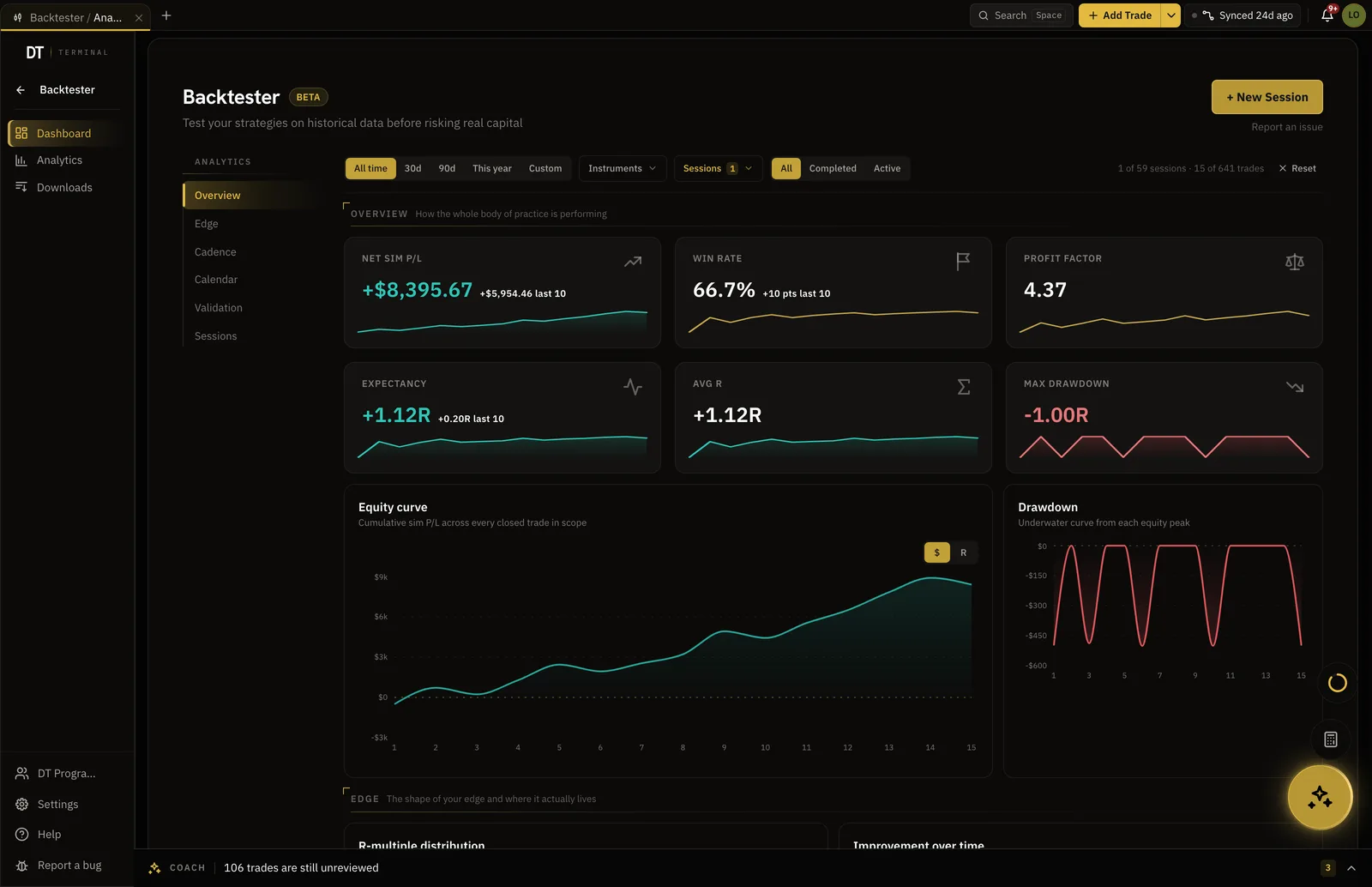
Tabs, workspaces and search, on the desktop.
Open the journal, the backtester and research as tabs, search everything from one box, and run it as a native app on Windows or macOS.
- Tabs along the top
- Search that reaches every record
- Desktop app, out now
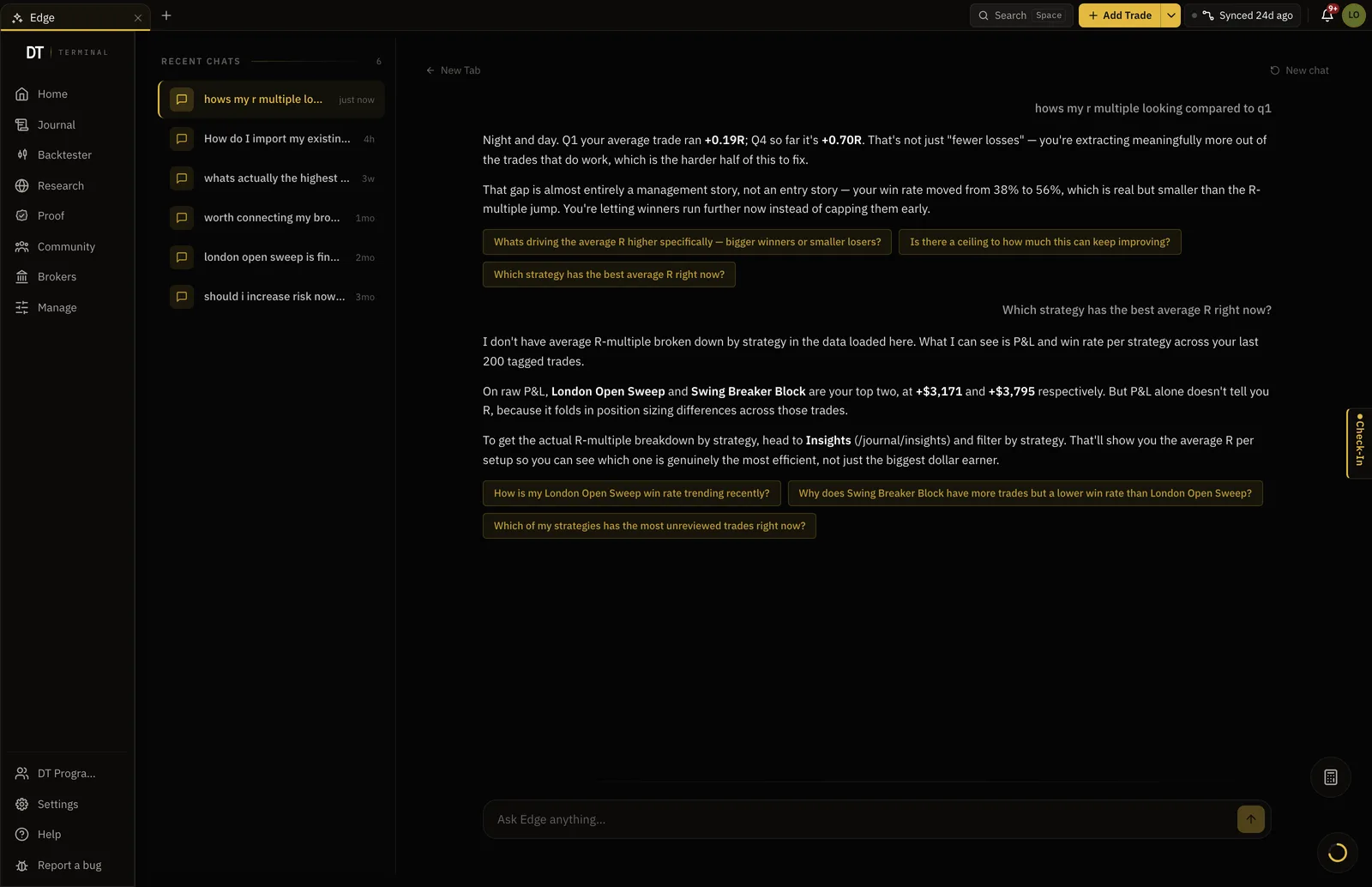
Edge
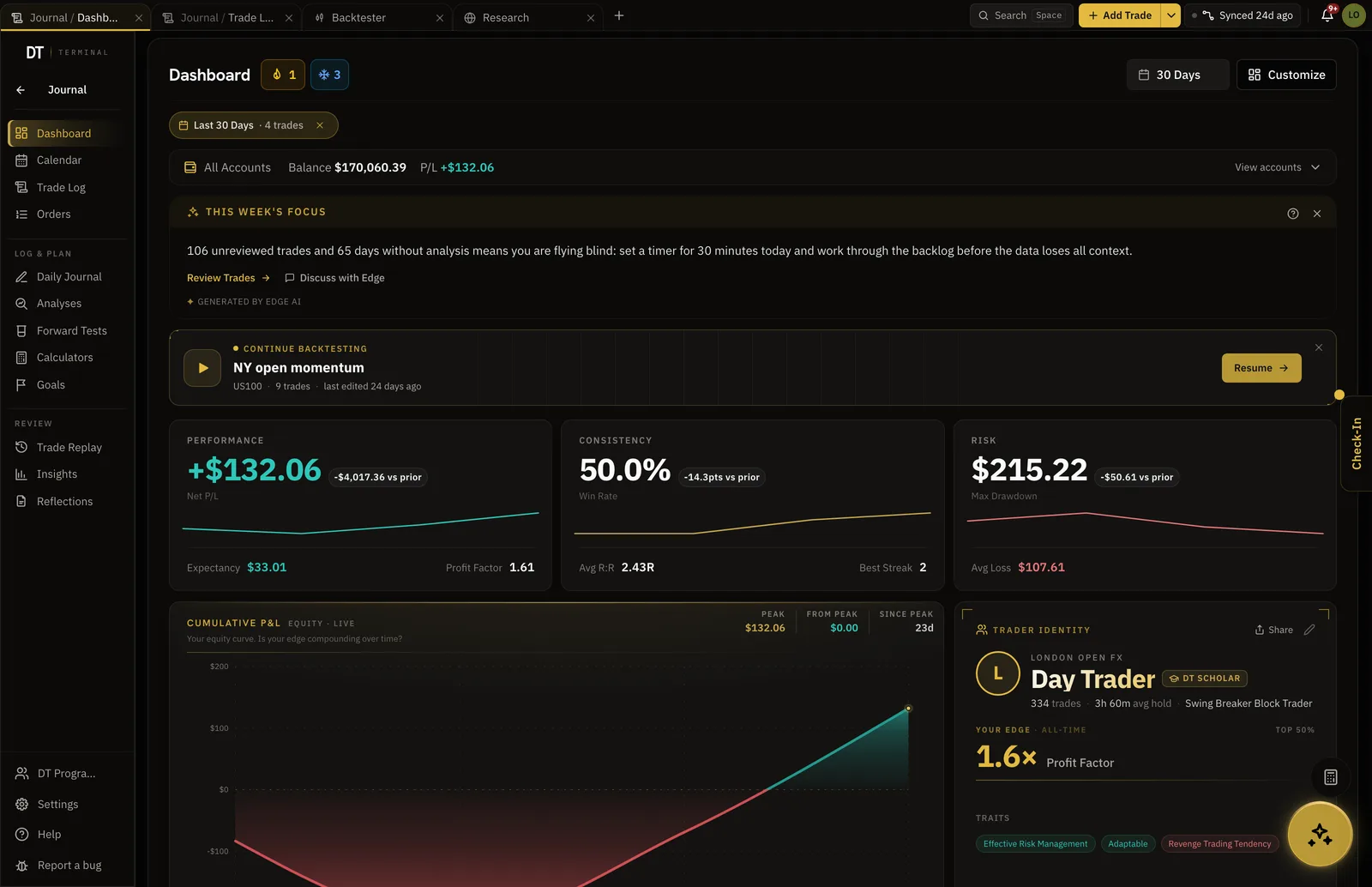
A coach with the whole record in context.
Ask across accounts and strategies. Edge answers with your numbers, unlimited on Pro, and reads the reports as well as the trades.
- Unlimited chat on Pro
- Edge Intelligence insights
- Context while logging
What Pro adds
$18 a month or $149 a year.
Everything below is in it.
| Feature | Free | Pro |
|---|---|---|
| Trading accounts | 1 | Unlimited |
| Linked broker accounts | Up to 3 | |
| Strategies | 1 | Unlimited |
| Exit OptimizerTested stop and target distances against your history | ||
| Monthly performance reports | ||
| Export trade history | ||
| Import per batch | 10 trades | Unlimited |
Full comparison on the pricing page.
Questions
How many accounts can I run?
Unlimited accounts on Pro, with up to three of them linked to a broker for read-only sync. Every account keeps its own drawdown, rules and stats.
Can I export my data?
Yes. Pro exports the full trade history. Your record is yours.
What does the Exit Optimizer do?
It tests stop and target distances against your own history and shows which would have paid, with the trades behind each result.
Is there an API or an MCP?
An MCP connector is in development and will open the whole terminal, every workspace and every record, to Claude and other MCP assistants with consent per scope. There is no public REST API today.
Is there a desktop app?
Yes, for Windows and macOS, signed and downloadable now. It runs the same terminal with native windows and tab tear-off.
Can I run DT Terminal from Claude?
Soon. We are building an MCP connector that opens the whole of DT Terminal to Claude: every workspace and every piece of your data, to read and to act on, with your consent per scope. It works with any assistant that speaks MCP, and it is in development, not live yet.
Bring the history. The analysis is waiting for it.
Pro imports without limit and syncs up to three broker accounts.
Your privacy choices
Essential storage keeps DT Terminal working. Optional: product analytics and 60-day referral attribution. Change it any time in our Privacy Policy.