Fewer trades, so each one keeps its thesis.
Sync the broker and each position arrives on its own, with the reason you took it written beside it. A swing trader has time to write down why, and the research that argued for it sits in the same terminal, not another tab.
- Tendency by month, per instrument
- Seasonality
- Positioning beside the chart
- COT
- Auto-tracked from your trades
- Goals
- Pro, per year
- $199
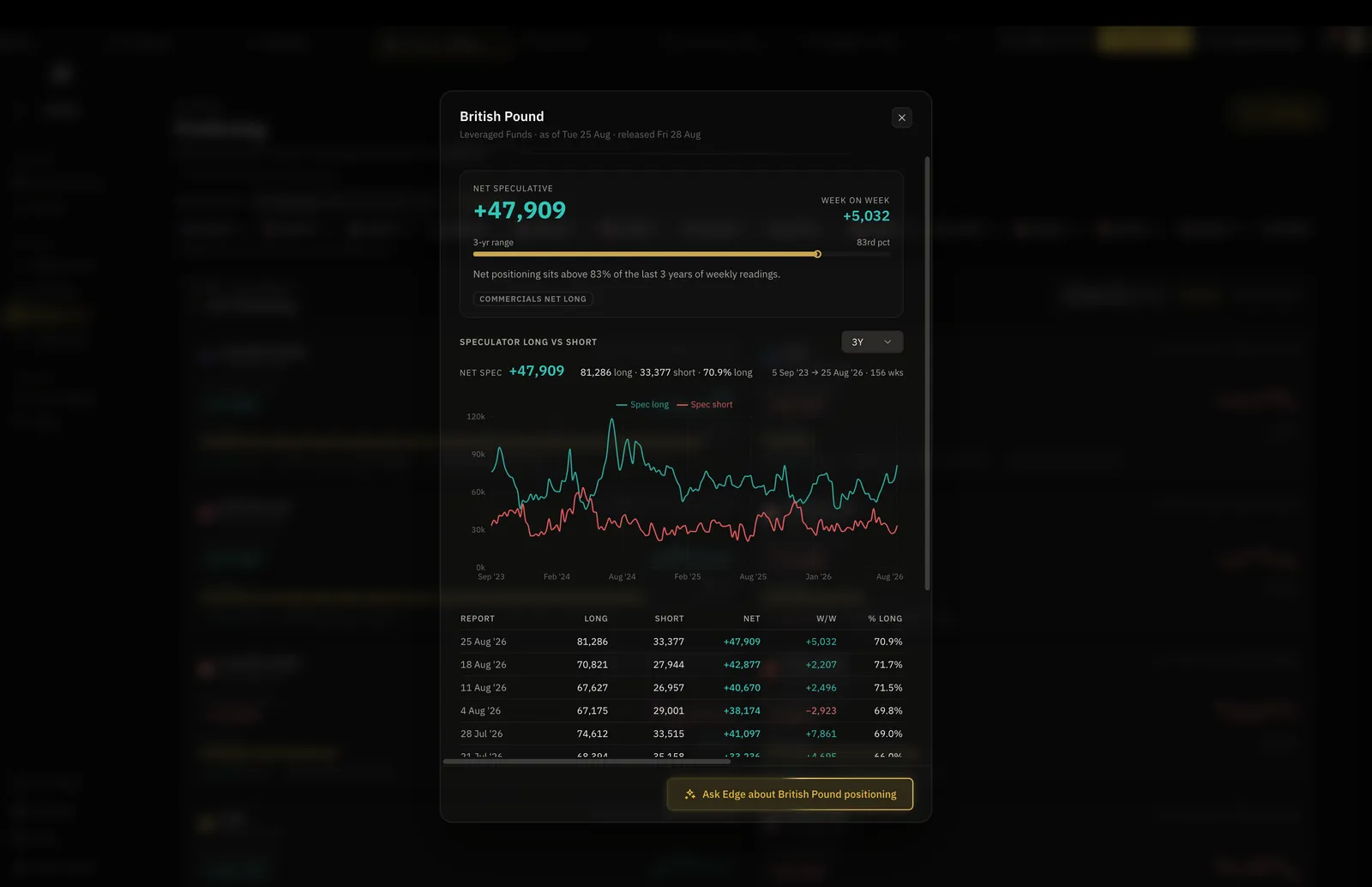
You end up with the reason for each trade still there at the close.
Your week on DT Terminal
One way a week runs, using the tools on this page.
Positions arrive verified
Synced on Plus or Pro, with your reason beside each
Build the case
Trend, carry, positioning and news, scored in one board
Check the season
Tendency by month, with COT positioning beside it
Add notes as it runs
A position open for weeks gathers notes as it goes
Goals move on their own
Process and outcome goals read the record
Build the case
Trend, carry, positioning, seasonality and the calendar for the instruments you watch, scored in one board.
Log the thesis with the trade
Entry, stop, target and the reasoning, plus the chart you were looking at when you took it.
Hold, then review
A position open for weeks gathers notes as it goes, and the review at the end has all of them.
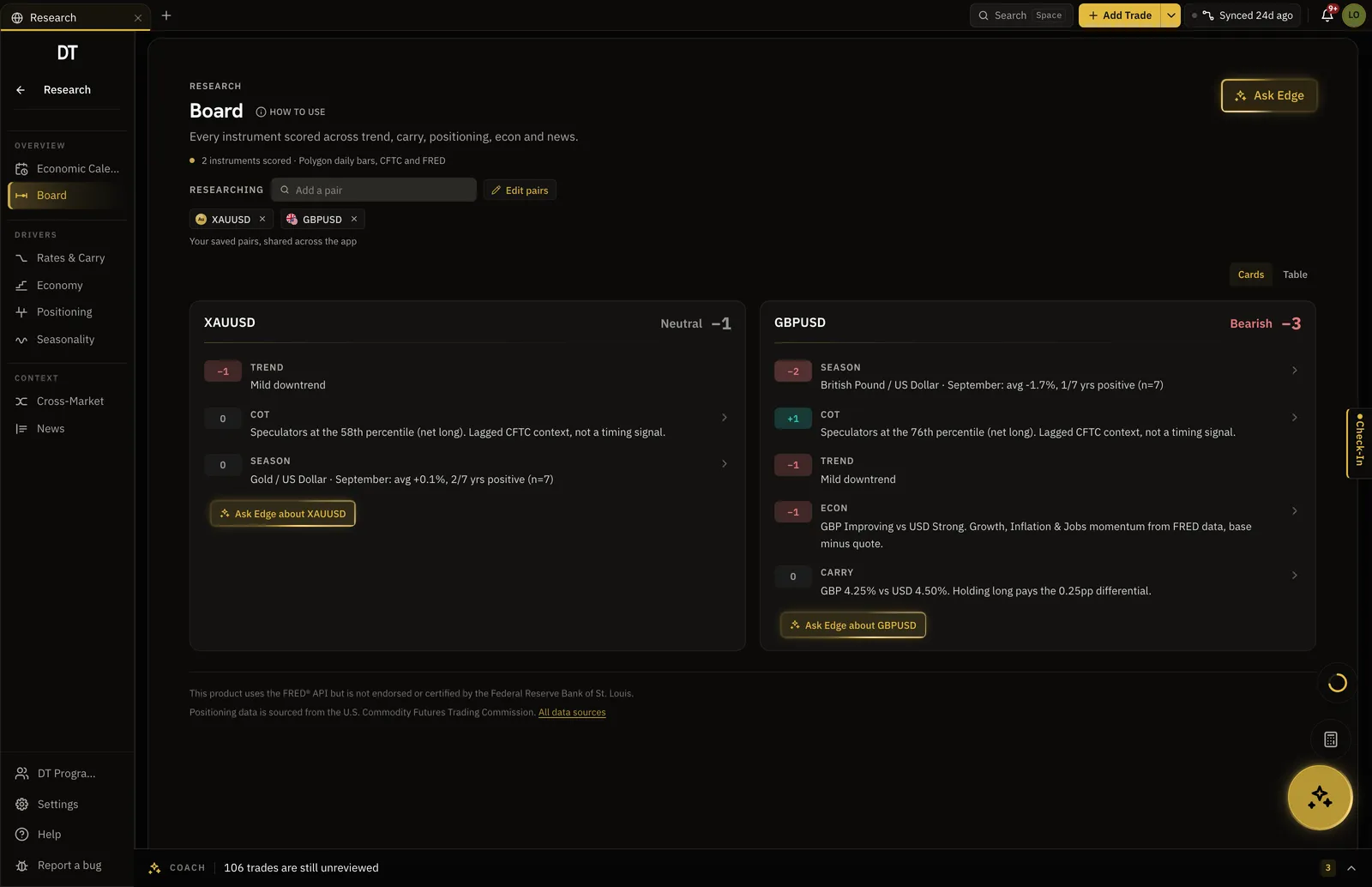
The case for the trade, in one board.
Each instrument you follow gets a card scoring what is driving it, so a swing thesis is assembled from the same place each time rather than from whatever you happened to read that morning.
- Trend, carry, positioning and news scored
- Your own watchlist, not a firehose
- Edge reads the board when you ask it to
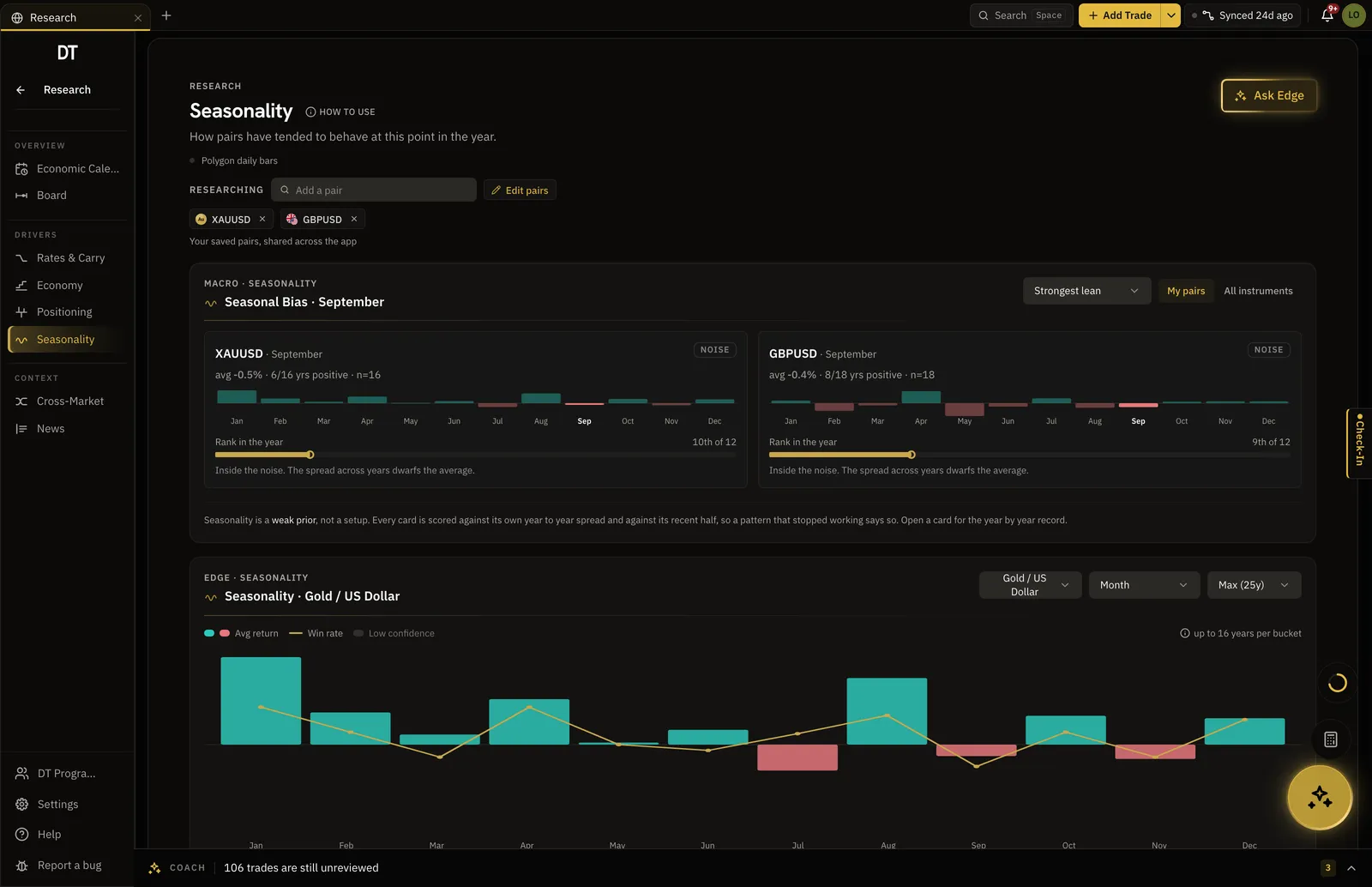
What this instrument usually does this month.
Seasonal tendency by month over the lookback you choose, and COT positioning beside it. Context for a hold measured in weeks, which a chart alone does not give you.
- Tendency by month and by grain
- Lookback years you choose
- COT positioning per instrument
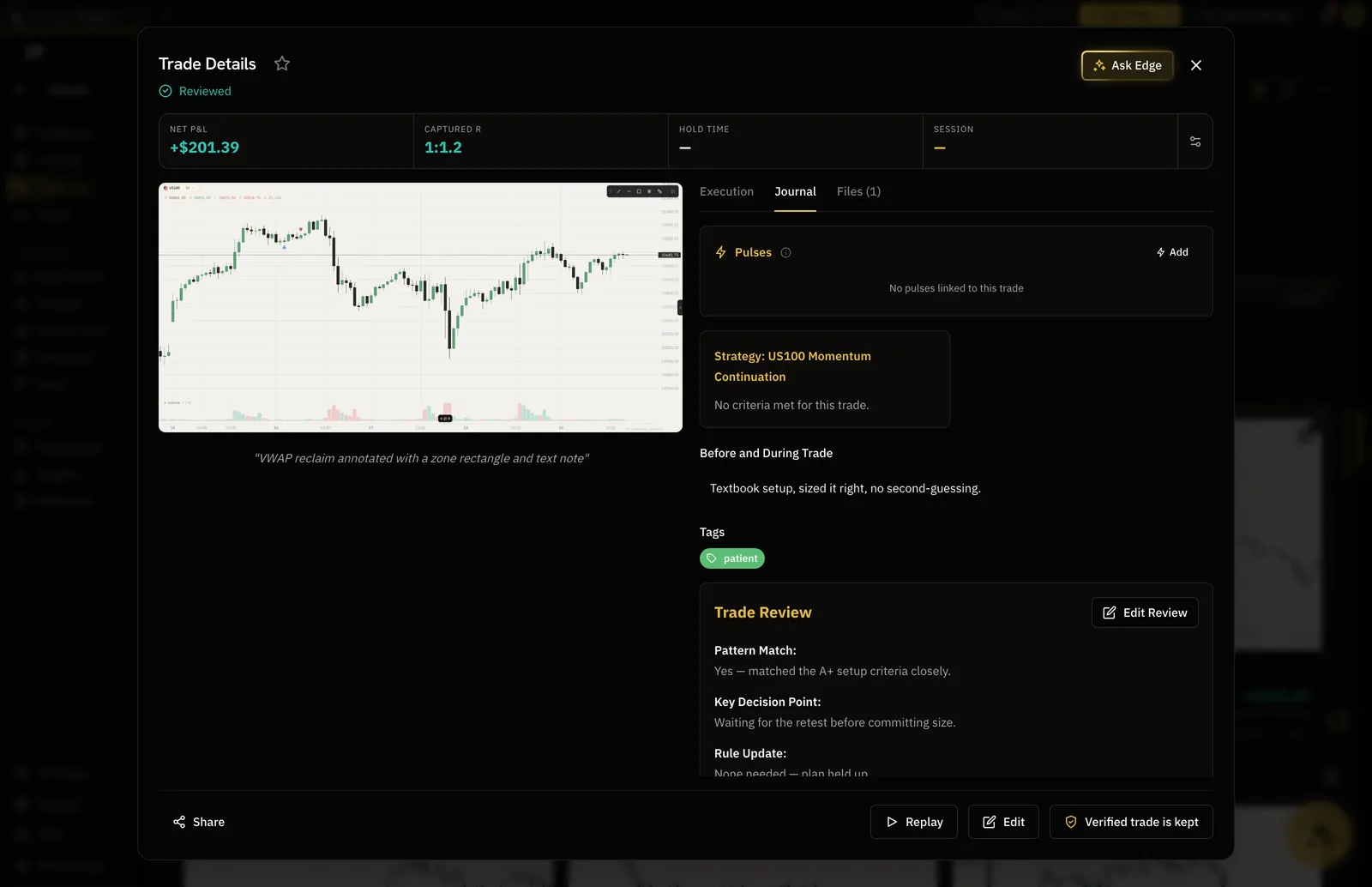
Why you took it, still there in March.
A swing trade closed six weeks after the entry is unreadable without the reasoning. Notes, tags and the screenshot stay on the trade, and the review at the end can see all of it.
- Reasoning and chart saved at the entry
- Notes added while the position is open
- Guided review and a Reviewed mark at the close
Progress measured over a season, not a day.
Set process and outcome goals and watch them against the record. They read the journal and update themselves on every account, so the number in front of you is the true one.
- Process and outcome goals with a health view
- Auto-tracked from the record on every plan
- Monthly reports on Plus and Pro for the longer view
Journal, set goals and have them track themselves for free.
MT4 and MT5 sync and monthly reports start on Plus, $9 a month.
| Feature | Free | Plus | Pro |
|---|---|---|---|
| Journal entries, structure included | |||
| Journal Trades viewThe day's trades inside your journal entry | |||
| Auto-synced goal progress | |||
| Broker auto-syncInto your journal: MT4, MT5, cTrader, TradeLocker, Tradovate and supported crypto exchanges. Free syncs its one account into your journal every hour | Into your journal, hourly | Into your journal | Into your journal |
| Monthly performance reportsFree has weekly reports, PDF export and the weekly report email. Filtered PDFs come with Plus and Pro |
Full comparison on the pricing page.
That is what it is for. Fewer trades means the record is thin on statistics and thick on reasoning, so the journal keeps the thesis, the chart and the notes rather than only the numbers.
How an instrument has tended to behave by month over the lookback you pick, with the grain and the years under your control. It is context for a hold of weeks, not a signal.
COT positioning is in the Research workspace beside the calendar, news and seasonality, for the instruments on your watchlist.
Yes, on every account. A goal reads the record and moves on its own, free included. Pro adds the health score and every month behind the current one.
The Swing Trader playbook is free to read at /playbook/swing-trader-playbook, and covers building the case, sizing for a longer hold, managing through the noise and reviewing at the close.
Write down why, while you still remember.
Free to journal. The research sits beside it either way.