Trading verification · KuCoin
Your KuCoin trades, verified at the source.
Connect a read-only KuCoin API key on Pro and every spot fill arrives with a verified seal and its fee attached. The journal then shows which pairs, hours and setups are moving you forward, so you can tell whether you are getting better or only busier.
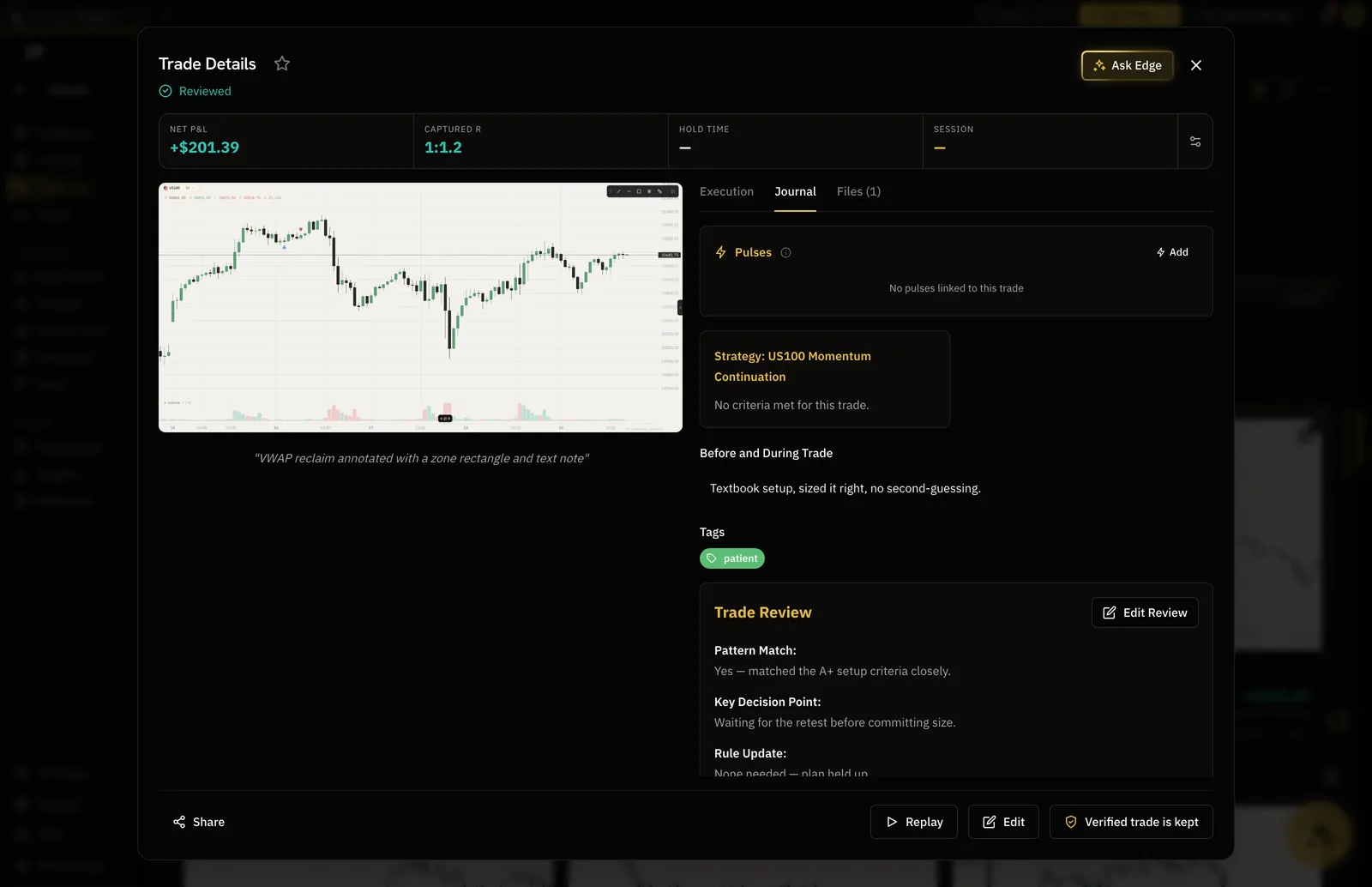
- Verified
- Seal on every synced KuCoin fill
- Read-only
- Key with no withdrawal, no trading
- Spot
- Fills and fees, synced
- $18
- Pro, per month
How it works
- 01
Make a read-only key with a passphrase
In KuCoin's API settings, create a key with trading and withdrawal left off. KuCoin has you set a passphrase for the key, so note it beside the key and the secret.
- 02
Paste all three in
Pick KuCoin from the exchange list and paste the API key, the secret and the passphrase. DT Terminal checks the key with KuCoin before anything is saved.
- 03
Read the record
Spot fills pair into trades with the fee on each one, marked verified, and the numbers break down by pair, hour and setup.
Verified
The proof comes from KuCoin, not from you.
A trade read from KuCoin through your key carries the verified seal on your record and on your public page. A trade you type in stays marked self-reported, so anyone reading the record can tell the two apart.
- Verified seal on synced trades
- Self-reported trades labelled as such
- A public record you can link to
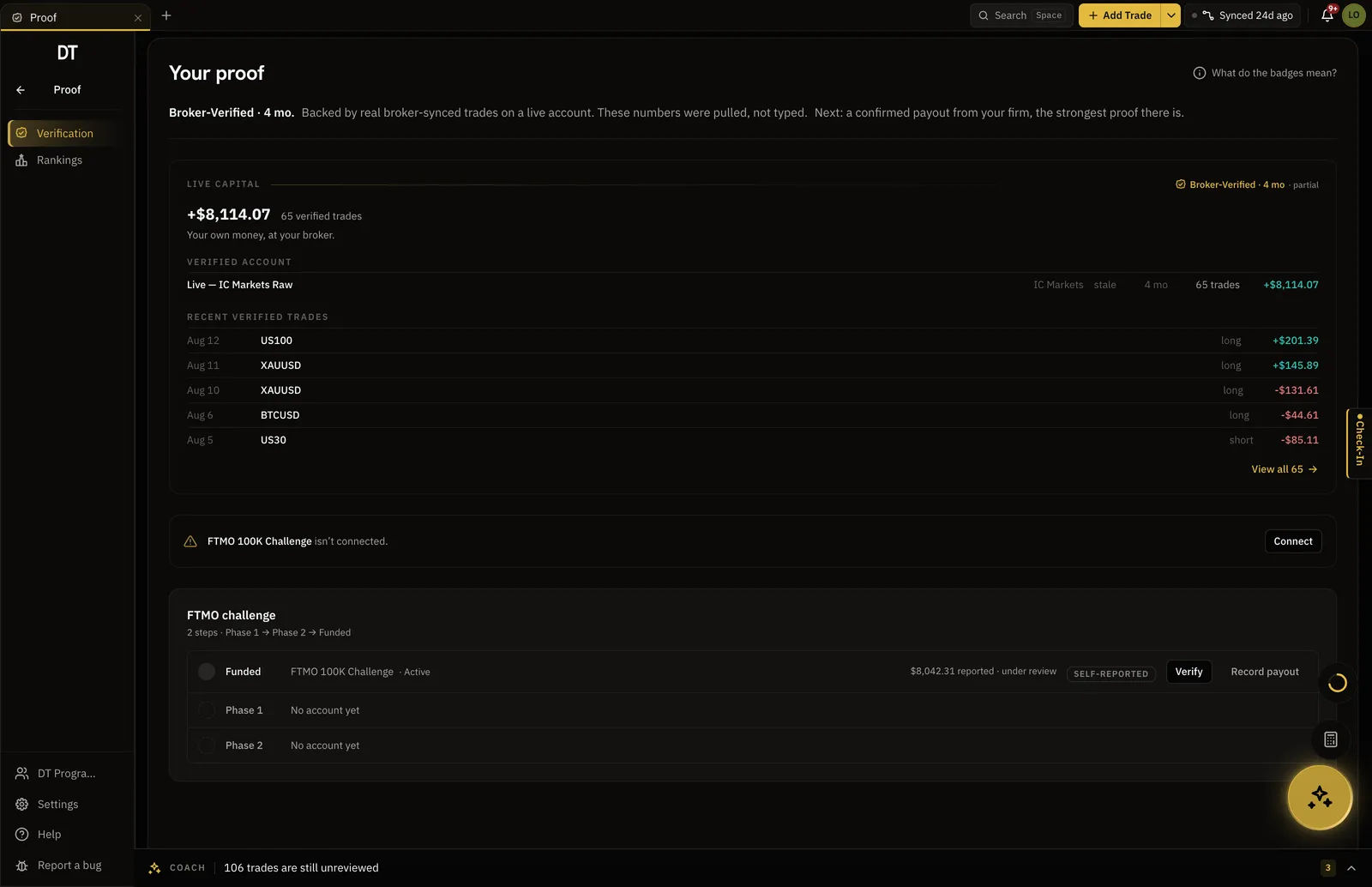
Insights
See what the fees and the hours are doing to you.
Filter by pair, weekday, hour or setup and win rate, expectancy and profit factor recompute. The fee is already taken out of every synced trade, so the net figure is the one you actually kept.
- Win rate, expectancy and profit factor
- Results by pair, hour and weekday
- Fees paid in another coin converted where a price exists
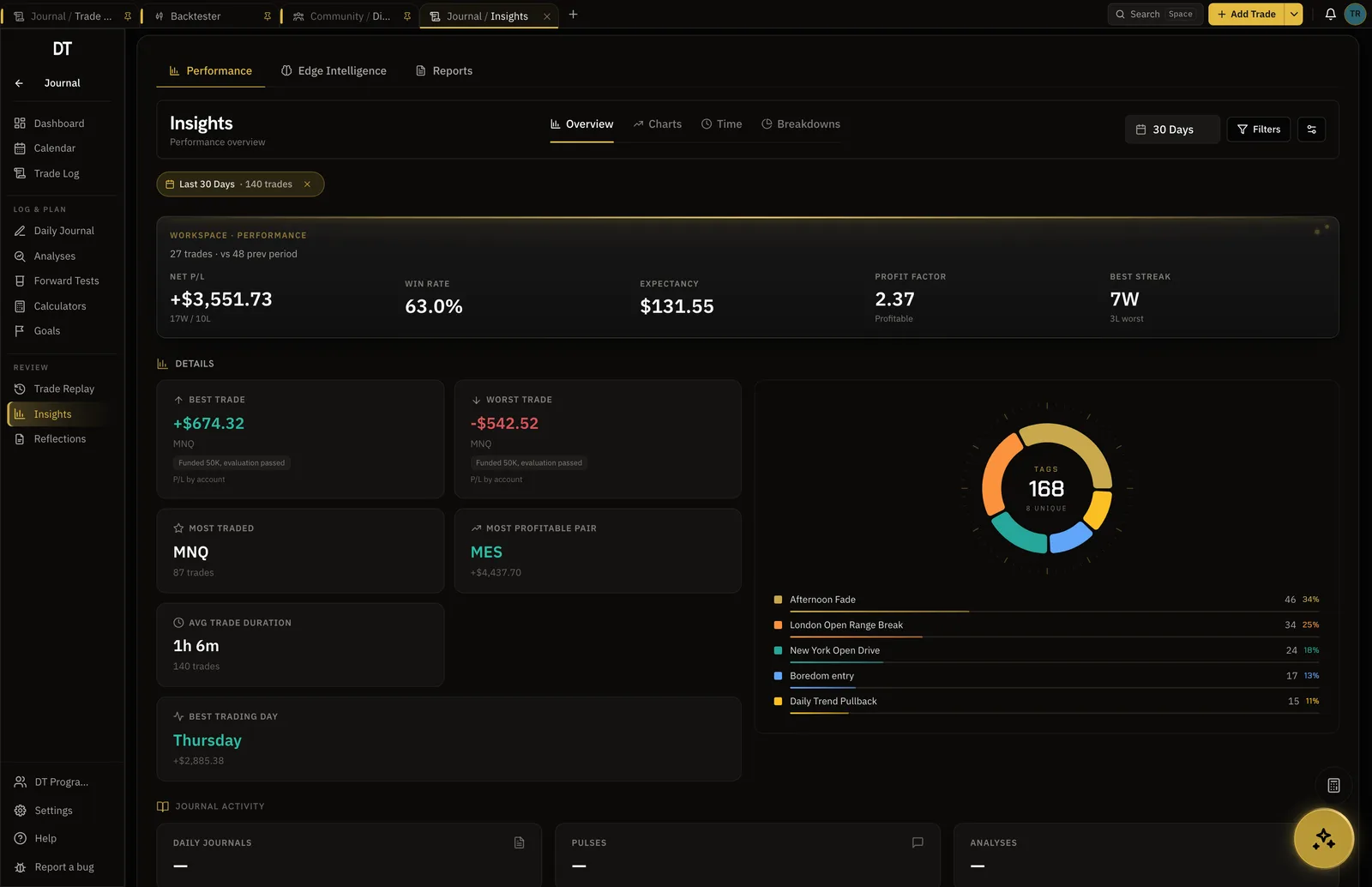
Backtester
Test the next idea before it costs a fee.
Replay a crypto chart bar by bar, place simulated entries and exits, and read the session's numbers before you put the idea on KuCoin.
- Bar-by-bar replay on historical candles
- Win rate, expectancy and drawdown per session
- Export the session to your Trade Log on Pro
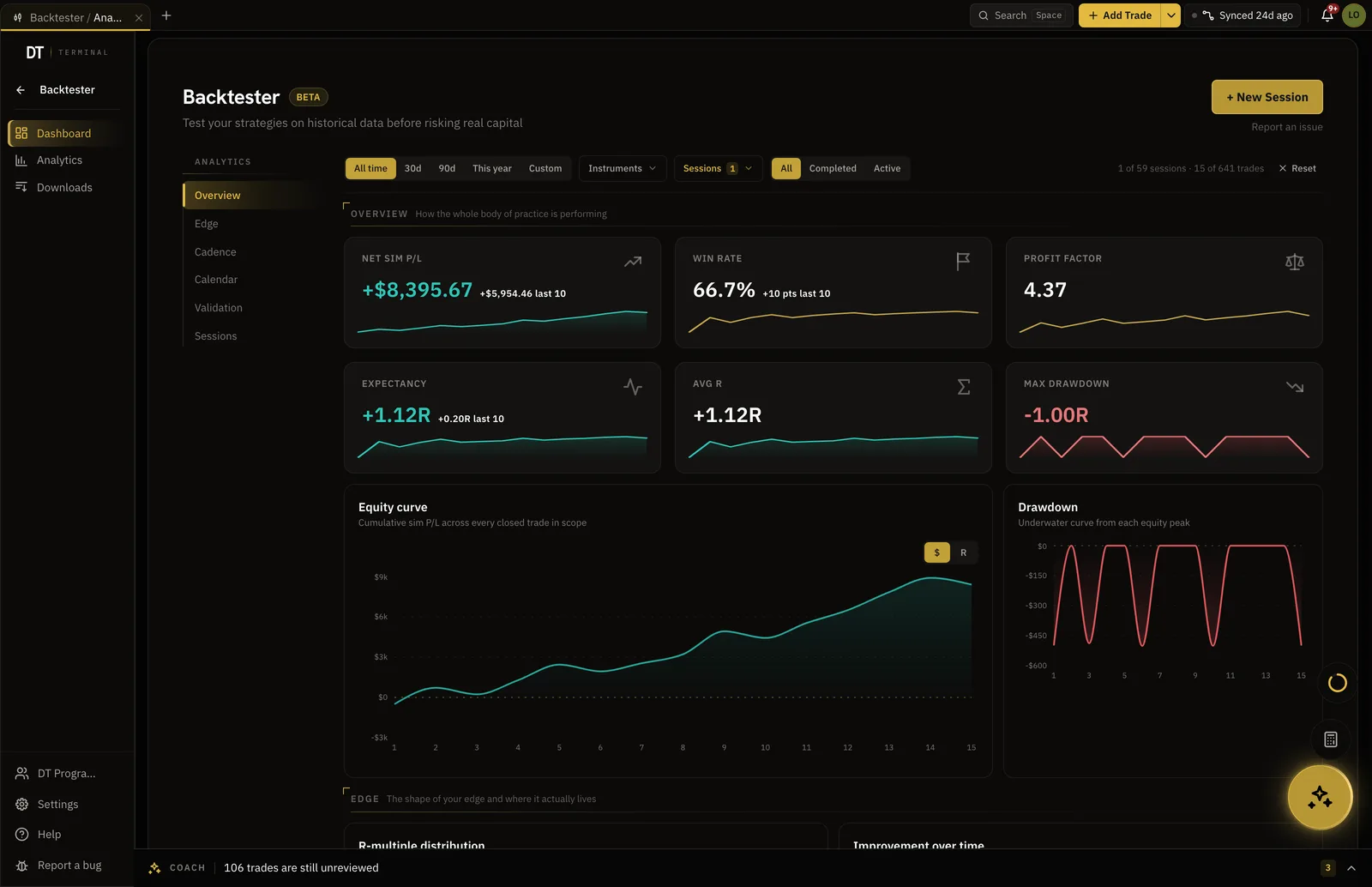
What is free
Journal by hand or CSV for free.
KuCoin sync and the verified seal are Pro, $18 a month or $149 a year.
| Feature | Free | Pro |
|---|---|---|
| Manual and CSV logging | ||
| Broker auto-syncMT4, MT5, cTrader, TradeLocker and supported crypto exchanges | ||
| Verified accountsSynced trades arrive with proof they were real | ||
| Read-only broker connections | ||
| Import per batch | 10 trades | Unlimited |
Full comparison on the pricing page.
Questions
What does DT Terminal need from KuCoin?
Three things from one API key: the key, its secret, and the passphrase you set when you created it. Leave trading and withdrawal permissions off. A KuCoin key without its passphrase is refused when you connect.
Can DT Terminal trade or withdraw with my KuCoin key?
No. With a read-only key DT Terminal can read fills and balances and nothing else, so it can never place an order or move funds. The key is stored encrypted and removed when you disconnect.
Does KuCoin Futures sync?
Not today. The connection reads your KuCoin spot trades. KuCoin Futures runs on a separate API that DT Terminal does not connect to yet, so log those trades by hand or import them from a CSV.
Why is my KuCoin balance not showing?
DT Terminal values a balance in cash and stablecoins only and never guesses a coin price. While the account holds a coin such as BTC, the balance is left blank rather than half right. Your trades keep syncing either way.
Are KuCoin trading fees included?
Yes. The fee on each fill comes off the trade's net result. A fee paid in a different coin is converted into the pair's quote currency at the price when the sync runs, and if no price exists it is counted at face value and the sync tells you so.
Can I run DT Terminal from Claude?
Soon. We are building an MCP connector that opens the whole of DT Terminal to Claude: every workspace and every piece of your data, to read and to act on, with your consent per scope. It works with any assistant that speaks MCP, and it is in development, not live yet.
Make the key, and let KuCoin vouch for the record.
Journaling by hand is free. KuCoin sync and the verified seal are Pro.
Your privacy choices
Essential storage keeps DT Terminal working. Optional: product analytics and 60-day referral attribution. Change it any time in our Privacy Policy.