Trading verification · MetaTrader
Your MT5 account, journaled without typing.
Fills, partials and closes arrive as verified trades from a read-only MetaTrader login on Pro, with 109 named MT4 and MT5 brokers and prop firms in the catalogue and a generic row for any other.
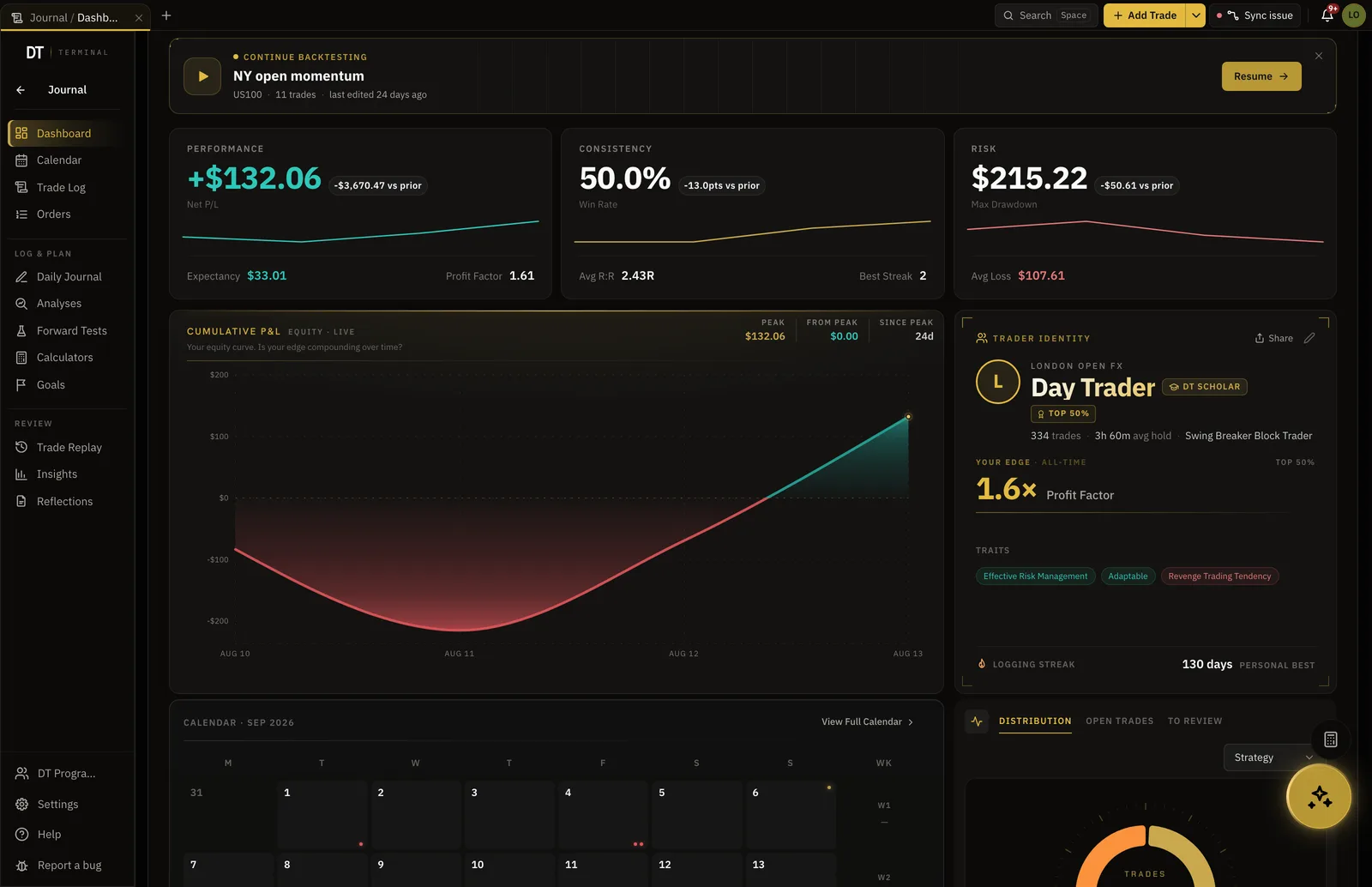
- 109
- Named MT4 and MT5 brokers and prop firms
- Read-only
- Investor login, never trading
- Verified
- Seal on every synced fill
- $18
- Pro, per month
How it works
- 01
Pick the broker
Choose it from the catalogue, or the generic MT4 or MT5 row if it is not named.
- 02
Paste the read-only login
Server, login and the investor password. It cannot trade.
- 03
Trade as normal
Every fill arrives in the log with a verified seal, ready for the notes and tags.
The log
Fills, not screenshots.
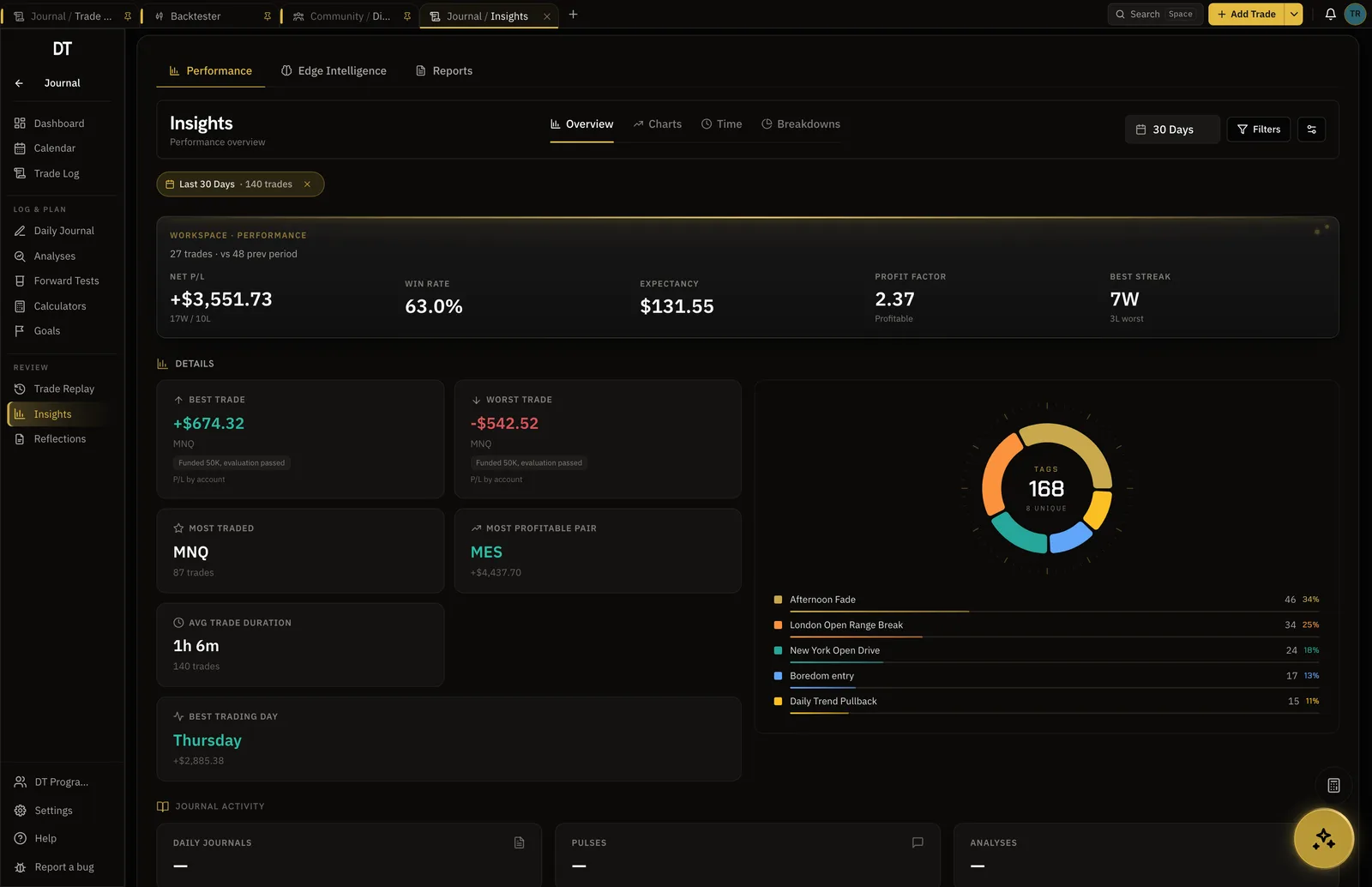
Partial closes, scale-ins and stop moves come through as they happened on the server, so the R multiple is the real one.
- Partials and scale-ins handled
- Commission and swap on the trade
- Orders matched to the fill they became
Verified
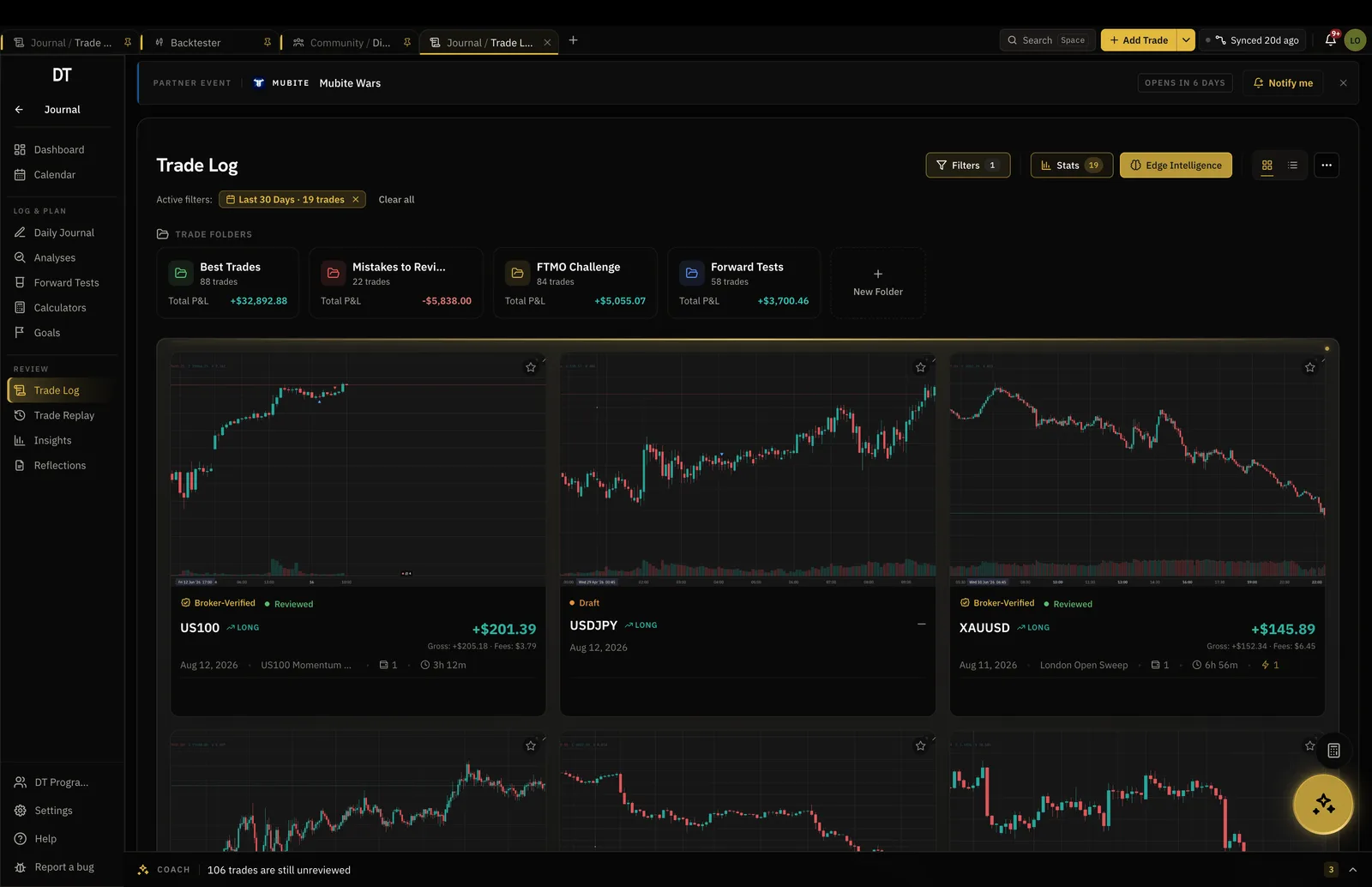
A seal that says the broker agrees.
A synced trade carries a verified seal on your record and on your public page. A typed one never does, which is what makes the seal worth something.
- Broker-verified badge
- Public record with a live lane
- Payout verification for funded accounts
Accounts
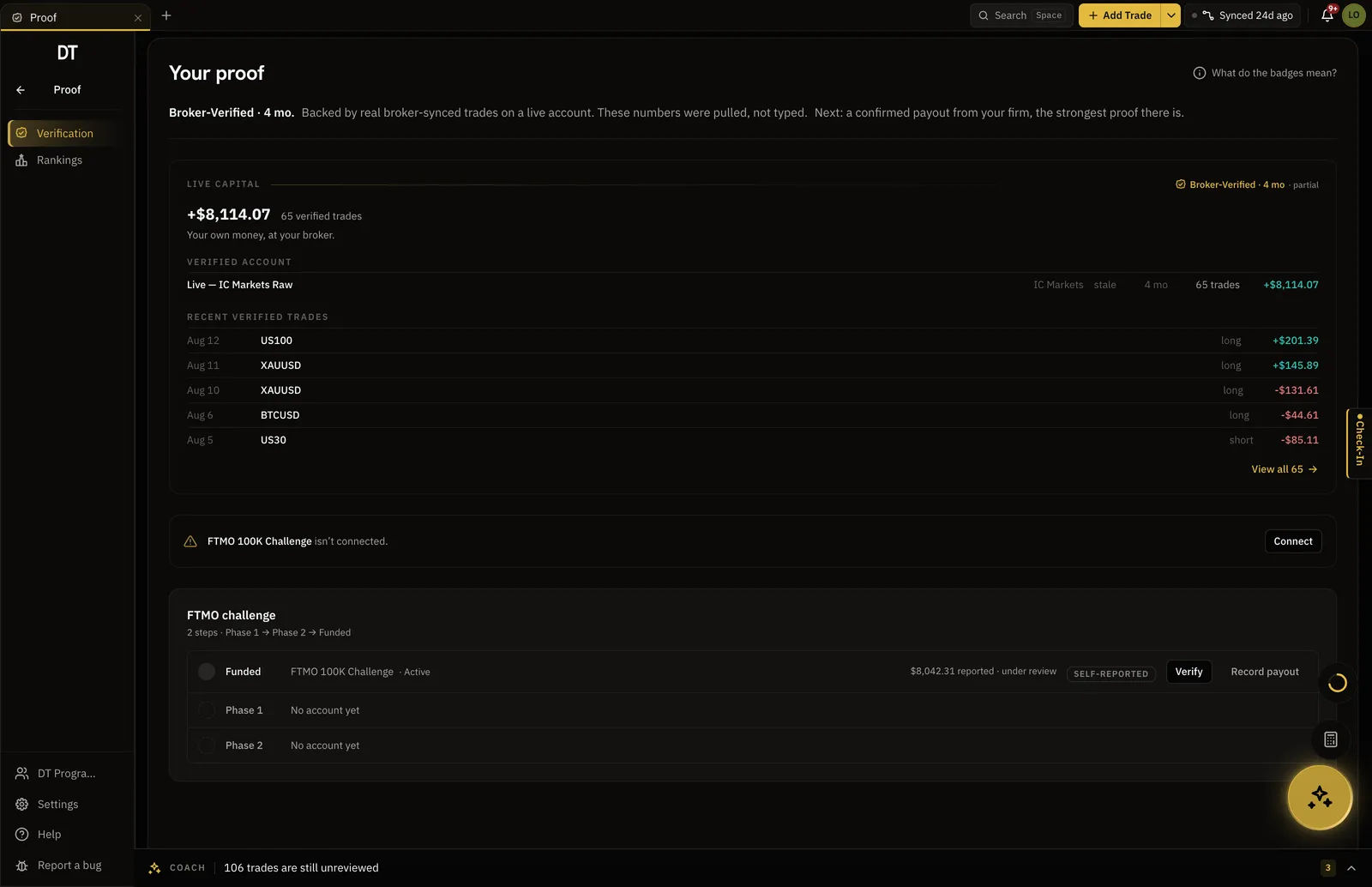
More than one MetaTrader account.
Link up to three broker accounts on Pro and keep them apart, or compare them, without a spreadsheet.
- Up to three linked accounts on Pro
- Per-account drawdown and expectancy
- One journal, one record
What is free
Log by hand or CSV free.
Auto-sync from MT4 or MT5 is Pro, $18 a month or $149 a year.
| Feature | Free | Pro |
|---|---|---|
| Manual and CSV logging | ||
| Broker auto-syncMT4, MT5, cTrader, TradeLocker and supported crypto exchanges | ||
| Verified accountsSynced trades arrive with proof they were real | ||
| Linked broker accounts | Up to 3 | |
| Read-only broker connections |
Full comparison on the pricing page.
Questions
Does it work with MT4 as well as MT5?
Yes. Both platforms sync through the same read-only connection, and the catalogue has a generic row for each so an unnamed broker still connects.
Do I have to install an EA or a plugin?
No. You give DT Terminal the investor login and the sync runs on our side. Nothing is installed in your terminal.
What can the connection do to my account?
Nothing. The investor password is read-only by design: it can see fills and balances and cannot place, change or close a trade.
How quickly do trades appear?
Open and closed positions are picked up on a schedule and can be pulled on demand from the account card. Most fills are in the journal within minutes.
Can I still edit a synced trade?
You can add notes, tags, screenshots and the review. The fill itself, the price and the time, stays as the broker reported it, which is what the seal means.
Can I run DT Terminal from Claude?
Soon. We are building an MCP connector that opens the whole of DT Terminal to Claude: every workspace and every piece of your data, to read and to act on, with your consent per scope. It works with any assistant that speaks MCP, and it is in development, not live yet.
Paste the investor login and stop typing trades.
Manual logging is free. Sync is Pro.
Your privacy choices
Essential storage keeps DT Terminal working. Optional: product analytics and 60-day referral attribution. Change it any time in our Privacy Policy.