A journal that lasts as long as the trade.
Connect the broker and each position lands in your journal, with its partial exits and the cost of holding it on the fill. The macro case that put you in stays beside it, and Edge learns from the whole trade to help you trade better in the live markets.
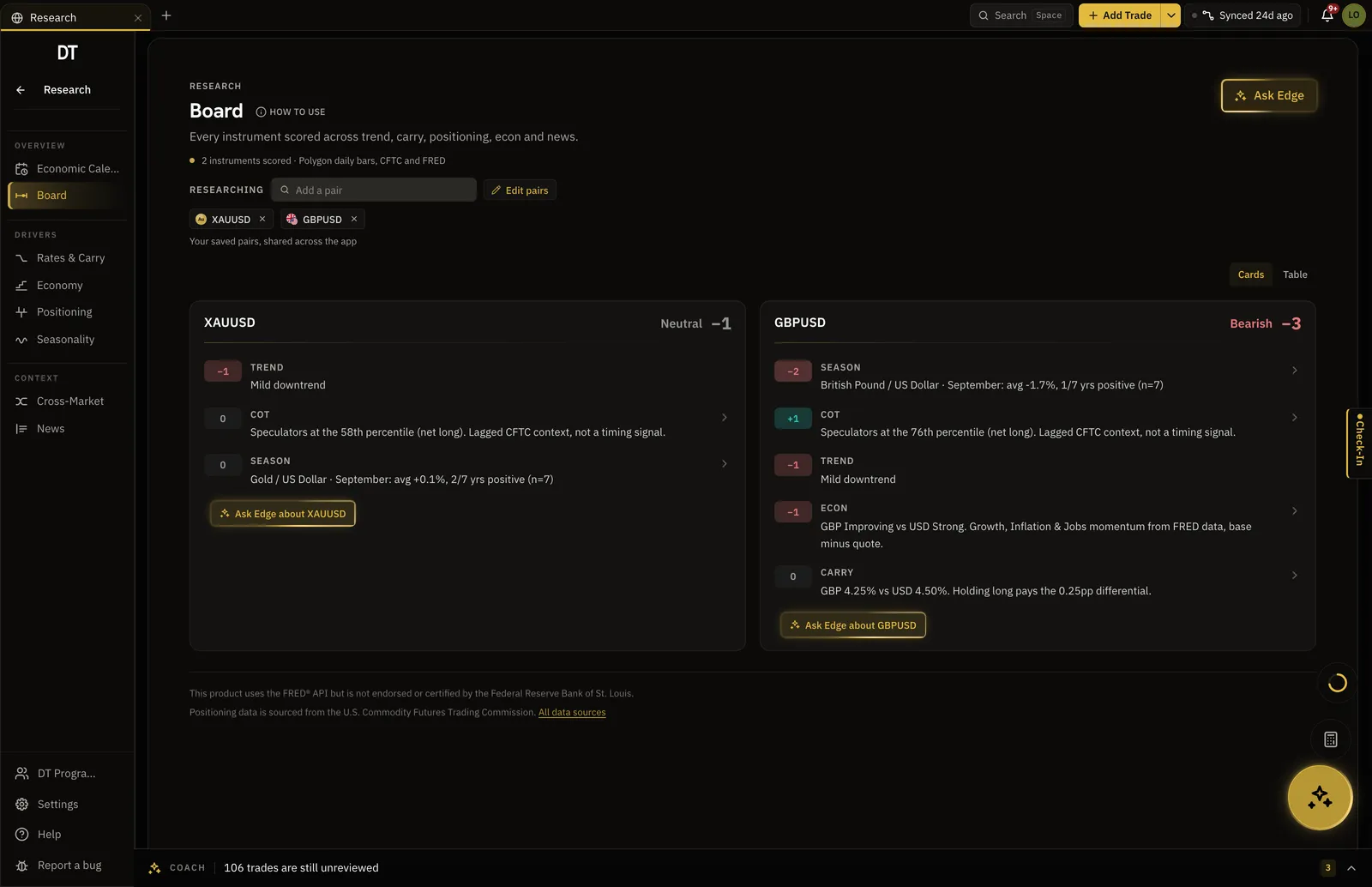
- Scored beside trend and positioning
- Carry
- Positioning, week by week
- COT
- Every scale-out kept on the trade
- Partials
- Pro, per year
- $199
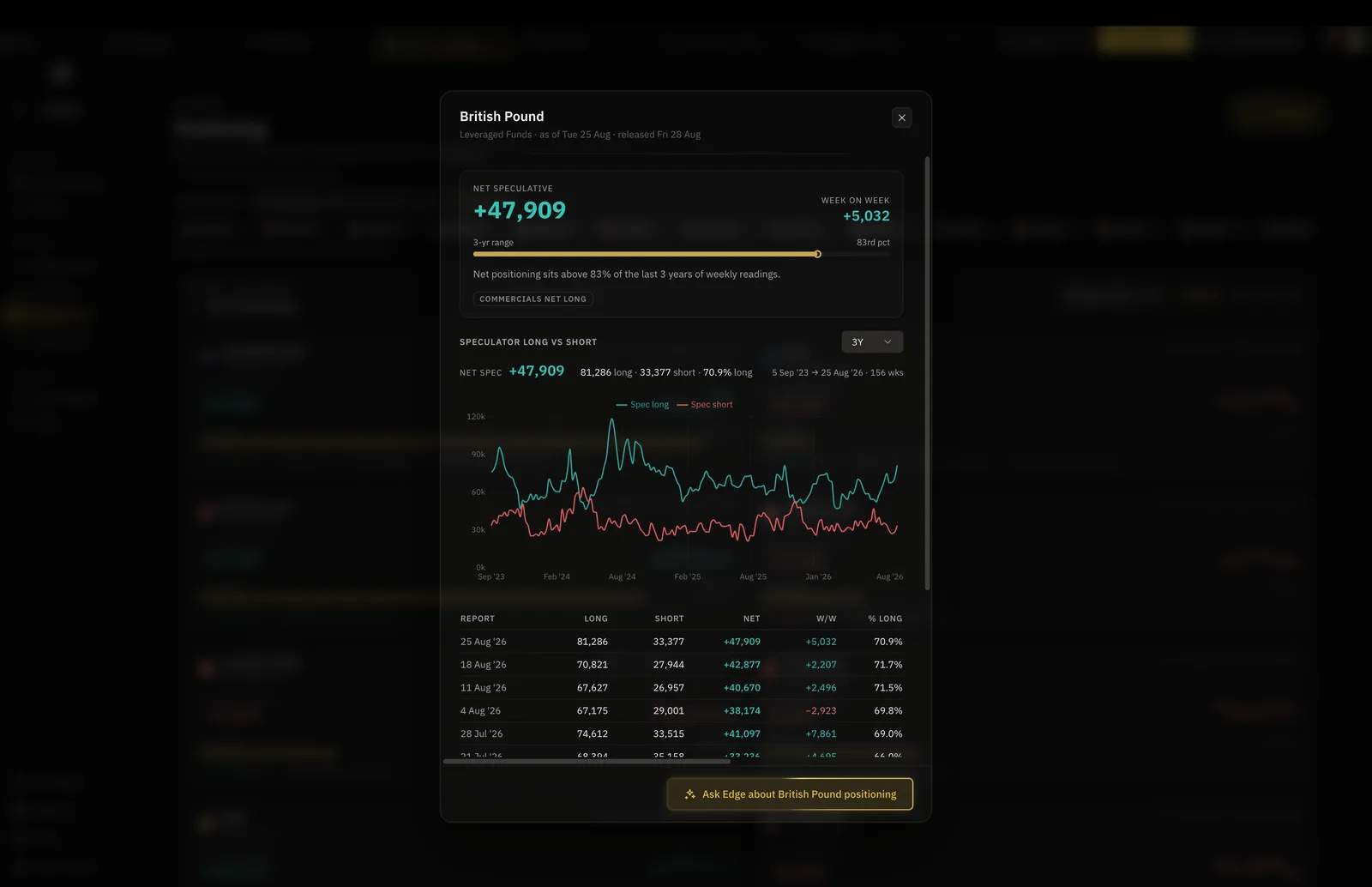
You end up with the whole trade in one place, from thesis to close.
Your week on DT Terminal
One way a week runs, using the tools on this page.
The hold syncs in
Entry, partial exits and fees, from the broker
Write the macro case
Carry, positioning, seasonality and the calendar
Count the cost of holding
Gross, fees and net side by side on Analytics
Scale out in pieces
Every partial exit stays on the one trade
Share it if you choose
Broker-Verified on your DT Passport
Write the macro case
Carry, positioning, seasonality and the calendar for the instrument, and the reason you are taking the other side of it.
Let your broker fill in the hold
Entry, every partial exit and the fees the position paid arrive from the broker, so nothing depends on memory six months later.
Review the whole trade
The thesis, the notes added along the way and the result, read together at the close.
The reasons a position lasts, in one board.
A position trade is a view on something slow: rates, positioning, the season. The Research board scores those drivers for the instruments you watch, so the case is built from the same place each time.
- Trend, carry, positioning and news scored
- Seasonal tendency by month and lookback
- The economic calendar in the same workspace
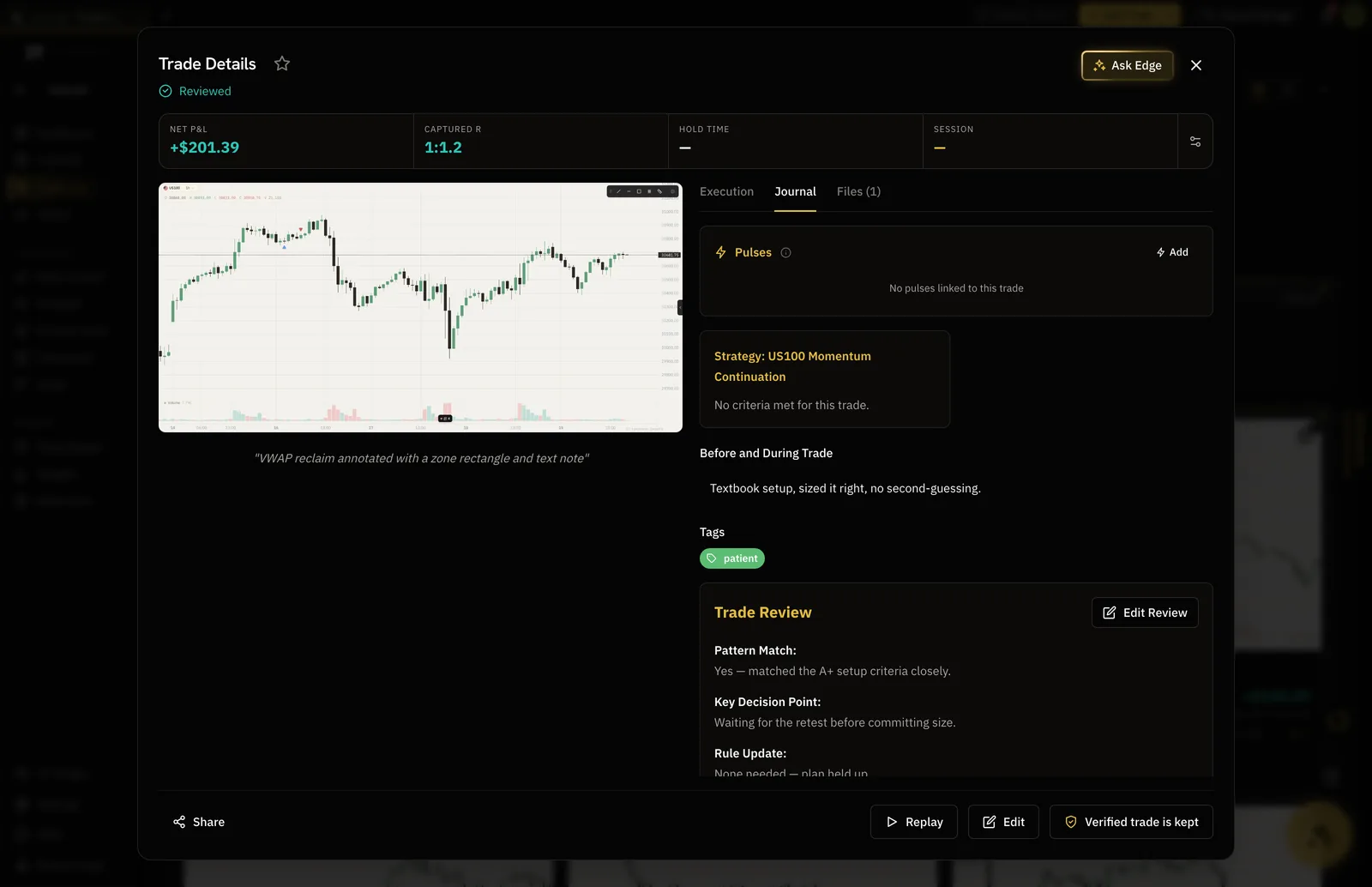
What the hold cost, not only what it made.
A synced trade carries the fees the broker charged, swap included, netted into one figure on the fill. Analytics puts gross, fees and net side by side, so a trade that paid for its own carry shows it.
- Fees read from the broker on synced trades
- Gross to net on Analytics
- Every partial exit kept on the trade
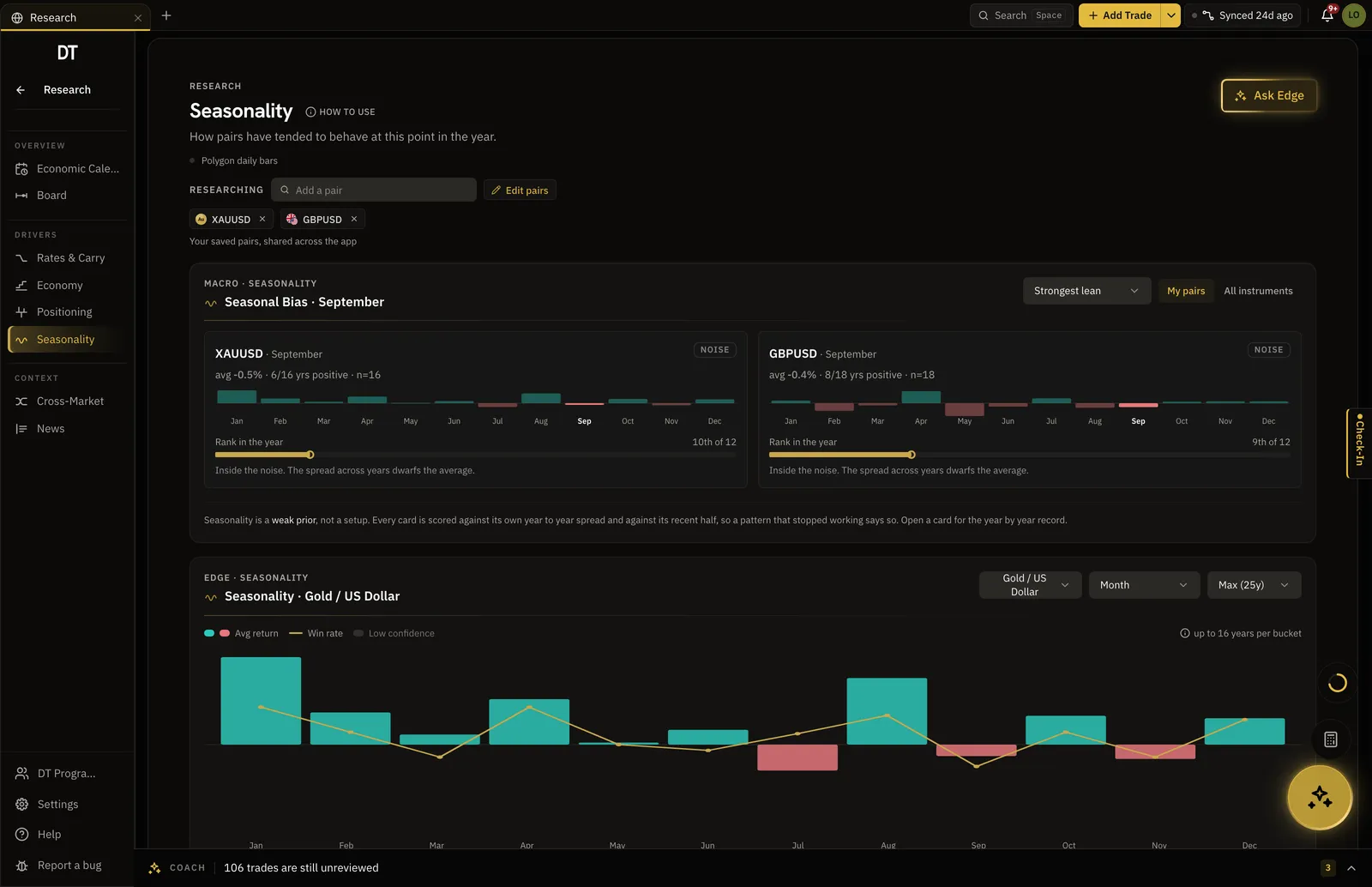
What this instrument usually does from here.
Seasonal tendency by month over the years you choose, with COT positioning beside it. Context for a hold measured in months, which a daily chart alone does not give you.
- Tendency by month over your lookback
- COT positioning per instrument
- Edge reads the research when you ask it to
Long holds the broker wrote down.
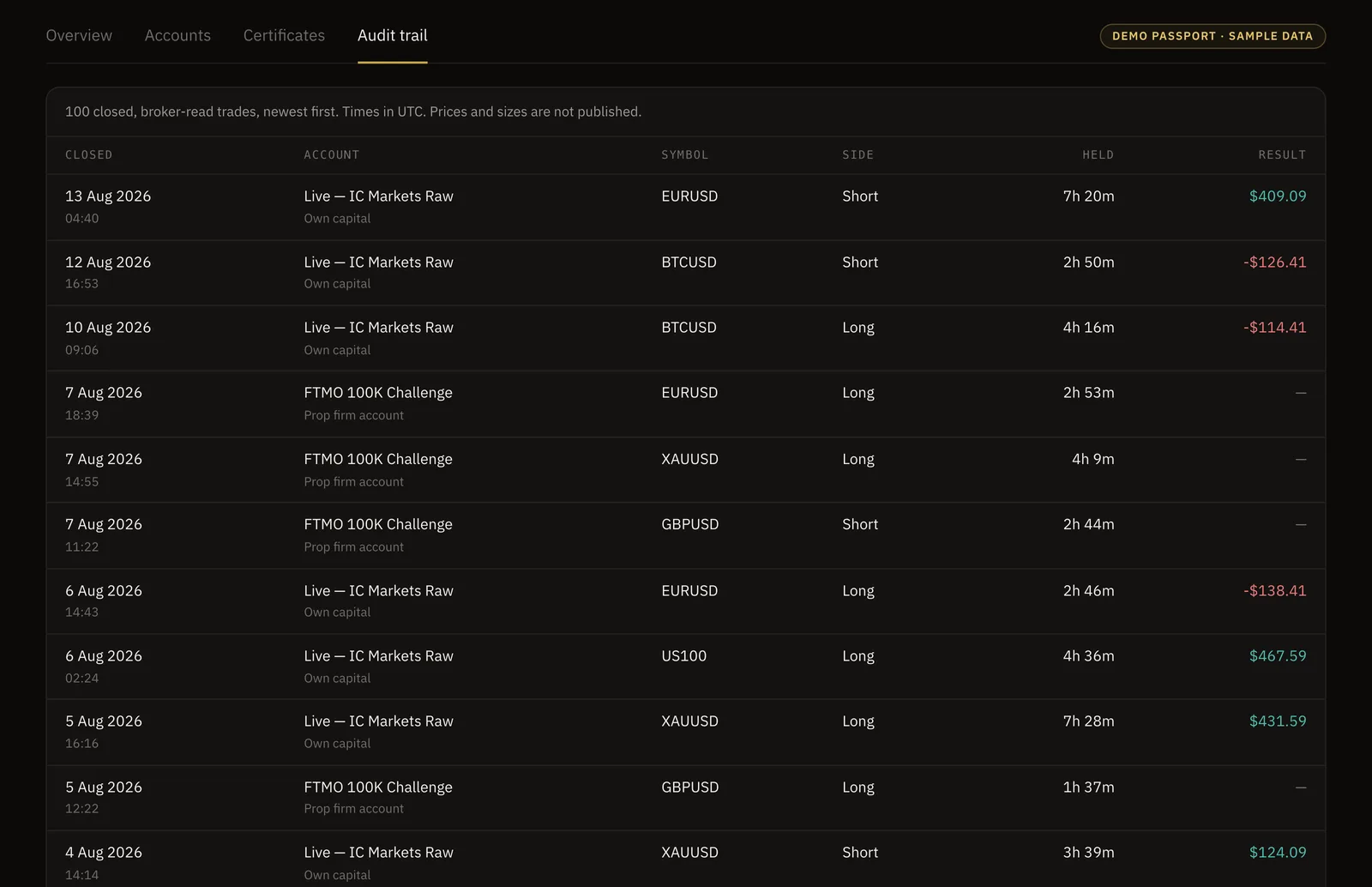
Few trades a year means each one carries weight. Synced fills cannot be edited, so a position you publish on your DT Passport carries the Broker-Verified seal and reads the same to anyone who checks it.
- Broker-Verified seal on synced live accounts
- Own capital and firm capital never added together
- Monthly reports on Plus and Pro for the longer view
Journal every position, keep the thesis and sync one account for free.
MT4 and MT5 sync and monthly reports start on Plus, $9 a month.
| Feature | Free | Plus | Pro |
|---|---|---|---|
| Manual and CSV logging | |||
| Journal entries, structure included | |||
| Goal progress from your trades | |||
| Sync from your brokerInto your journal: MT4, MT5, cTrader, TradeLocker, Tradovate and supported crypto exchanges. On the free plan your history comes into your journal when you connect, and you can press Sync once. After that new trades keep your Passport up to date, and Plus syncs them into your journal. | History + 1 Sync, then Passport | Into your journal | Into your journal |
| Monthly performance reportsFree has weekly reports, PDF export and the weekly report email. Filtered PDFs come with Plus and Pro |
Full comparison on the pricing page.
Only in how long the journal has to hold the trade together. A position open for months gathers partial exits, fees and notes, and the journal keeps all of them on the one trade so the review at the end has the whole story.
On a synced trade, yes: the broker's commission and swap arrive as the trade's fees, netted into one figure. It is not split into commission and swap, because the broker does not send them apart.
Yes. Each partial exit stays on the trade, so a position closed in four parts over two months is still one trade with one result.
MT4, MT5, cTrader, TradeLocker, Tradovate and supported crypto exchanges. Free syncs one account that is not MT4 or MT5 into your journal when you connect and on one Sync press, then your Passport keeps updating. Plus and Pro add MT4 and MT5 and more accounts. The catalogue names 428 firms, and any other MT4 or MT5 broker connects through the generic rows. Everything else can be logged by hand or imported.
The Research workspace holds carry, COT positioning, seasonality, news and the economic calendar for the instruments on your watchlist, beside the journal rather than in another tab.
Keep the reason you are in it, for as long as you are in it.
Free to journal, and synced fills land beside your thesis.