Find out which session actually pays you.
Sync the broker and every day trade lands in its session, so the record shows where your money is made and where it goes back, and Edge points at what to fix. Check in while you trade, and close the day with a written review.
- Sessions on every trade
- Asia, London, NY
- Pulse check-ins on free
- 3 per day
- Trades on the free plan
- Unlimited
- Pro, per month
- $24
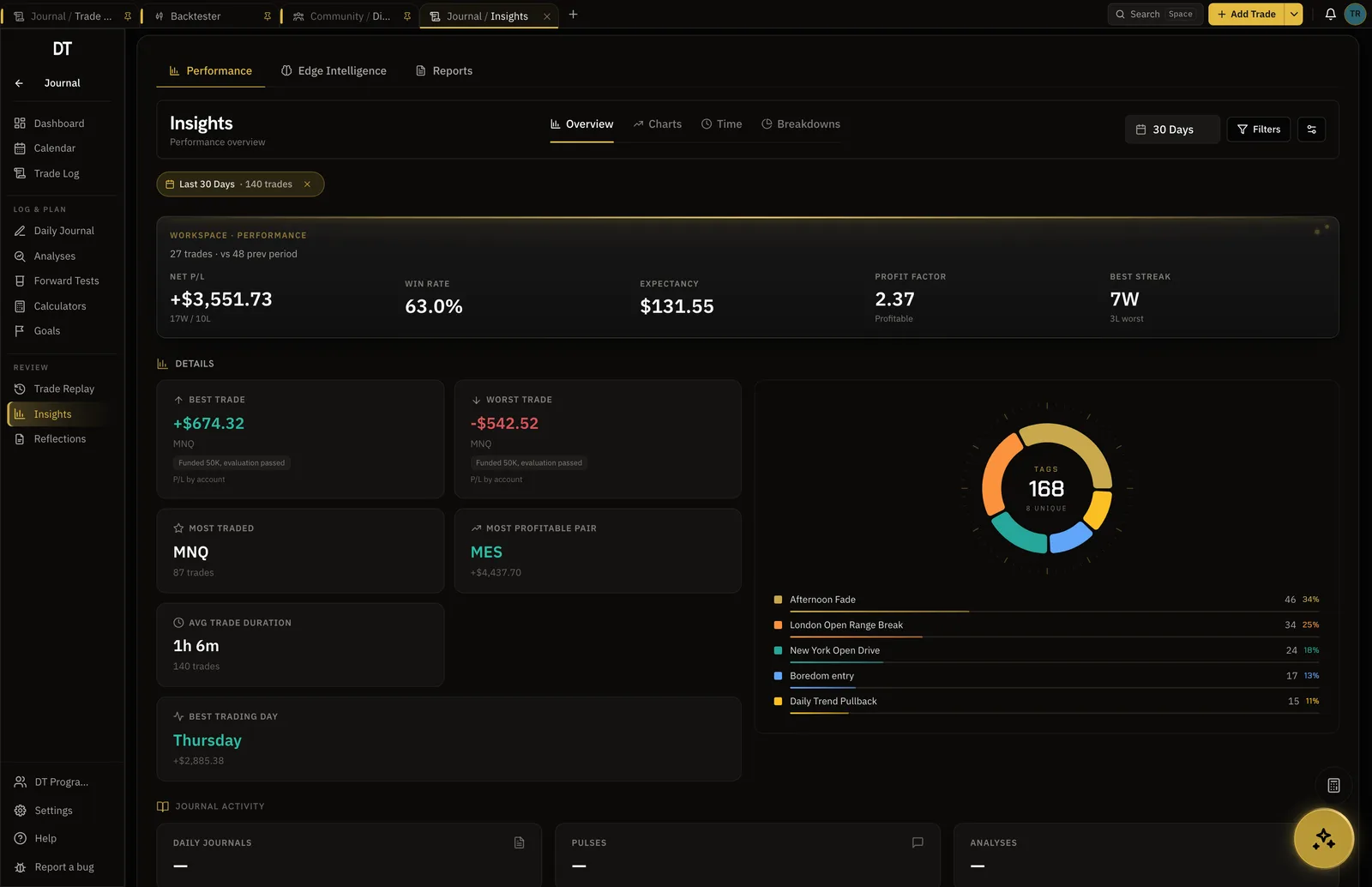
Your week on DT Terminal
One way a week runs, using the tools on this page.
Trades arrive verified
Synced on Plus or Pro, each landing in its session
Plan before the open
What you expect, what you will take, what you will leave
Check in mid-session
A ten-second pulse on what you see and how you feel
The release beside the stop
The economic calendar, filtered to what you trade
Review after the close
Answer the debrief and the trade carries a Reviewed mark
Plan before the open
The daily journal opens with a pre-market step: what you expect, what you will take, what you will leave.
Check in while you trade
A pulse takes ten seconds and records what you are seeing and how you feel. Three a day on free.
Review after the close
The post-market step asks whether you kept the plan, what worked and what did not, and keeps the answer.
Asia, London and New York, counted apart.
A day trader usually has one session paying for another. Filter the record by session and every number recomputes, so the answer is your own trades rather than a rule of thumb.
- Session on every trade, tagged or from the timestamp
- Expectancy and win rate per session
- Session matrix in the trade debrief
The state you traded in, on the record.
A pulse is a ten-second note mid-session: what you are seeing, how you feel, the trades it relates to. Read back later beside the trades you took in that state.
- 3 per day on Free and Plus, unlimited on Pro
- Attach the trades and the research it refers to
- Screenshots welcome, up to five a pulse
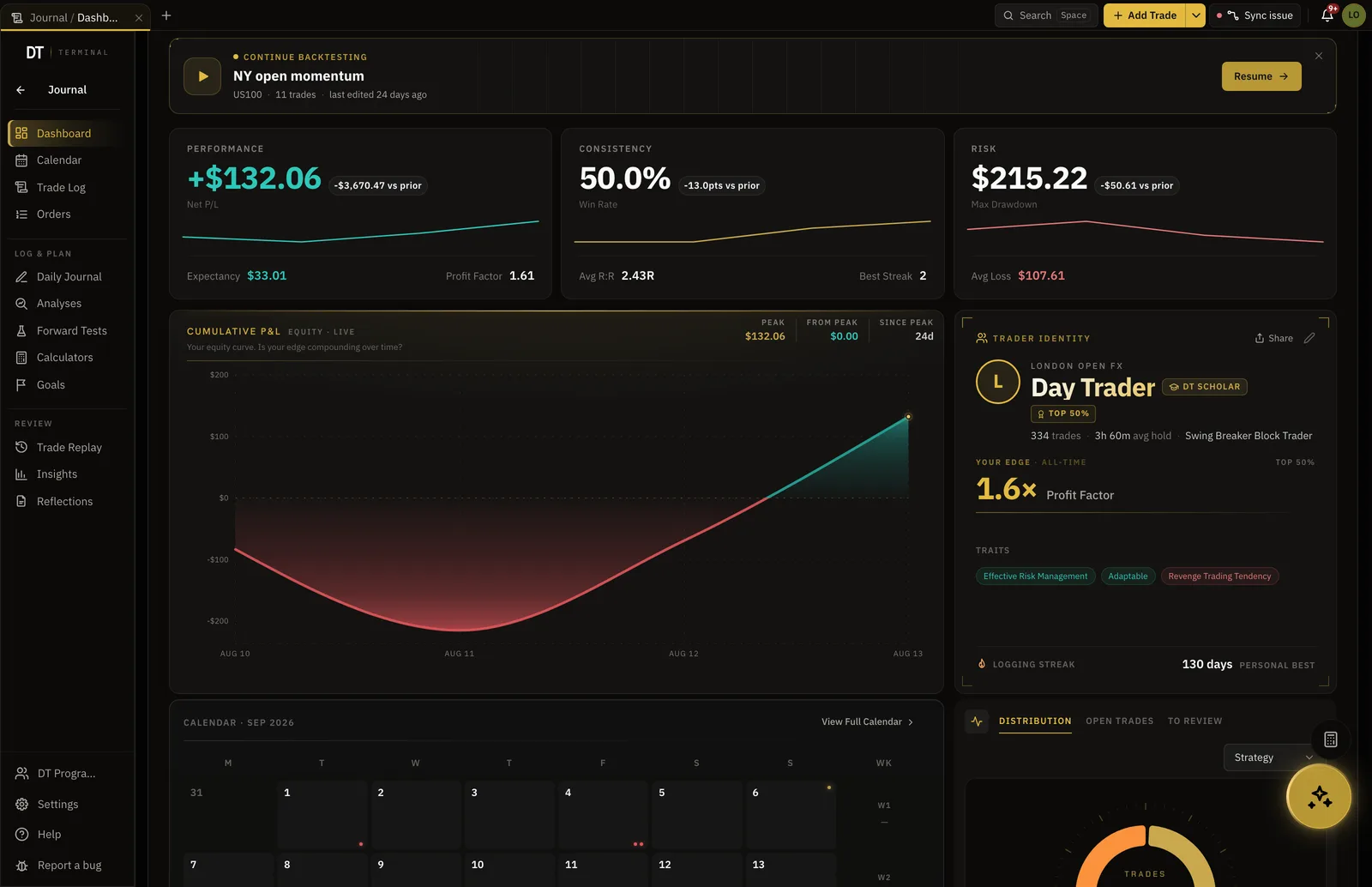
Every trade asks you why, once it is closed.
Saving a trade opens its debrief: what the trade did, how it sat against your history, and the guided questions. Answer them and the trade carries a Reviewed mark.
- Guided review questions saved on the trade
- A Reviewed mark, and the share of them as a stat
- Post-market step for the day as a whole
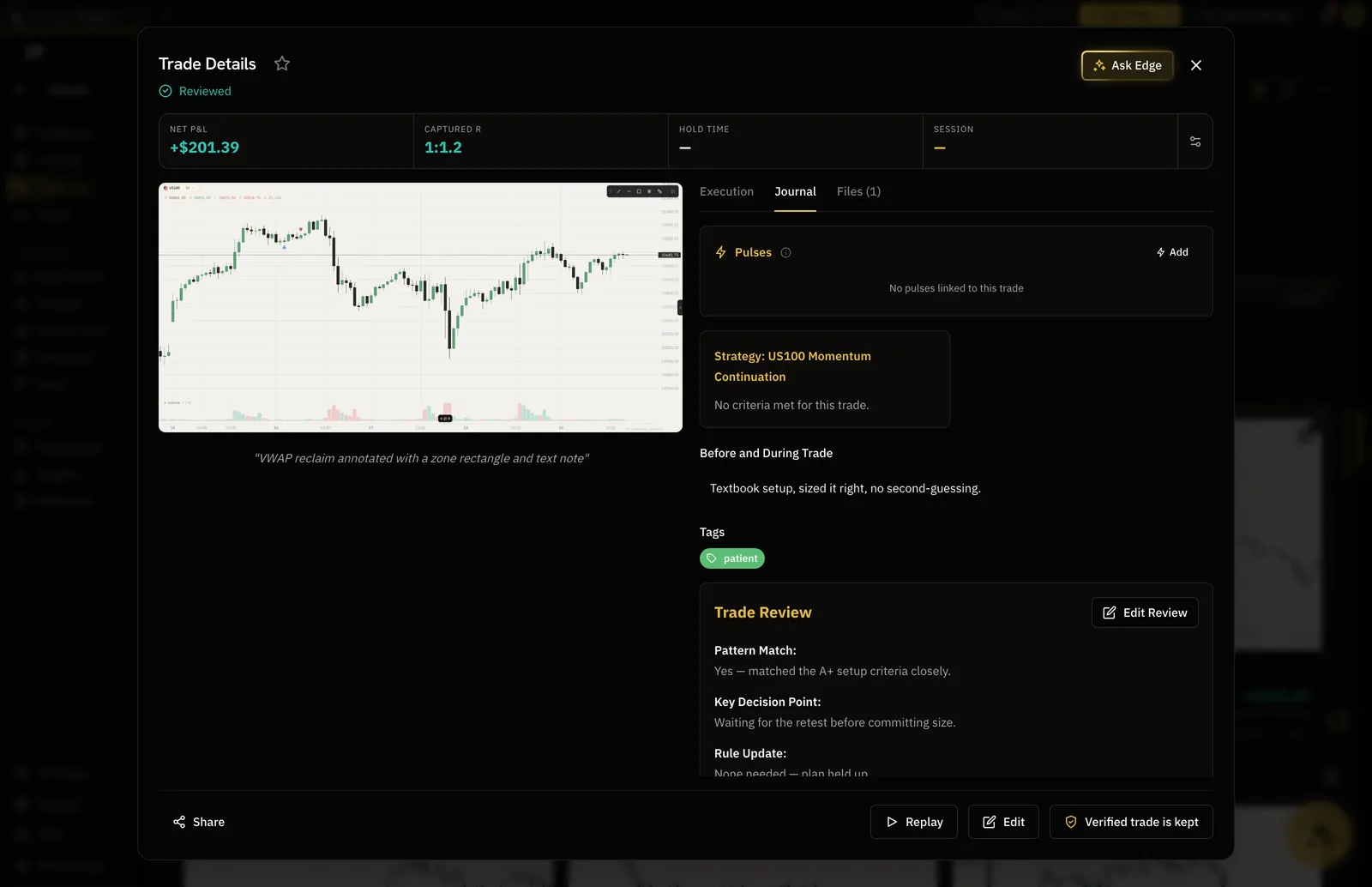
The release that moved the session.
An economic calendar sits in the same terminal, filtered to what you trade, so the candle that took your stop out at half past one has the release beside it.
- Filtered to your instruments
- Alerts before a release
- Read by Edge when you ask about the day
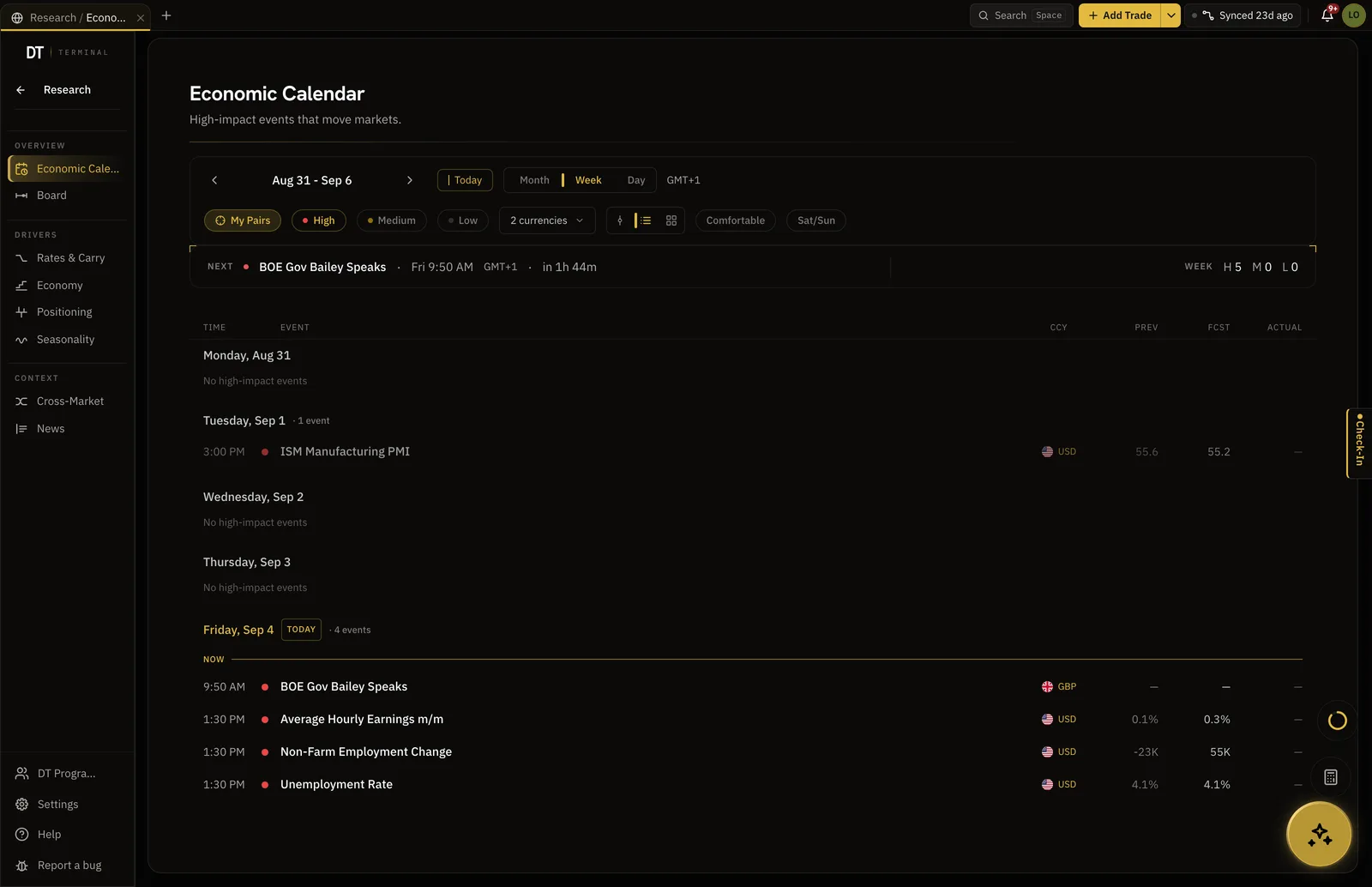
The journal, the streak and three check-ins a day are free.
Plus is $9 a month or $89 a year, and Pro $24 a month or $199 a year.
| Feature | Free | Plus | Pro |
|---|---|---|---|
| Journal entries, structure included | |||
| Pulse check-ins | 3 per day | 3 per day | Unlimited |
| Basic performance insightsNet P/L, win rate, expectancy, profit factor, the equity curve and trading days | |||
| Detailed filtered trade statsAnalytics and Reports filters come with Plus and Pro. Trade Log filters are free | |||
| Edge Context while logging trades |
Full comparison on the pricing page.
The dashboard and basic insights are free, including net P/L, win rate, expectancy, profit factor and the equity curve. Filtering the record down by session, setup and day is part of the detailed stats on Plus and Pro.
From the time the trade was opened, and you can tag it yourself. The app ships with Asia, London and New York, plus after-hours for what falls outside them.
A ten-second note during the session: what you are seeing, how you feel, and the trades or research it refers to. 3 per day on the Free and Plus plans and unlimited on Pro.
Yes. The daily journal has a pre-market, intraday and post-market step, and the post-market one asks about plan adherence, what worked, what did not and the lesson. It is free.
The Scalper and Day Trader playbook is free to read at /playbook/scalper-playbook, and covers session selection, entries, management and the review.
Log a fortnight and read it by session.
Free, no card, and the answer is in your own trades.